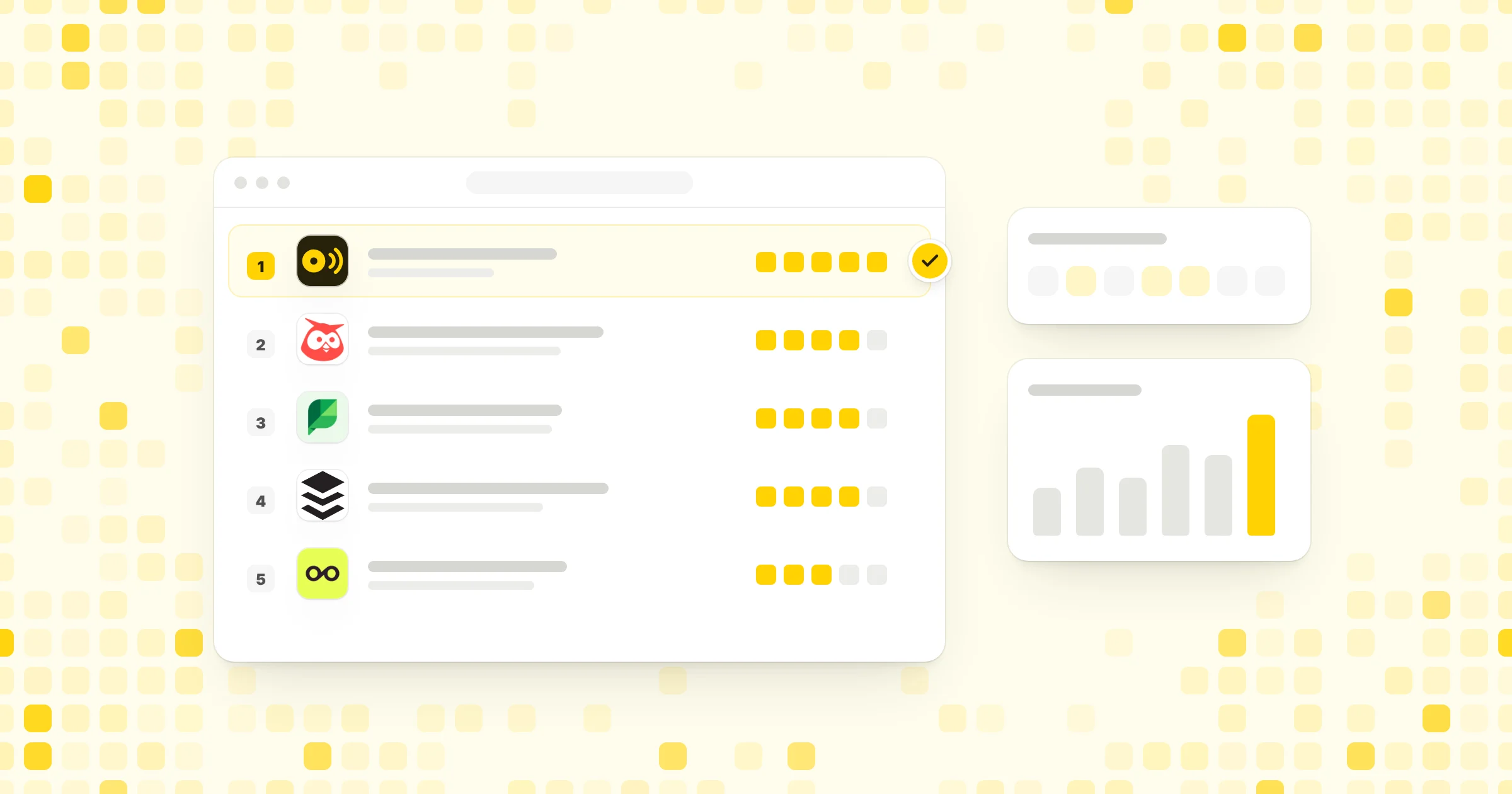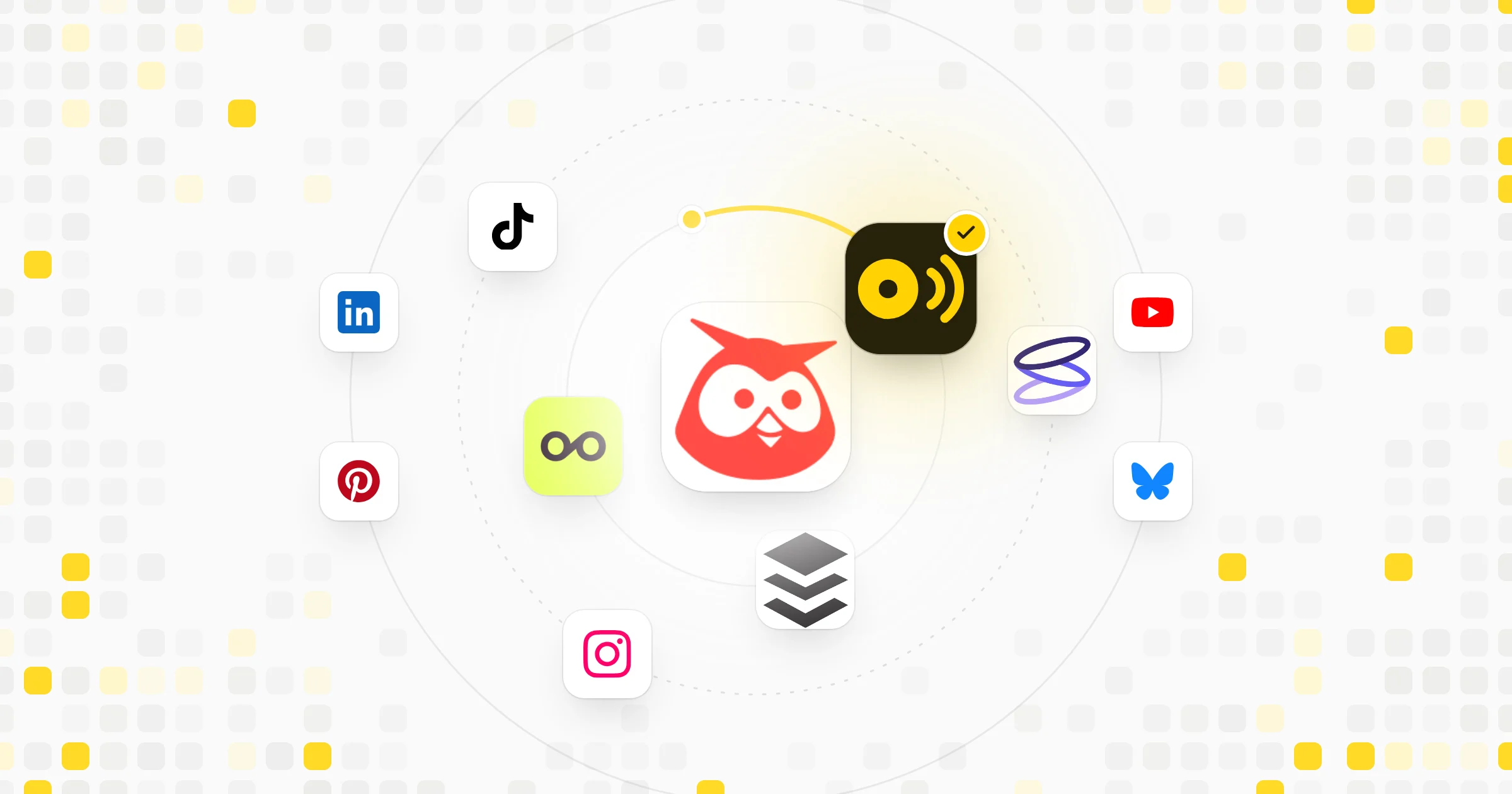
A scheduling app does two jobs. At your desk, you plan the week on a big calendar, write posts and check results. Away from it, you need to answer a comment, fix a typo in tomorrow's post or approve a draft from your phone.
Not every tool handles both. Some have full iPhone and Android apps on every plan. Some have one mobile app with no platform named on the vendor's page. Others work only in a web browser. We note which is which for each tool below, and we only say a tool has a phone app when its own site says so.
Prices come from each vendor's own pricing page in November 2026. Check the page before you buy, since plans change often.
Our picks
- Best overall
 CapybaroarA full workspace in the browser, plus an agent you can also run from Claude or ChatGPT.
- Best phone app on a budget
 LateriPhone and Android app on every plan, from $18.75 a month billed yearly.
- Most places to work
 Vista SocialApps for iOS, Android, Mac and Windows on a 15 profile plan.
All 10 compared
| Tool | Price from | Free plan | Free trial | Best for |
|---|---|---|---|---|
| 1. Capybaroar | $29/mo | 3 channels | 14 days | teams that want an AI agent to run social |
 2. Buffer | $5/mo per channel | 3 channels | 14 days | solo creators and small teams |
| 3. Later | $18.75/mo | – | 14 days | Instagram-first brands and creators |
 4. Sprout Social | $79/mo per seat | – | 30 days | larger teams with a big budget |
 5. Loomly | $49/mo | – | 7 days | marketing teams that need approvals |
| 6. Vista Social | $80/mo | – | 14 days | teams running many brands |
 7. Zoho Social | US$10/mo | 1 brand | 15 days | businesses already on Zoho |
 8. ContentStudio | $19/mo | – | 7 days | content teams that curate and post |
 9. Hootsuite | $99/mo per user | – | 14 days | social media pros and brand teams |
 10. Publer | $5/mo | 3 accounts | 7 to 14 days | creators on a tight budget |
The cheapest paid plan on each tool's own pricing page
| Price from | |
|---|---|
| Buffer | $5/mo per channel |
| Publer | $5/mo |
| Zoho Social | US$10/mo |
| Later | $18.75/mo |
| ContentStudio | $19/mo |
| Capybaroar | $29/mo |
| Loomly | $49/mo |
| Sprout Social | $79/mo per seat |
| Vista Social | $80/mo |
| Hootsuite | $99/mo per user |
Prices as listed in November 2026. Some are per user, per channel or per workspace, and some are billed yearly, so read each tool below before you compare.
| Tool | Free plan | Free trial | AI | Inbox | Approvals | MCP |
|---|---|---|---|---|---|---|
| Capybaroar | ||||||
| Buffer | ||||||
| Later | – | – | ||||
| Sprout Social | – | – | – | |||
| Loomly | – | – | ||||
| Vista Social | – | – | ||||
| Zoho Social | ||||||
| ContentStudio | – | |||||
| Hootsuite | – | |||||
| Publer | – |
A dash means we couldn't find it on the tool's homepage or pricing page in November 2026. It may still exist on a higher plan or a help page.
1Capybaroar
Best for teams that want an AI agent to run social
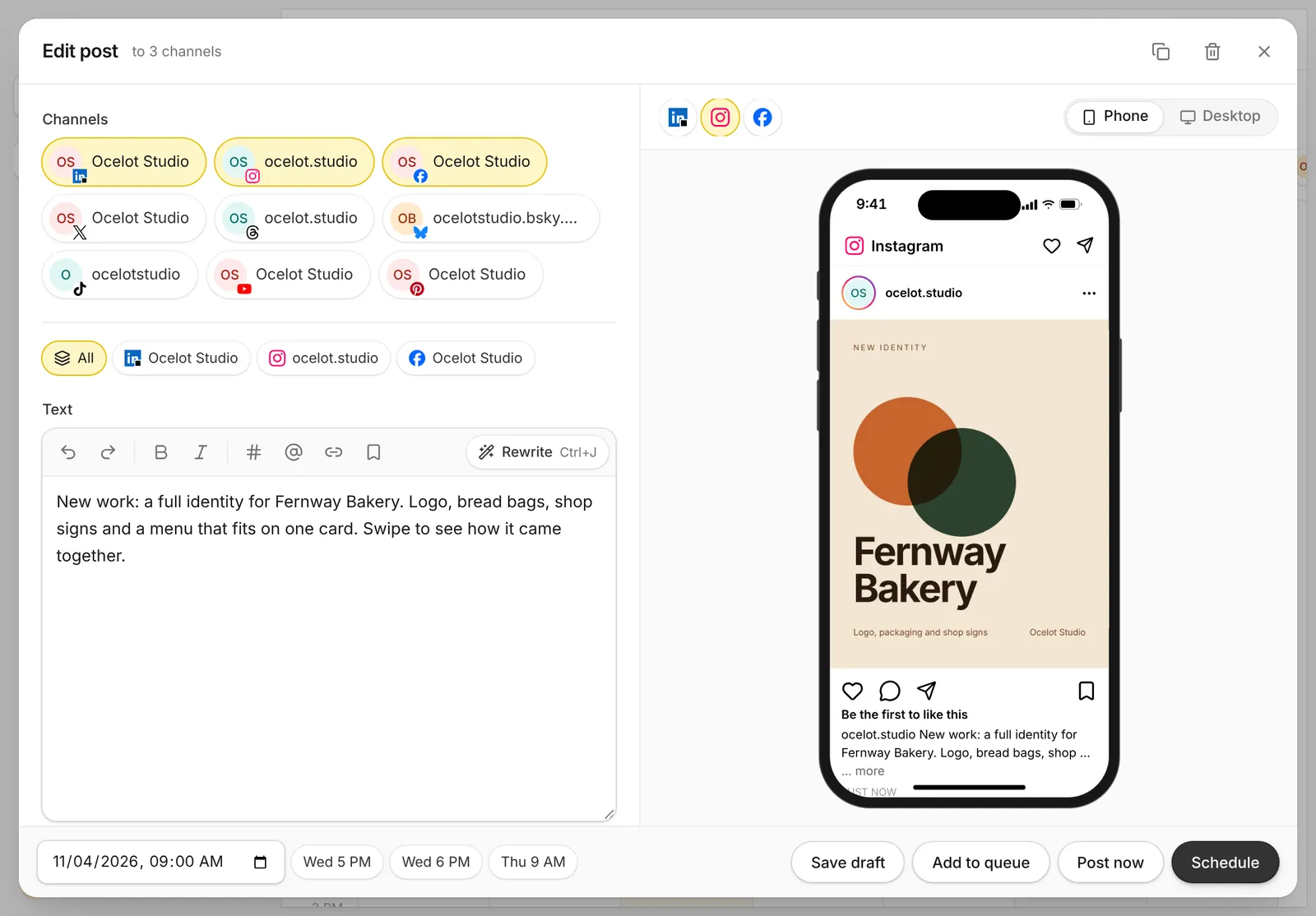
Capybaroar is an agentic social media platform: an AI agent plans and writes your posts, and you schedule them to 14 networks from one calendar.
Capybaroar runs in your web browser. There is no Capybaroar phone app, so it fits people who do most of their planning at a desk. From one screen you write a post once, see a preview for each network, and schedule it to any of 14 networks, from Instagram and TikTok to Bluesky and Mastodon.
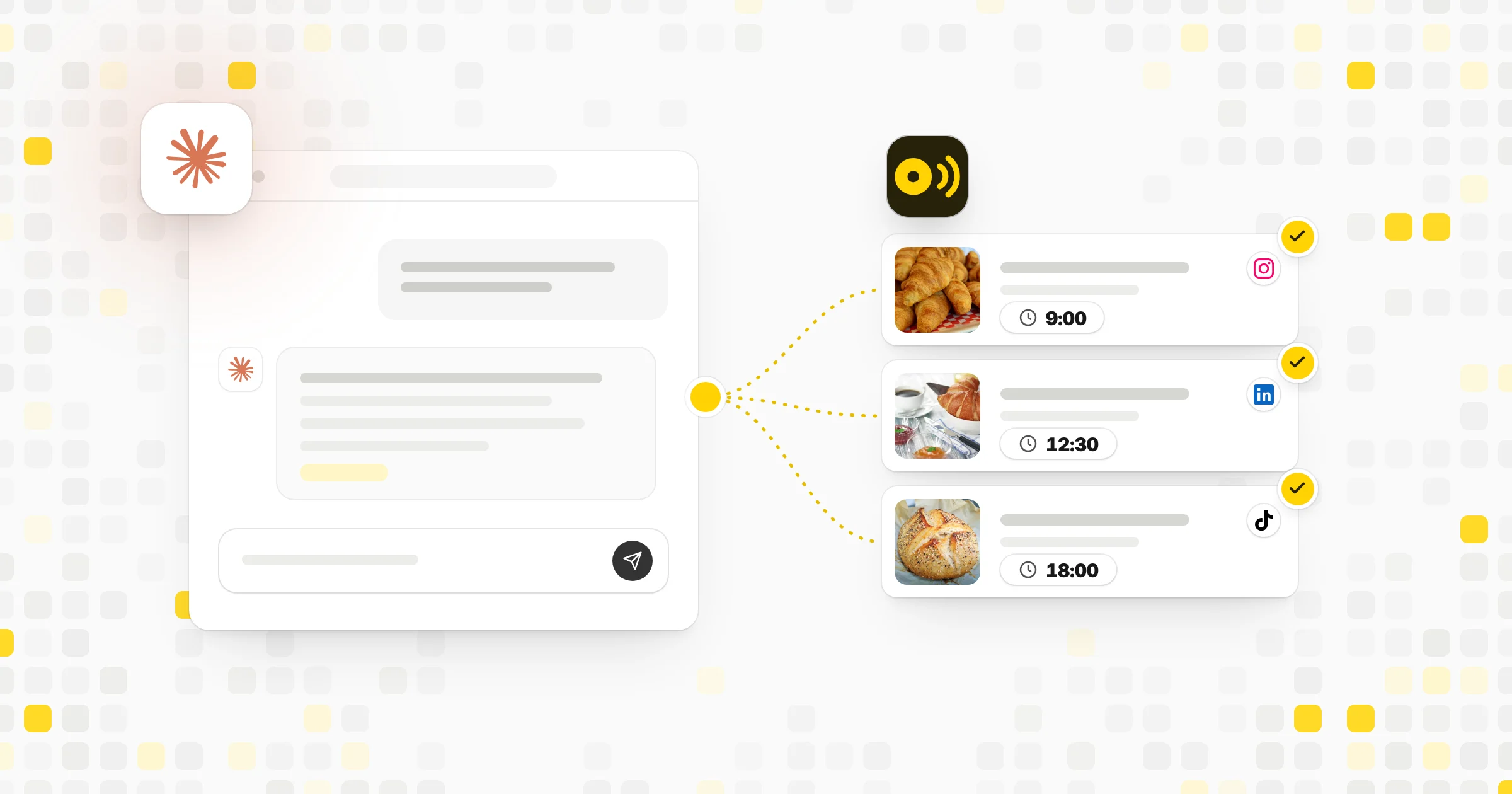
What makes it different is the agent. On paid plans, you tell it what you want and it writes a week of posts and saves them as drafts for your review. You can also reach Capybaroar from Claude, ChatGPT or Cursor through its MCP server, which comes with every plan. Free covers 3 channels and 30 posts a month. Creator is $29 a month.
What's included
- AI: An AI agent plans and writes posts as drafts; AI writing, images and video from credits on paid plans.
- Inbox: One inbox for comments and mentions on every plan, with suggested replies on paid plans.
- Approvals: Approvals on Pro and Agency; clients who only approve take no seat.
- Analytics: Reach, engagement, followers and best times to post on every plan.
- Reports: Reports by link, PDF or email on Pro and Agency, with your logo on Agency.
- MCP: MCP server and REST API on every plan, Free included.
What we like
- An agent plans and writes a week of posts from one message, then saves them for your review
- MCP server and REST API on every plan, Free included, so you can post from Claude, ChatGPT or Cursor
- One inbox, analytics and link in bio come with every plan
What to know
- Newer than the big names, with fewer integrations so far
- AI features need a paid plan; Free covers scheduling only
2Buffer
Best for solo creators and small teams
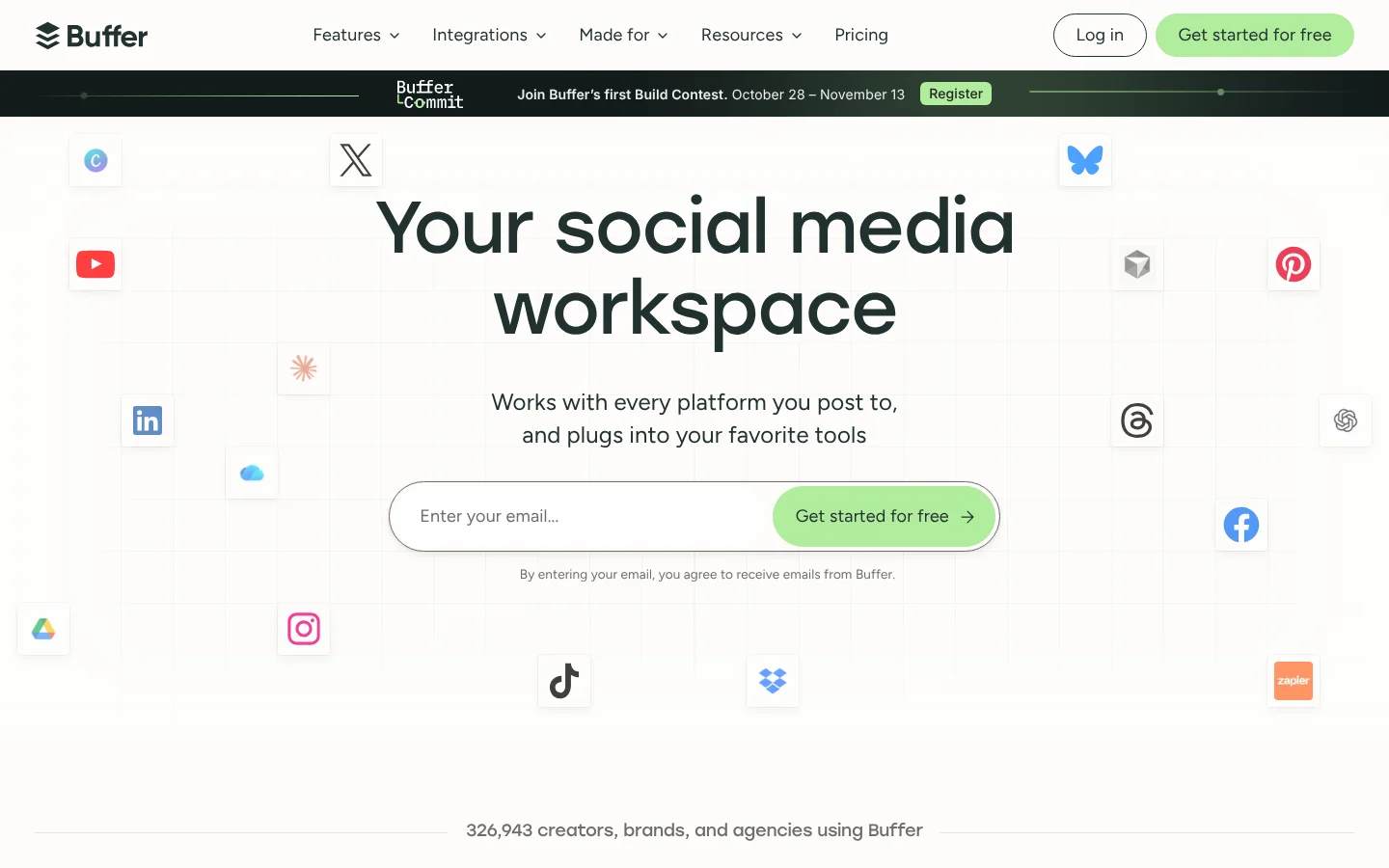
Buffer is a social media scheduler that charges per channel, with a free plan for up to 3 channels.
It has iOS and Android apps, and its pricing page lists reminder notifications on every plan. For Instagram, TikTok and YouTube, you can get a phone alert when it's time to post, then finish the post in the network's own app.
At your desk, Buffer keeps things simple: a queue, a calendar and a community inbox for comments. You pay per channel, at $5 a month per channel on Essentials, billed yearly. The free plan covers 3 channels with 10 scheduled posts per channel, which makes it easy to try Buffer before you pay.
What's included
- AI: AI Assistant on all plans to write and repurpose posts, plus AI reply suggestions and AI takeaways on results.
- Inbox: Community inbox to reply to comments on all plans.
- Approvals: Approval workflows on the Team plan only.
- Analytics: Insights on all plans (30-day history on Free), more analytics on paid plans.
- Reports: Export reports as CSV, PDF or markdown on paid plans; branded reports on Team only.
- MCP: Connect Buffer to Claude or ChatGPT and manage your whole workflow from a conversation.
- Mobile app: iOS and Android apps.
What we like
- Free plan for up to 3 channels
- Pay only for the channels you use
- Unlimited team members on the Team plan
What to know
- Price grows with every channel you add
- Approvals and branded reports only on the Team plan
3Later
Best for Instagram-first brands and creators
Later is a social media management and influencer marketing platform with Link in Bio on every plan.
Later includes its iOS and Android app on all plans. It suits Instagram-first brands, and each social set covers 8 networks, Snapchat included. Every plan includes Link in Bio, and Starter already shows best times to post for Instagram, Facebook and TikTok.
Starter is $18.75 a month, billed yearly, for 1 social set of 8 profiles and 1 user. The limit is posts: Starter allows 30 posts per profile a month. Growth at $37.50 a month raises that to 180 and adds a second user, the social inbox and approvals. Later has no free plan, but it offers a 14-day free trial.
What's included
- AI: AI content tools with 5, 50 or 100 AI credits a month by plan.
- Inbox: Social inbox from Growth.
- Approvals: Internal and external approvals from Growth.
- Analytics: Platform analytics from 3 months to 2 years of data; competitive benchmarking on Scale.
- Mobile app: iOS and Android app on all plans.
What we like
- Link in Bio on every plan
- Each social set covers 8 networks, Snapchat included
- Mobile app on all plans
What to know
- Starter allows only 30 posts per profile a month
- Approvals and social inbox start at Growth
4Sprout Social
Best for larger teams with a big budget
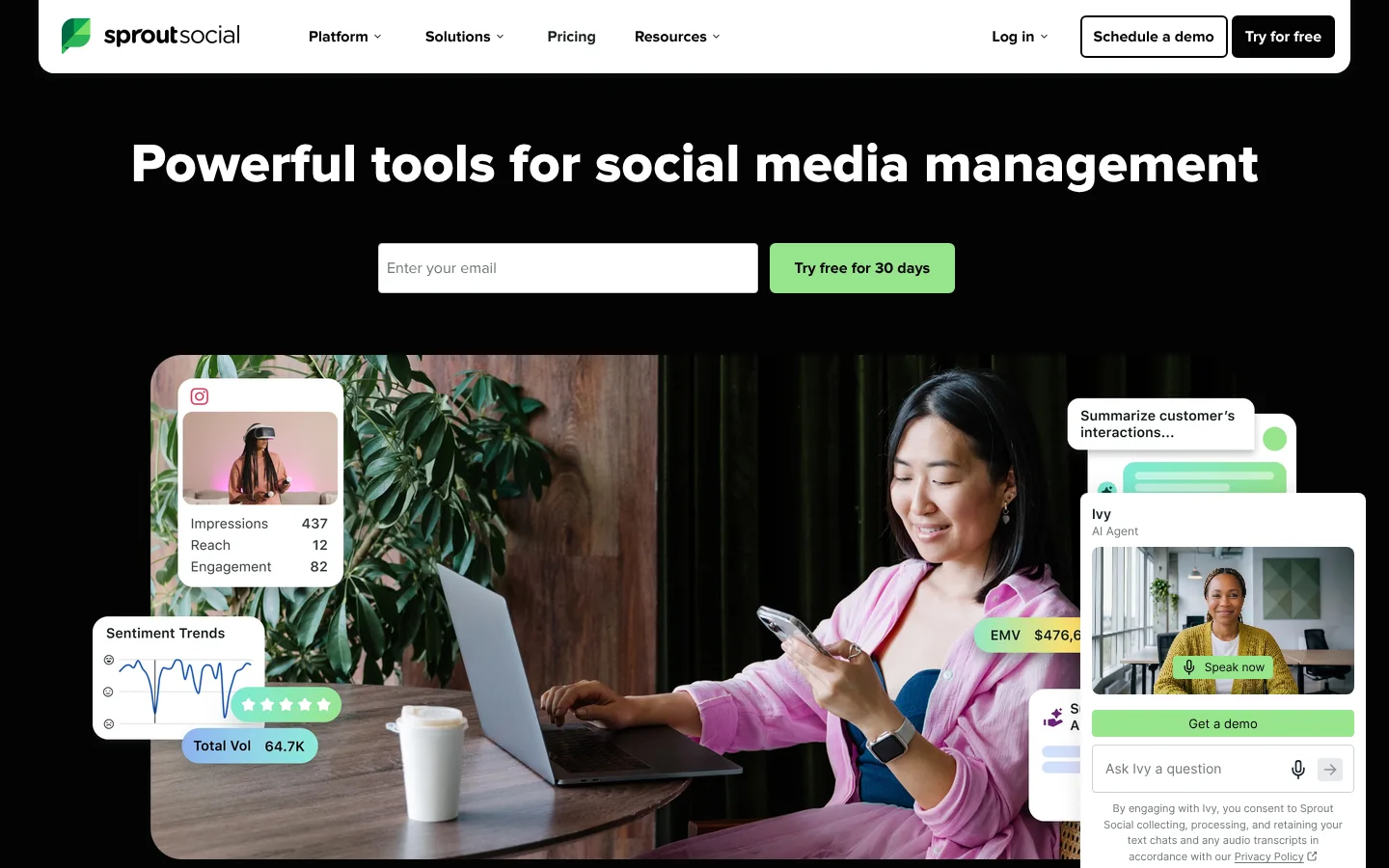
Sprout Social is a social media management suite for small teams up to large enterprises, priced per seat, with the Trellis AI agent.
Sprout Social includes its iOS and Android app on every plan, so each person on the team gets it at no extra cost. Its Trellis AI agent comes on all plans too, with 100 credits per seat a month.
The price is the hurdle. Sprout charges per seat, from $79 a month billed yearly or $99 billed monthly, and the consolidated inbox starts on Standard at $199 per seat. A team of 2 on Standard pays about $398 a month. If your team lives on its phones and has the budget, Sprout's 30-day free trial with no card is a fair way to test it.
What's included
- AI: Trellis AI agent on all plans (100 credits per seat a month); drafts replies and post variations.
- Inbox: Consolidated inbox on Standard and up.
- Analytics: Competitor, tag and paid insights from Professional; Premium Analytics is an add-on.
- Reports: Profile and post-level reporting; team and customer care reports on Advanced.
- Mobile app: iOS and Android app on all plans.
What we like
- 30-day free trial with no credit card
- Mobile app on every plan
- Trellis AI agent included on all plans
What to know
- Priced per seat, from $79 to $399 a month
- No free plan; unlimited profiles start at $299 Professional
5Loomly
Best for marketing teams that need approvals
Loomly is a social media management platform for marketing teams, with approval workflows on every plan.
Loomly lists iOS and Android apps with its plans. At the desk, approval workflows and roles start on the lowest plan, so even a small team can check posts before they go out.
Starter is $49 a month, billed yearly ($588 a year), for 12 social accounts and 3 users. AI helps write posts, captions and replies within a monthly limit, and reports can be exported or scheduled. Two things to know before you buy: Loomly has no free plan, only a 7-day free trial, and yearly plans can't be ended early.
What's included
- AI: AI Assistant chat, post generation, AI captions, reply with AI and AI analytics, with a monthly AI usage limit.
- Inbox: Reply to interactions, saved replies and assign conversations.
- Approvals: Approval workflows and roles on Starter; custom roles and workflows on Beyond.
- Analytics: Post analytics dashboard and advanced analytics.
- Reports: Export reports and schedule reports.
- Mobile app: iOS and Android apps.
What we like
- Approval workflows and roles start on the lowest plan
- AI helps write posts, captions and replies
- iOS and Android apps
What to know
- Yearly plans cannot be ended early
- Starter allows only 3 users and 2 social listening searches a month
6Vista Social
Best for teams running many brands
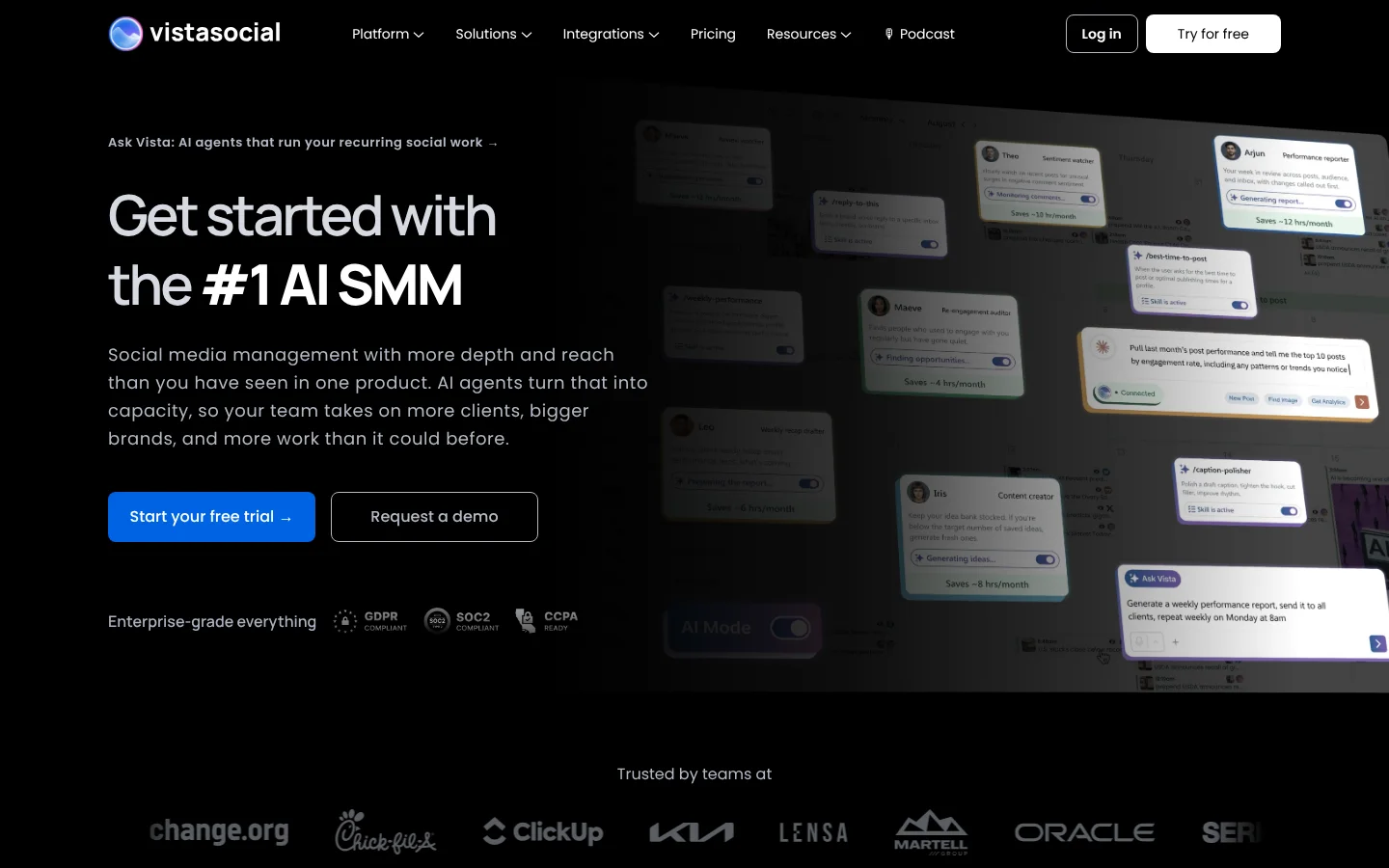
Vista Social is an AI-powered social media management platform for teams that run many brands.
Vista Social offers the widest choice of places to work on this list. Its site lists apps for iOS, Android, Mac and Windows, along with extensions for Chrome and Firefox. If you like a desktop app on your computer and a phone app in your pocket, this is the one that covers both.
Professional is $80 a month, or $950 a year, for 15 social profiles and 2 users. Engagement tools, reports and its Ask Vista AI come on every plan. Two costs to plan for: X is a $29 a month add-on, and you need Advanced at $160 a month for a third user.
What's included
- AI: Ask Vista AI agents for recurring social work, AI training and knowledge, AI credits.
- Inbox: Engagement tools on every plan.
- Analytics: Reports on Professional, advanced reporting on Advanced, premium analytics on Enterprise.
- Reports: Reports on every plan; white label setup on Scale.
- MCP: Ask Vista + MCP.
- Mobile app: iOS and Android apps.
What we like
- 15 social profiles on the lowest plan
- Ask Vista AI and MCP on every plan
- Apps for iOS, Android, Mac and Windows
What to know
- X (Twitter) is a $29/month add-on
- Lowest plan includes only 2 users
7Zoho Social
Best for businesses already on Zoho
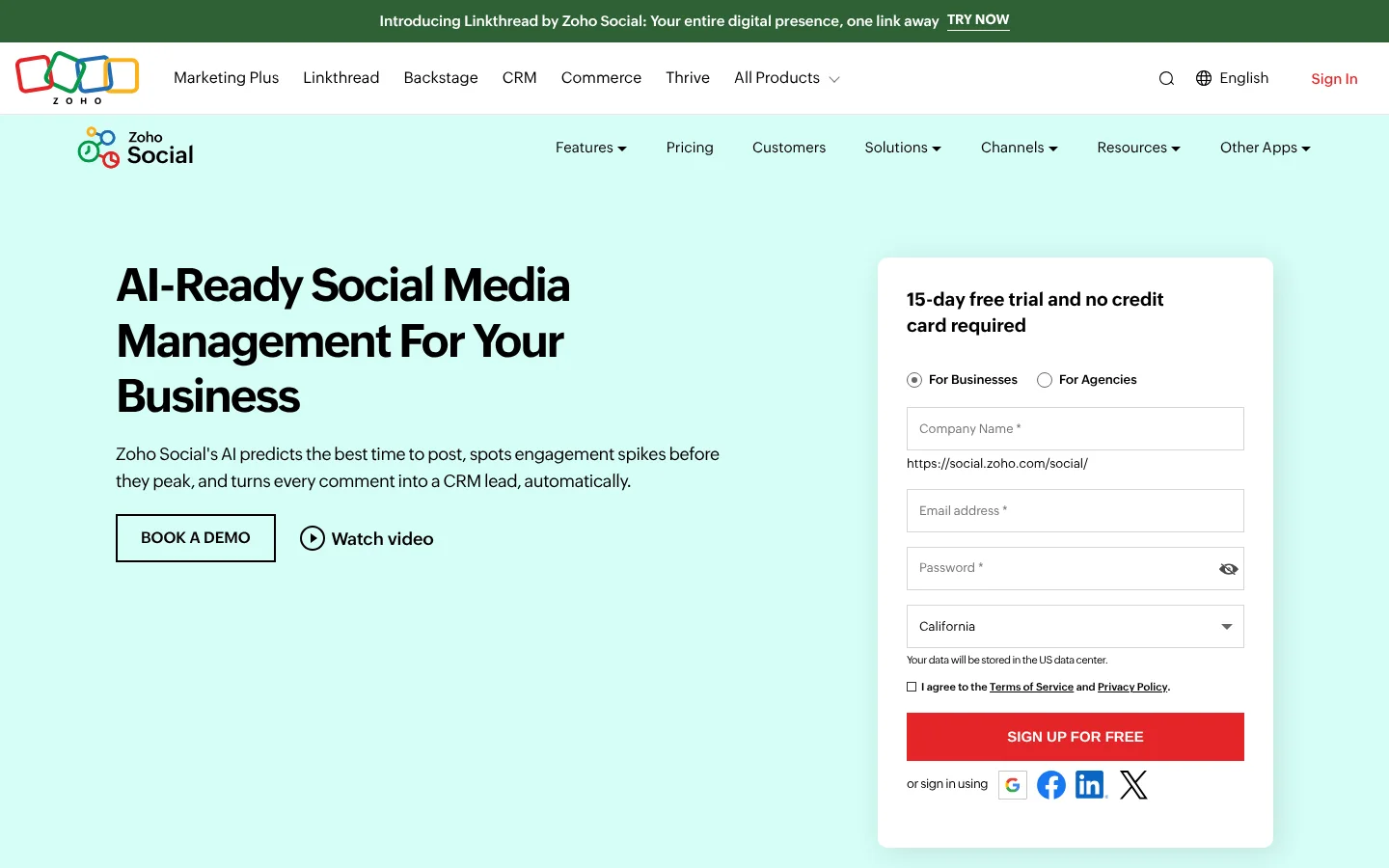
Zoho Social is the social media management tool in the Zoho suite, with a forever free plan.
It has apps for Android and iOS, plus the zShare browser extension on all plans. Its AI picks the best times to post, and it can turn comments into leads in Zoho CRM.
Standard is US$10 a month, billed yearly, for 1 brand with 14 channels. There is also a forever free plan for 1 brand with 6 channels and 5 AI credits, after a 15-day free trial with no card. The catch is that the inbox and approvals are only on Premium at US$40 a month, which includes 3 team members.
What's included
- AI: AI picks best times to post, spots engagement spikes and turns comments into CRM leads; Zia AI assistant; AI credits on every plan.
- Inbox: Inbox on the Premium plan.
- Approvals: Content approvals and workflow on the Premium plan.
- Analytics: Audience and engagement analytics with pre-built or custom reports; post insights from Professional.
- Reports: Summary reports on Standard; custom and shared reports on Premium.
- MCP: Zoho Social MCP is listed under Developer Tools.
- Mobile app: Apps for Android and iOS.
What we like
- Forever free plan after the 15-day trial
- Long list of networks, including WhatsApp, Telegram and Bluesky
- Apps for Android and iOS
What to know
- Inbox and approvals only on the top Premium plan
- Only 1 team member below Premium; extra members cost US$10 each per month
8ContentStudio
Best for content teams that curate and post
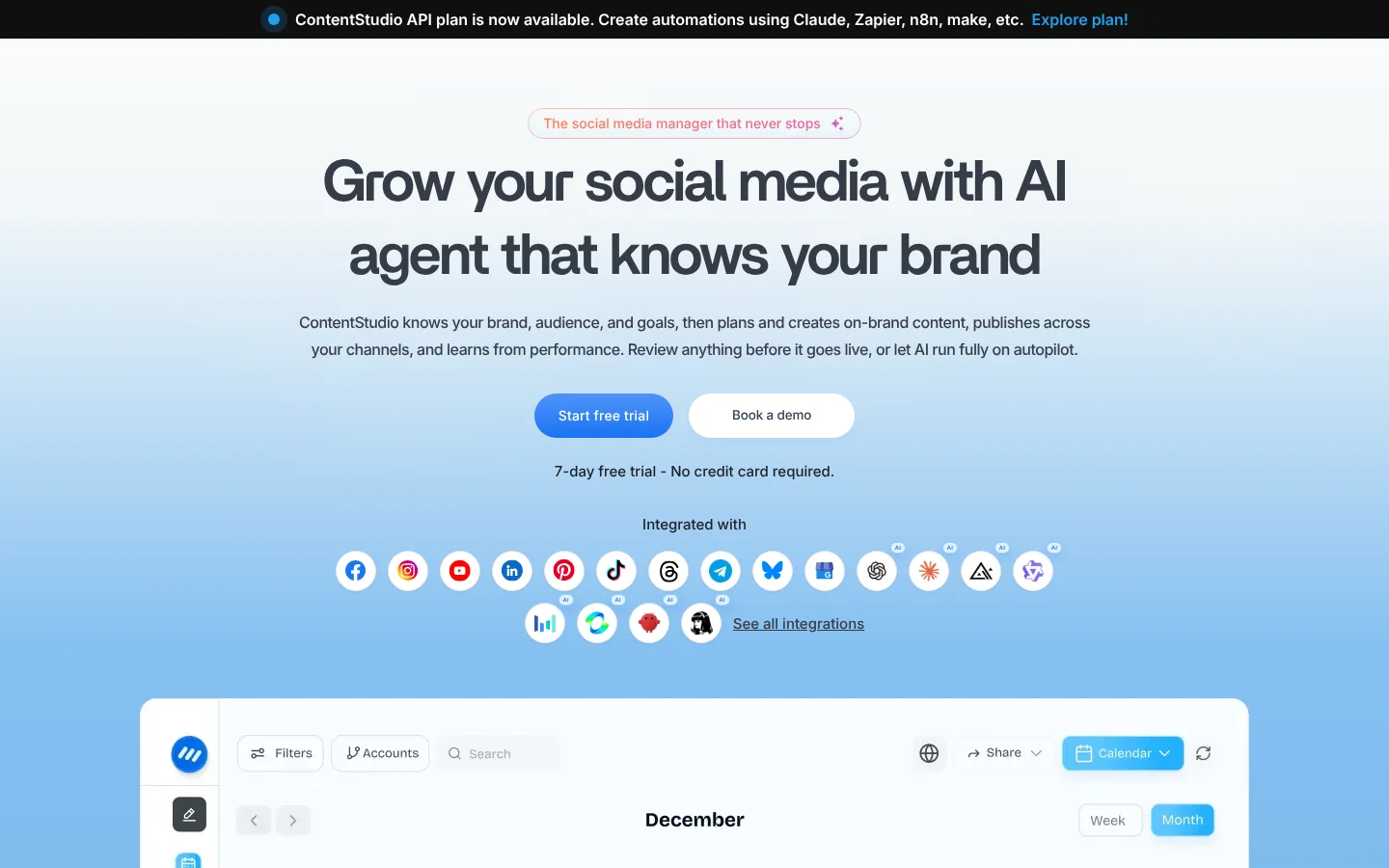
ContentStudio is a unified social media management tool with AI for text, images and video.
ContentStudio lists iOS and Android mobile apps, plus a Chrome extension. Its pricing page also lists inbox access in the iOS app, so you can answer comments from your phone once you have an inbox plan.
Standard is $19 a month billed yearly, or $29 month to month, for 5 social accounts, 1 user and unlimited posts. The inbox and approvals start on Advanced at $49 a month billed yearly. ContentStudio has no free plan, but you can try it for 7 days with no card. MCP and API access start on Standard.
What's included
- AI: AI Studio for text, images and video; AI brand voice; AI captions and hashtags; AI replies from Advanced.
- Inbox: Social inbox from Advanced; not on Standard.
- Approvals: Approval workflow from Advanced, with no-login client review.
- Analytics: Social media analytics on every plan; competitor analytics from Advanced.
- Reports: Exports and scheduled reports from Advanced; branded reports for agencies.
- MCP: MCP integration on every plan, plus an MCP server and CLI.
- Mobile app: iOS and Android apps.
What we like
- Unlimited posting on every plan
- MCP and API access from the Standard plan
- Agency tools: client workspaces, EasyConnect and white-label add-on
What to know
- Inbox and approvals not on Standard
- No free plan, only a 7-day trial
9Hootsuite
Best for social media pros and brand teams
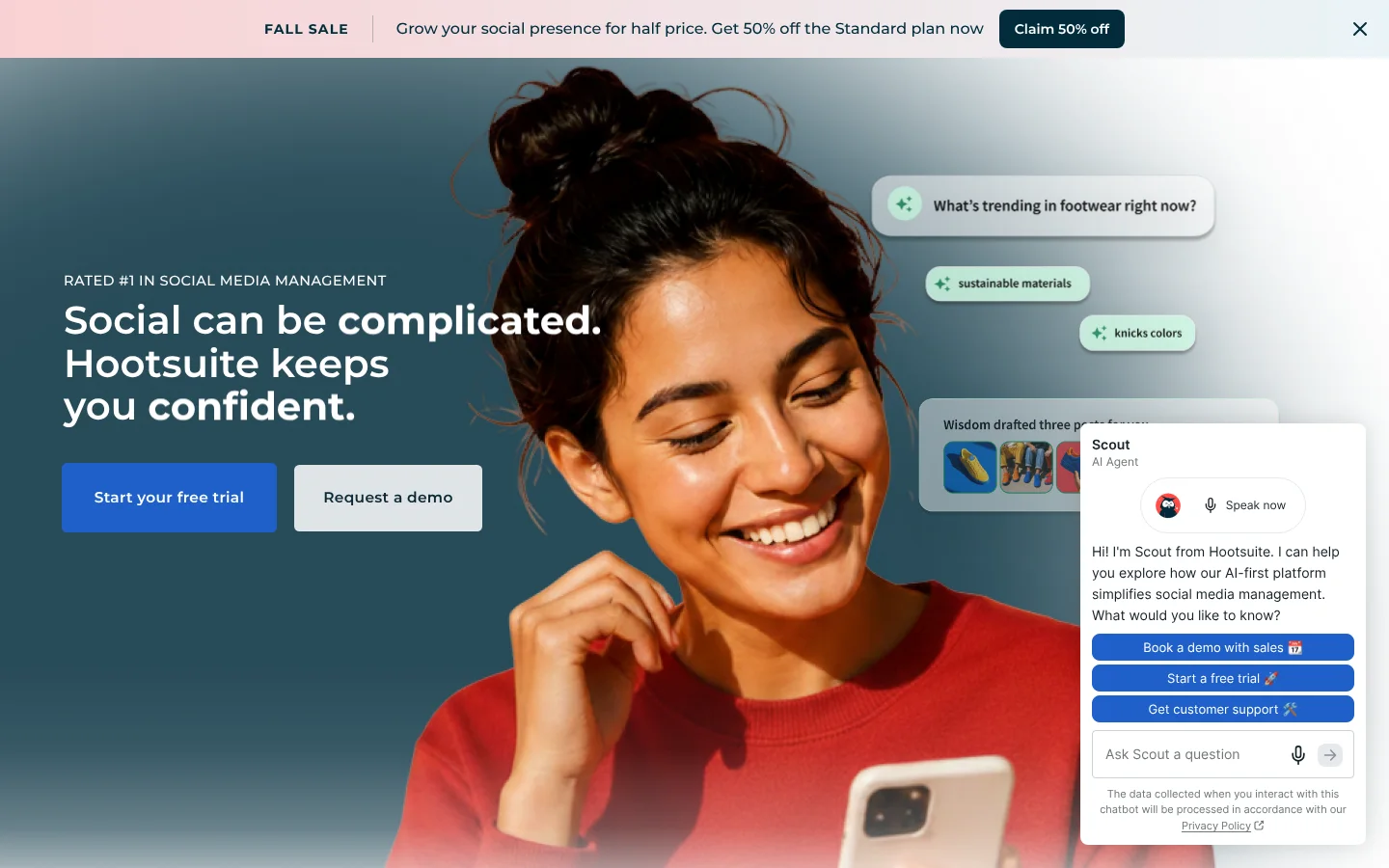
Hootsuite is a social media management platform for teams, priced per user, with an AI teammate called Wisdom.
It's one of the best known tools at the desk, with one inbox for messages and comments on all plans and unlimited scheduled posts. Its Wisdom AI teammate comes with every plan and can create posts and images.
We couldn't confirm a phone app on the Hootsuite pages we read, so check the app store before you count on one. Pricing is per user: Standard is $99 a month per user, billed yearly, for up to 10 social accounts. Approvals need Advanced at $399 per user a month. There is a 14-day free trial and no free plan.
What's included
- AI: Wisdom AI teammate on every plan; generates posts and images.
- Inbox: One inbox for messages and comments on all plans; inbox automation from Professional.
- Approvals: Team review and approval on Advanced and up.
- Analytics: Competitor tracking and best times to post; trend forecasts from Professional.
- Reports: Custom performance reports from Professional.
- MCP: Plus, use Hootsuite MCP connectors to manage your social media workflows right from your favorite AI tools, including ChatGPT, Claude, Copilot, and Gemini.
What we like
- Unlimited scheduled posts on all plans
- MCP connectors for ChatGPT, Claude, Copilot and Gemini
- Brand and competitor monitoring from Standard
What to know
- Priced per user, from $99 a month
- No free plan; approvals only on the $399 Advanced plan
10Publer
Best for creators on a tight budget
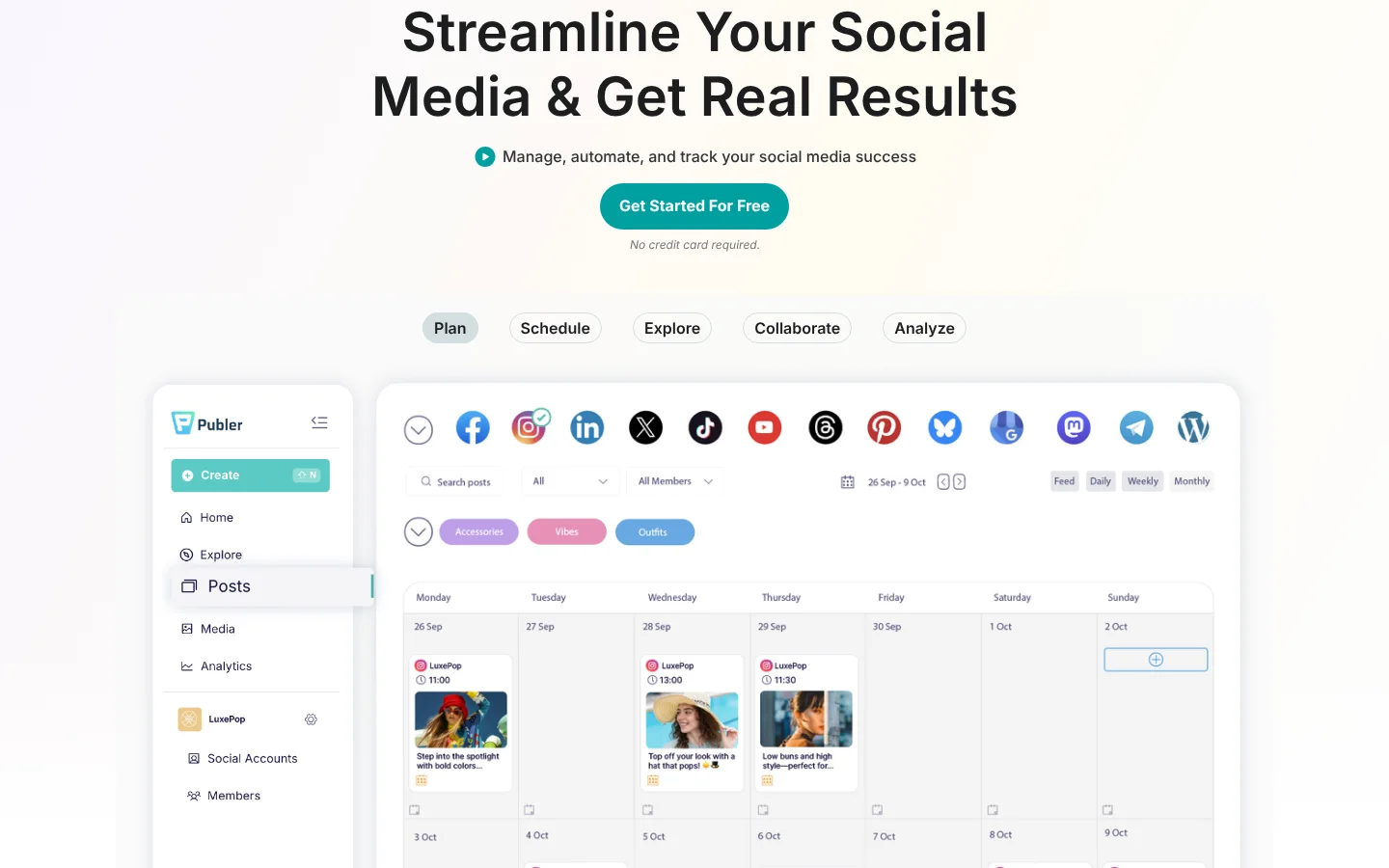
Publer is a low-cost social media scheduling tool with a free forever plan.
It has a mobile app to schedule posts from your phone. Its site doesn't name which phones it runs on, so check your app store first. At your desk, Publer's calendar lets you drag posts to new days, and its feed preview shows how your Instagram and TikTok grid will look.
Prices are low. Professional starts at $5 a month, or $4 a month billed yearly, and the final price depends on how many accounts and members you pick. The free plan covers 3 accounts with 10 scheduled posts each, but it can't connect X.
What's included
- AI: AI Assist writes posts, makes images and helps reply to comments; unlimited AI prompts on Business.
- Approvals: Approval workflows for your team and outside clients.
- Analytics: Analytics insights, best times to post and competitor analysis on Business.
- Reports: Analytics insights and reports on Business.
- MCP: Publer MCP: Connect AI assistants to Publer to create & schedule content, manage your posts, and access analytics insights through MCP.
- Mobile app: Mobile app to schedule posts from your phone.
What we like
- Free forever plan
- Low starting price with a cheaper yearly option
- Supports many networks, including Telegram, Bluesky and WordPress
What to know
- Free plan cannot connect X accounts
- Analytics, unlimited AI and MCP need the Business plan
How we picked
We judged each tool by how well it works in both places you use it.
- At your desk: the calendar, the composer, previews and the inbox.
- On the go: whether the vendor's own site lists an iPhone or Android app, and what it says the app can do. If the site didn't say, we didn't claim it.
- Price: the lowest plan and what it limits, from each tool's pricing page in November 2026.
Capybaroar is our product, and we held it to the same test. It runs in the browser and has no phone app, and we say so above.
The bottom line
If you plan at a desk and want help writing, start with Capybaroar. Its agent drafts the week for you, and its free plan costs $0. If you need a phone app on every plan, Later and Buffer are the cheapest picks, and Sprout Social is the premium choice for teams with budget. Vista Social is the one to pick if you want desktop apps for Mac or Windows too.
Try the phone app on a real day before you commit. Reply to a comment and fix a post from it, and you will know fast if it works for you.