A social media manager's week has many parts: ideas, captions, graphics, clips, posting, replies and the report at the end. Each part has its own app, and the hours slip away between them.
An AI tool for social media managers takes the slow parts off your plate. One drafts the week, one makes the graphics, one cuts long videos into clips and one explains the numbers. Freelancers, in-house managers and agency teams use a few of them together.
The payoff is a week that runs on review, not on busywork. Below are 12 tools, each with the job it does best and its real prices, checked in November 2026. 🧰
What Is an AI Tool for Social Media Managers?
An AI tool for social media managers is an app that uses an AI model to plan, write, design, post or report on social content for a brand.
Some are general assistants that answer your questions in a chat window. Others are built right into a scheduler, a design editor or an analytics dashboard, so the AI works on your real posts, clips and numbers. The newest ones connect through MCP, a standard that lets an assistant like Claude read and act inside another app, such as your scheduler.
Most tools include:
- ✅ Drafts posts and captions
- ✅ Makes graphics and clips
- ✅ Explains results in words
- ✅ Connects to other apps
The result is a manager who spends the whole week deciding, not typing.
Why Do You Need an AI Tool for Social Media Managers on Your Team?
Doing every task by hand works for one brand and a light posting plan. Add clients, formats and monthly reports, and the job outgrows the hours in a week.
An AI tool for social media managers solves this.
- Drafts on demand: The AI writes first versions of posts, captions and replies, so you edit instead of starting cold.
- Visuals without waiting: Graphics and short clips come out of the same day, not next week.
- Reports in plain words: AI explains why the numbers moved, so the monthly report takes minutes.
- One shared calendar: The best setup puts planning, posting and replies on one calendar that your AI apps can reach.
12 Best AI Tools for Social Media Managers in 2027!
Here are the 12 tools, starting with the one we know best.
AI Tools for Social Media Managers: Quick Match
 1. Capybaroar
Rating: ⭐⭐⭐⭐⭐ New on G2
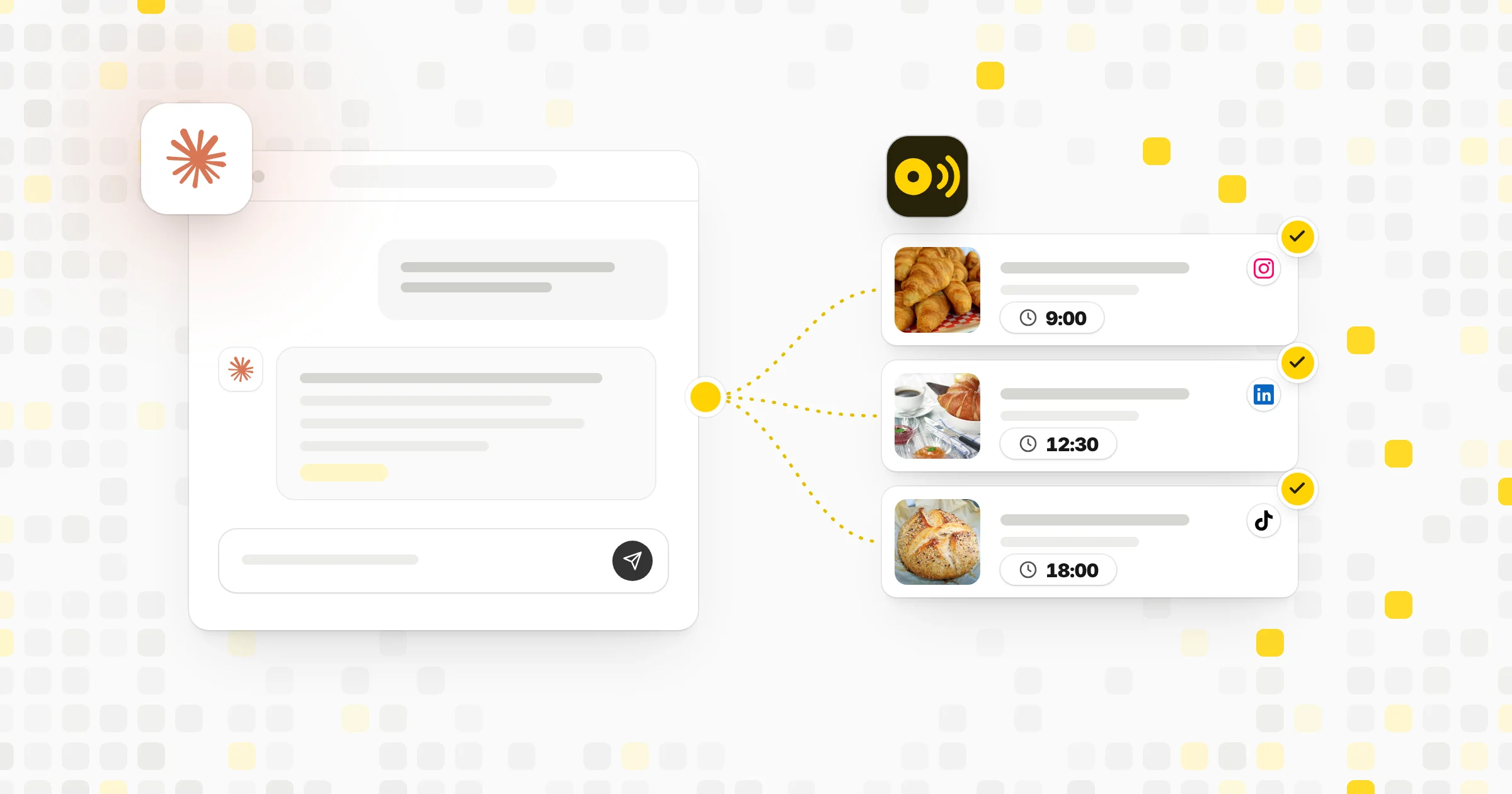
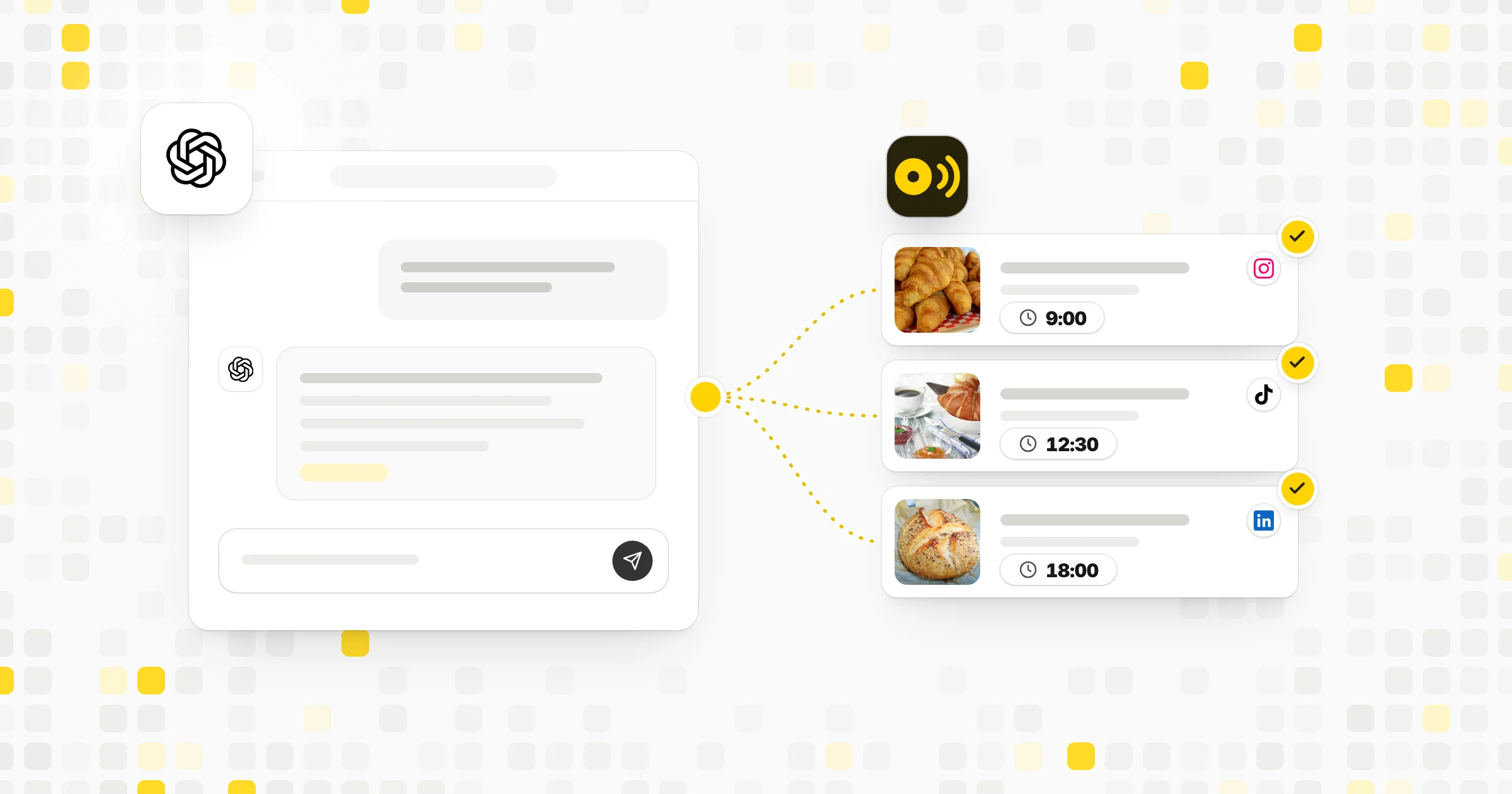
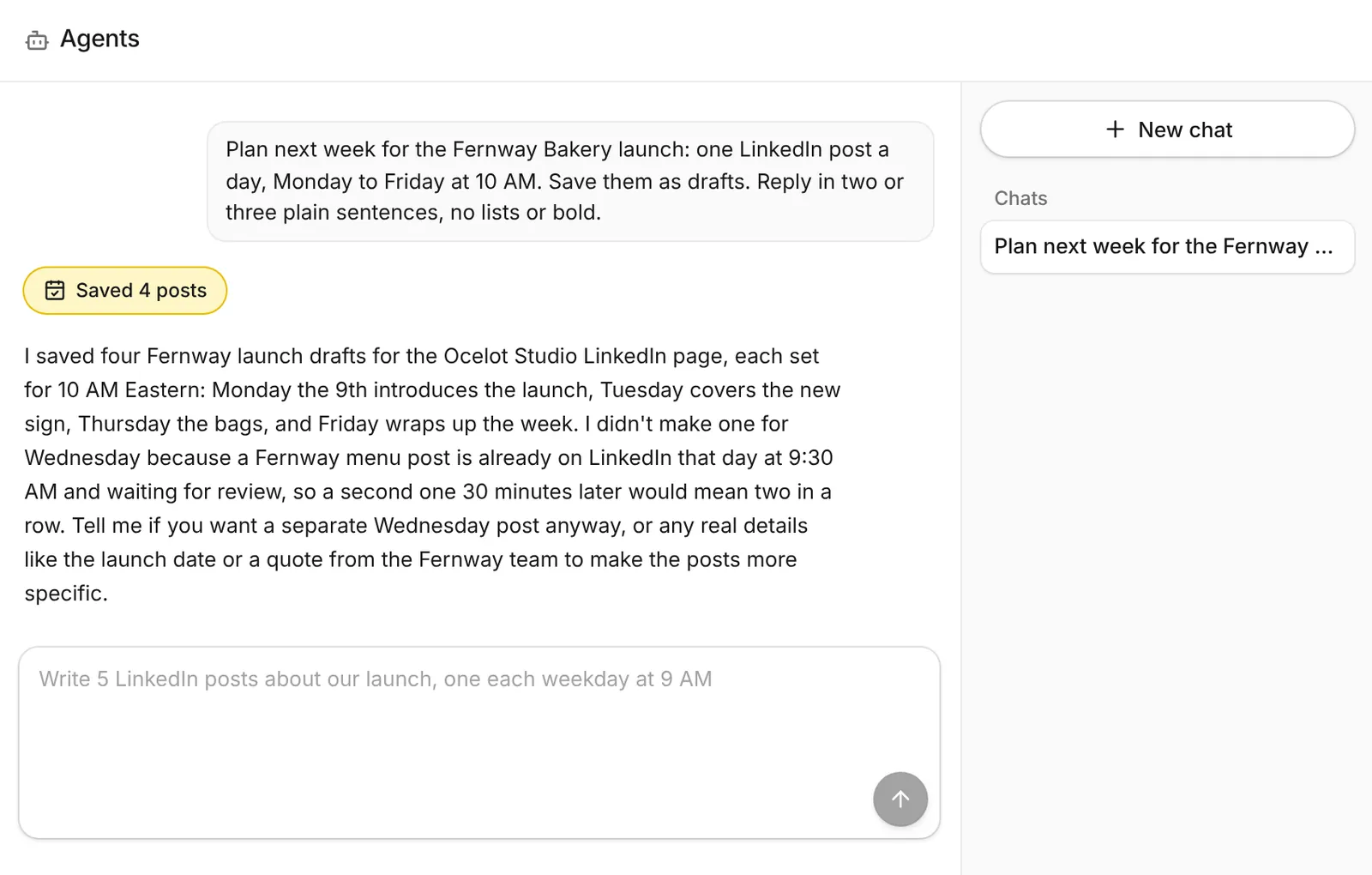
Capybaroar is one of the most relevant AI tools for social media managers and teams that want to run planning, posting and replies from one place. Instead of only writing a draft in a chat window, it plans and writes a week of posts and schedules them to 14 networks. Its MCP server lets Claude, ChatGPT or Cursor work with the calendar on every plan, Free included. That makes it a strong fit for teams that want every social channel in one calendar.
Pros:
- AI agent plans and writes the week
- Suggested replies in one inbox
- MCP server for Claude, ChatGPT and Cursor
- One calendar for 14 networks
- Reports by link, PDF or email on Pro
Cons:
- Not a full design or video editor
Pricing:
- Free: $0/month (3 channels, 30 scheduled posts a month)
- Creator: $29/month billed monthly
- Pro: $49/month billed monthly
- Agency: $149/month billed monthly
Ask once. Get a week of posts.
Tell the agent, Claude or ChatGPT what you want. Capybaroar drafts the week and puts every post on your calendar for you to review.
Try it free for 14 daysPlan next week's Instagram, TikTok and LinkedIn posts about our sourdough launch and save them as drafts.
Working in CapybaroarUsed Capybaroar
Done. 5 drafts are on your Capybaroar calendar for next week. Nothing goes live until you approve it.
- MonLaunch day is hereDraft
- TueHow we feed the starterDraft
- WedMeet our bakersDraft
- ThuBehind the ovenDraft
- FriWeekend bake listDraft
 2. ChatGPT

Rating: ⭐⭐⭐⭐⭐ 4.6/5 on G2, 5,248 reviews
ChatGPT is one of the most widely used AI tools for social media managers who brainstorm and draft by chat. The free plan includes unlimited text chats, with limited uploads, image creation and deep research. Plus adds projects, scheduled tasks and custom GPTs, which help with repeat formats like a weekly set of captions. This makes it a common choice for managers who want quick first drafts and fresh ideas.
Pros:
- Unlimited text chats on Free
- Image creation in the same chat
- Deep research for topic ideas
- Custom GPTs and scheduled tasks on Plus
- Free plan to start
Cons:
- Higher limits may need a paid plan
- Go plan may include ads
- Context limits can vary by plan
Pricing:
- Free: $0/month (unlimited text chats, limited uploads and image creation)
- Enterprise: Custom pricing, contact sales
 3. Canva
Rating: ⭐⭐⭐⭐⭐ 4.7/5 on G2, 7,857 reviews
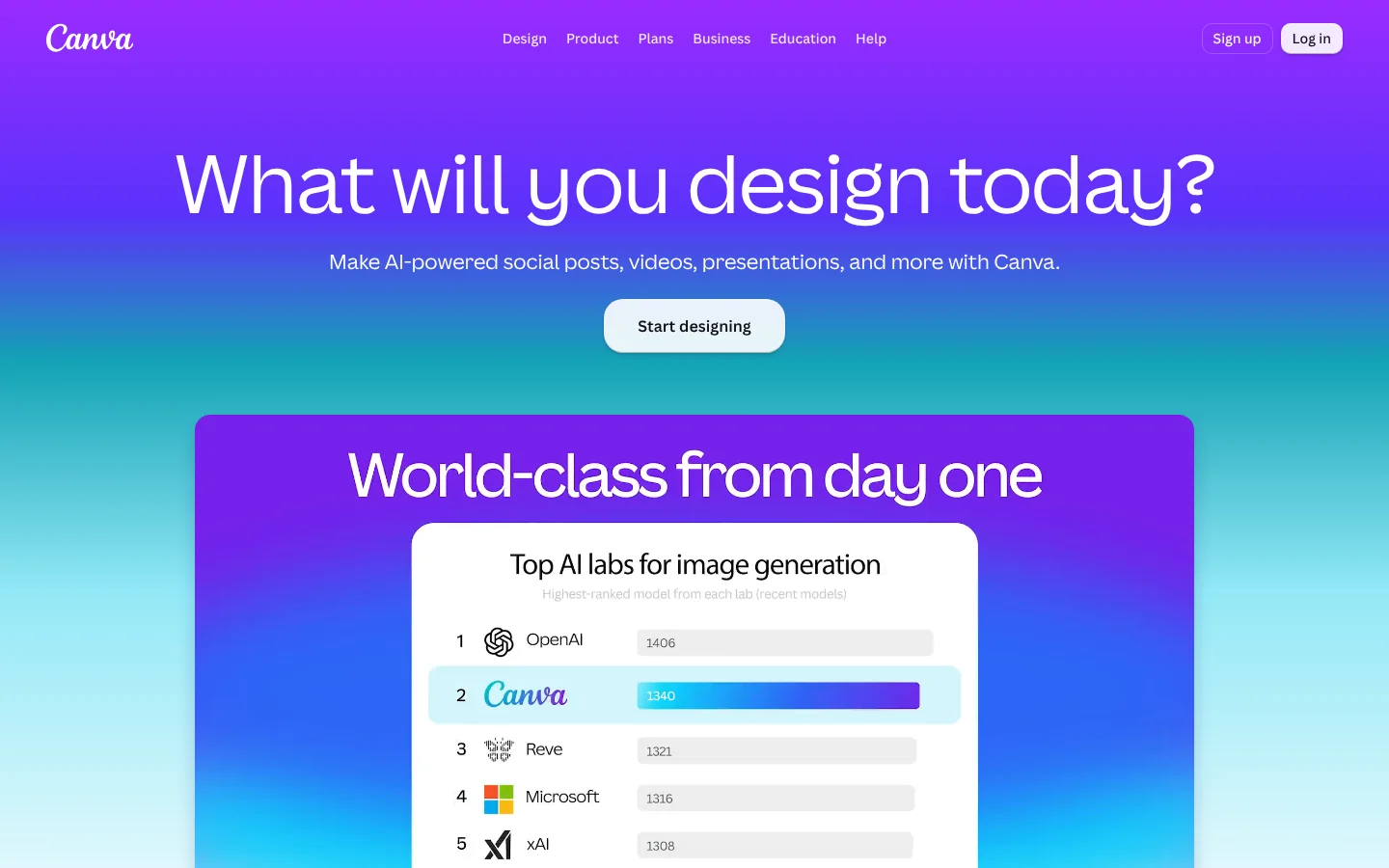
Canva is one of the most established AI tools for social media managers who make their own graphics. It makes AI-powered social posts, videos and presentations, and Magic Write helps with the text. Brand Kits keep every design on brand, from a quick story to a full campaign. Pro adds AI resize, translate and background removal, plus social content scheduling, which makes it attractive for managers who design every day.
Pros:
- AI social posts and videos
- Magic Resize for each network
- Brand Kits keep designs on brand
- Social content scheduling on Pro
- Free plan with 1.6M+ templates
Cons:
- Pro may be needed for scheduling
- Free AI use can be limited
- Shared AI allowance may run low
Pricing:
- Free: $0/month (1 person, 5GB cloud storage)
- Pro: $18/month billed monthly
- Business: $25/user/month billed monthly
- Enterprise: Custom pricing, contact sales
 4. Hootsuite
Rating: ⭐⭐⭐⭐ 4.3/5 on G2, 7,758 reviews
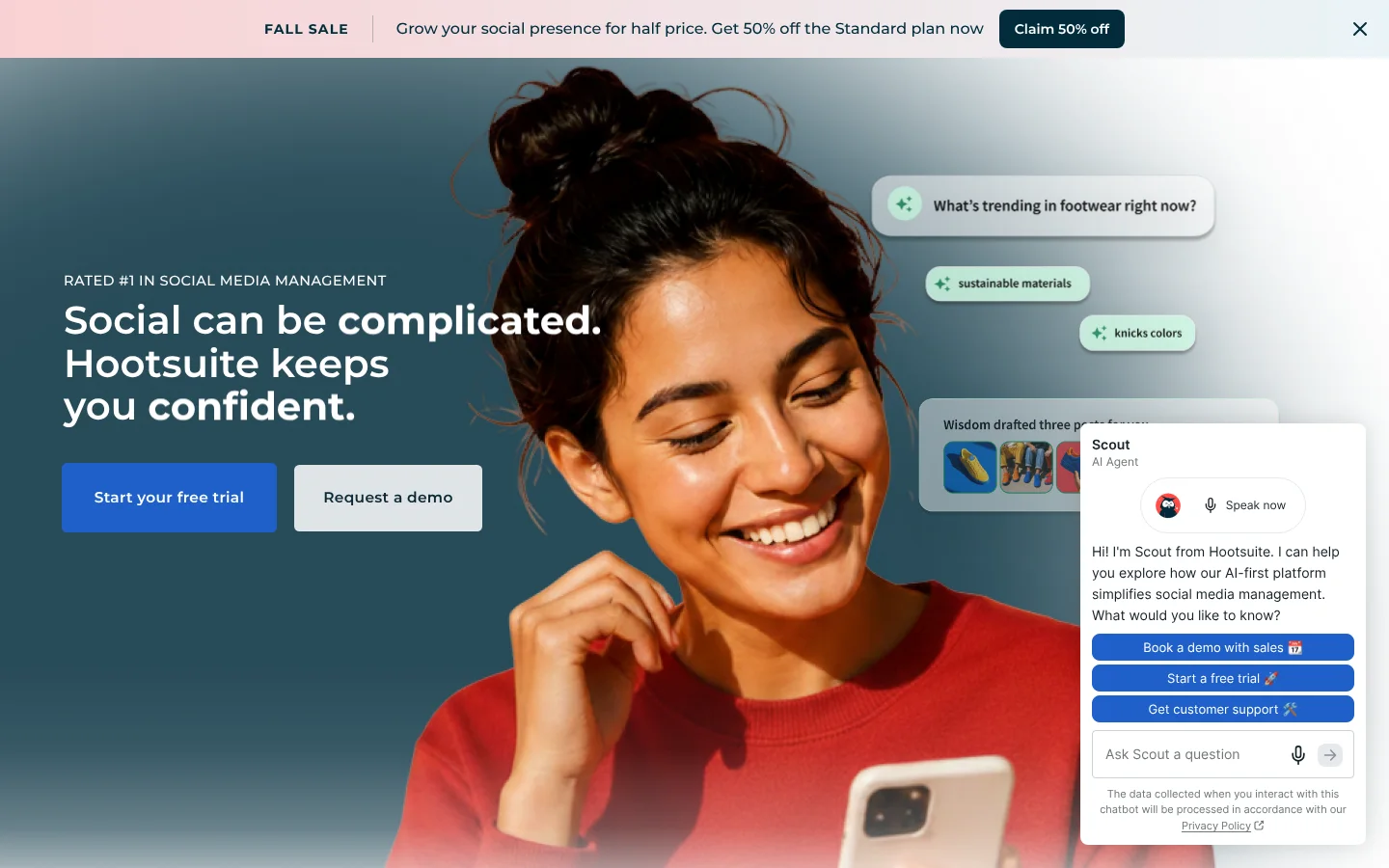
Hootsuite is a widely used AI tool for social media managers who run busy brand accounts. Its Wisdom AI, on every plan, drafts posts, recommends next steps and analyzes results, and it can write posts from trending topics. MCP connectors bring Hootsuite into ChatGPT, Claude, Copilot and Gemini. Brand and competitor monitoring round it out for managers who also watch the market.
Pros:
- Wisdom AI drafts, recommends and analyzes
- Posts from trending topics
- MCP connectors for AI apps
- Competitor tracking built in
- Good fit for brand teams
Cons:
- Approvals may need the Advanced plan
- Per-user pricing can grow with the team
- Interface can feel complex for new users
Pricing:
- Standard: $99/user/month billed annually
- Professional: $199/user/month billed annually
- Advanced: $399/user/month billed annually
- Enterprise: Custom pricing, contact sales
 5. Sprout Social
Rating: ⭐⭐⭐⭐ 4.4/5 on G2, 7,597 reviews
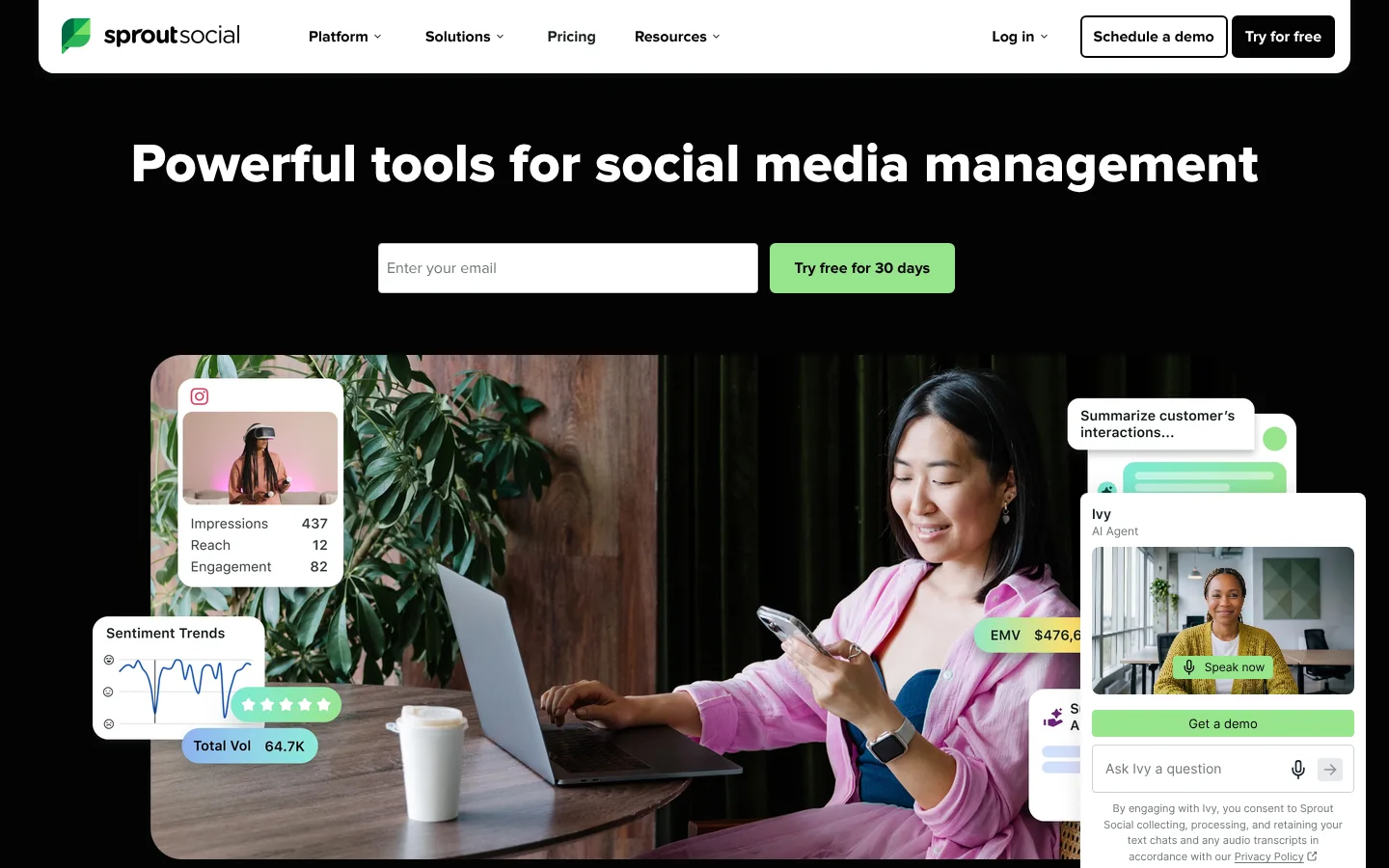
Sprout Social is a large AI tool for social media managers on marketing, care and agency teams. Its Trellis agent, on every plan, answers simple questions by querying billions of data points and returns executive-ready insights. AI Assist also enhances posts and replies before they go out. Sprout focuses heavily on reporting, making it suitable for managers who brief leaders on social results.
Pros:
- Trellis AI agent on every plan
- Executive-ready answers from data
- AI Assist for posts and replies
- Mobile app on every plan
- Good fit for large teams
Cons:
- Seat pricing can climb with each hire
- Consolidated inbox may need Standard
- Some analytics may cost extra
Pricing:
- Essentials: $79/seat/month billed annually or $99/seat/month billed monthly
- Standard: $199/seat/month billed annually
- Professional: $299/seat/month billed annually
- Advanced: $399/seat/month billed annually
- Enterprise: Custom pricing, contact sales
 6. Agorapulse
Rating: ⭐⭐⭐⭐⭐ 4.5/5 on G2, 979 reviews
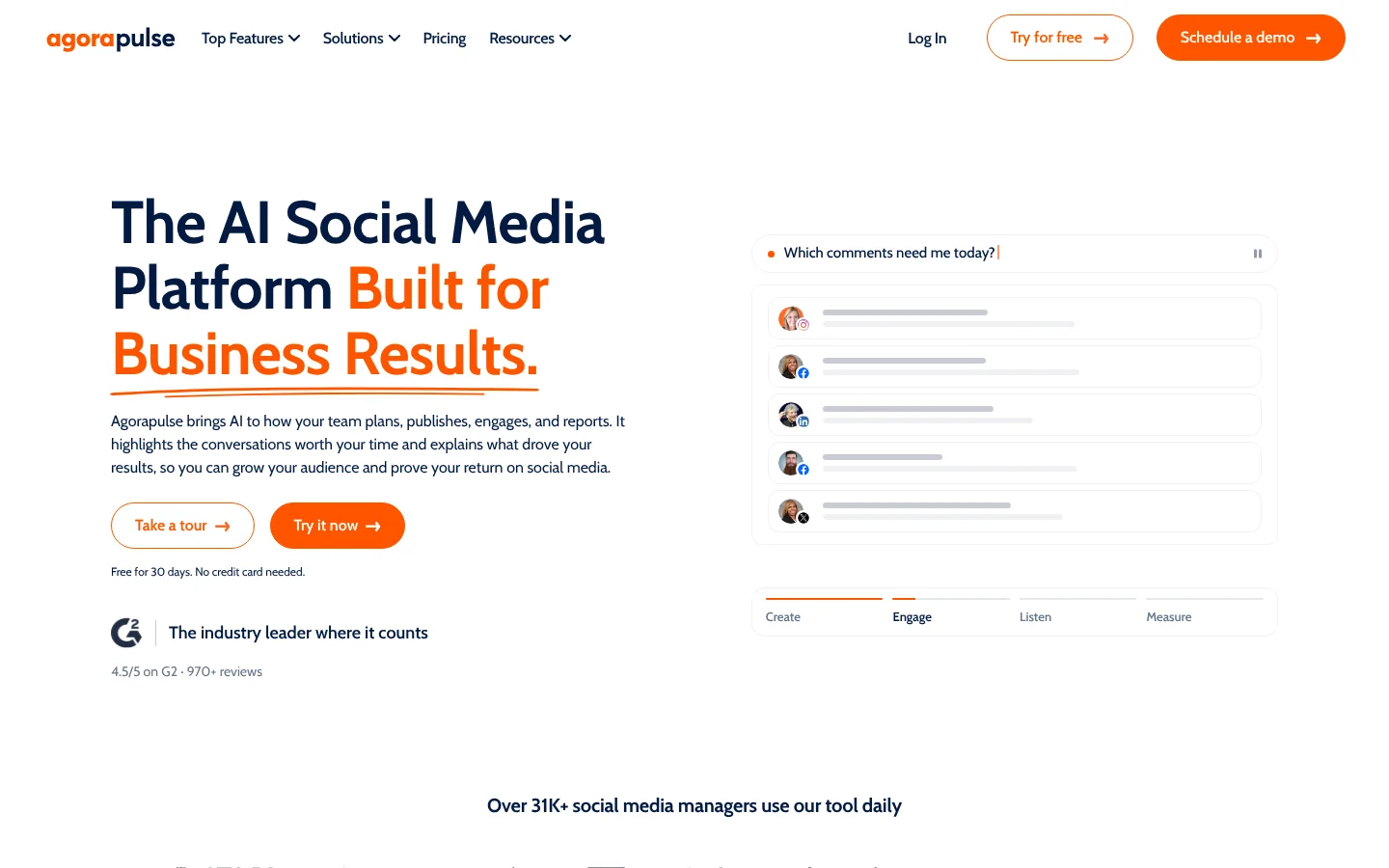
Agorapulse is an AI tool for social media managers designed specifically for business teams that must prove results. Its AI suggests DM replies, tags the sentiment of comments, translates messages and explains reports in plain language. Archie turns a webinar or article into posts for each network. Every AI feature runs within team permissions, so the manager stays in control of what goes out.
Pros:
- AI reply suggestions and sentiment
- Reports explained in plain language
- Archie repurposes content into posts
- One inbox on every plan
- Free plan after the trial
Cons:
- X publishing may cost extra
- Per-user pricing can grow with teams
- Free plan limits may not be clear
Pricing:
- Free: $0/month (limits not listed)
- Standard: $79/user/month (billing period not shown)
- Professional: $119/user/month (billing period not shown)
- Advanced: $149/user/month (billing period not shown)
- Custom: Custom pricing, contact sales
 7. Buffer
Rating: ⭐⭐⭐⭐ 4.3/5 on G2, 1,043 reviews
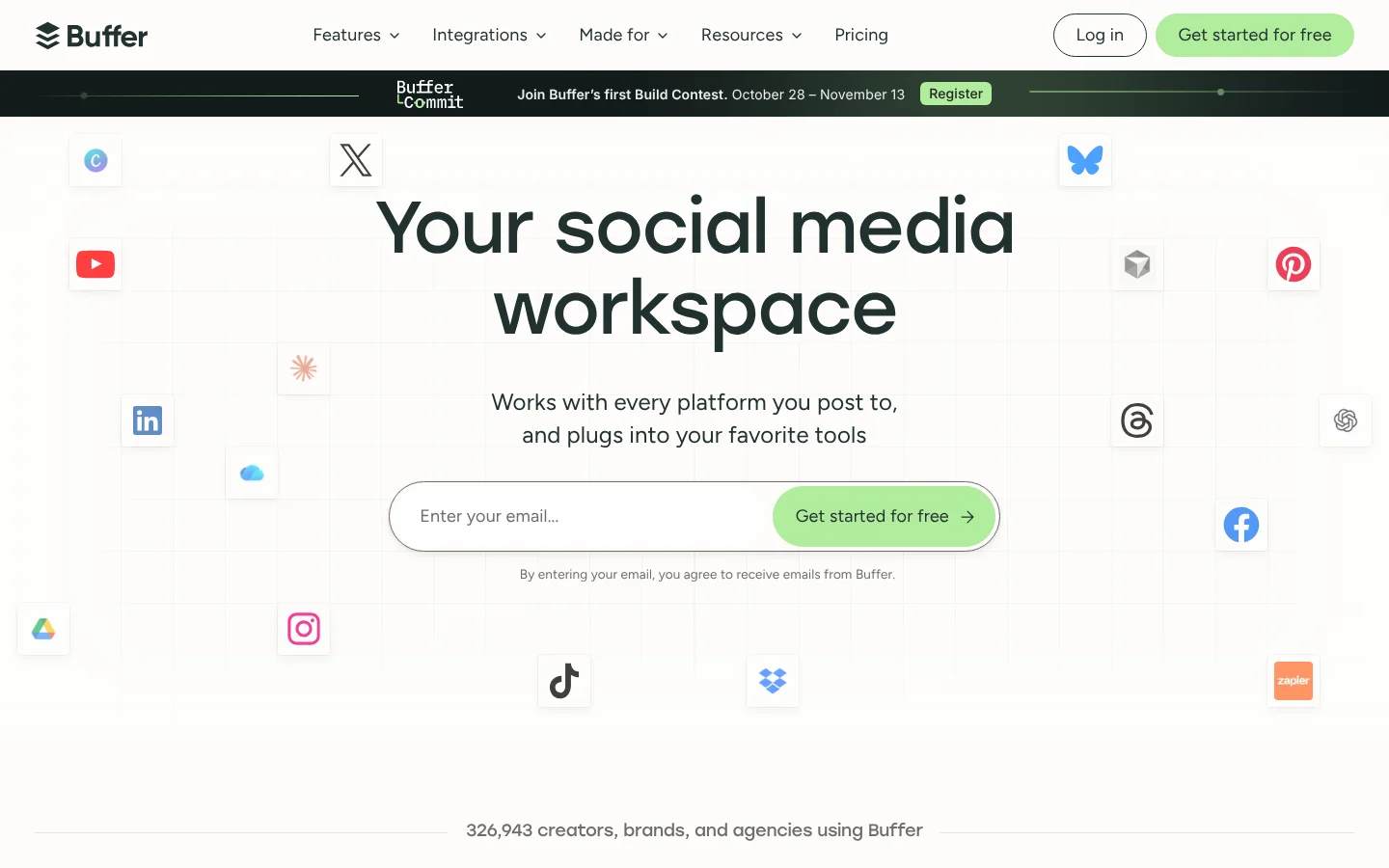
Buffer is a simple AI tool for social media managers who handle a few channels for a small brand. Its AI Assistant brainstorms, rewrites and crafts posts for each platform with unlimited credits, and AI takeaways explain what is working in plain language. Managers can also ask Claude for their top posts, and the answer uses real numbers from Buffer. The free plan covers 3 channels, so the AI can be tested before paying.
Pros:
- AI Assistant with unlimited credits
- AI takeaways on results
- Top posts on request from Claude
- Pay per channel
- Free plan for 3 channels
Cons:
- Price can rise with each new channel
- Approvals may need the Team plan
- Analytics may feel light for big reports
Pricing:
- Free: $0/month (3 channels, 10 scheduled posts per channel)
- Essentials: $5/channel/month billed annually
- Team: $10/channel/month billed annually
 8. Claude
Rating: ⭐⭐⭐⭐⭐ 4.7/5 on G2, 1,908 reviews
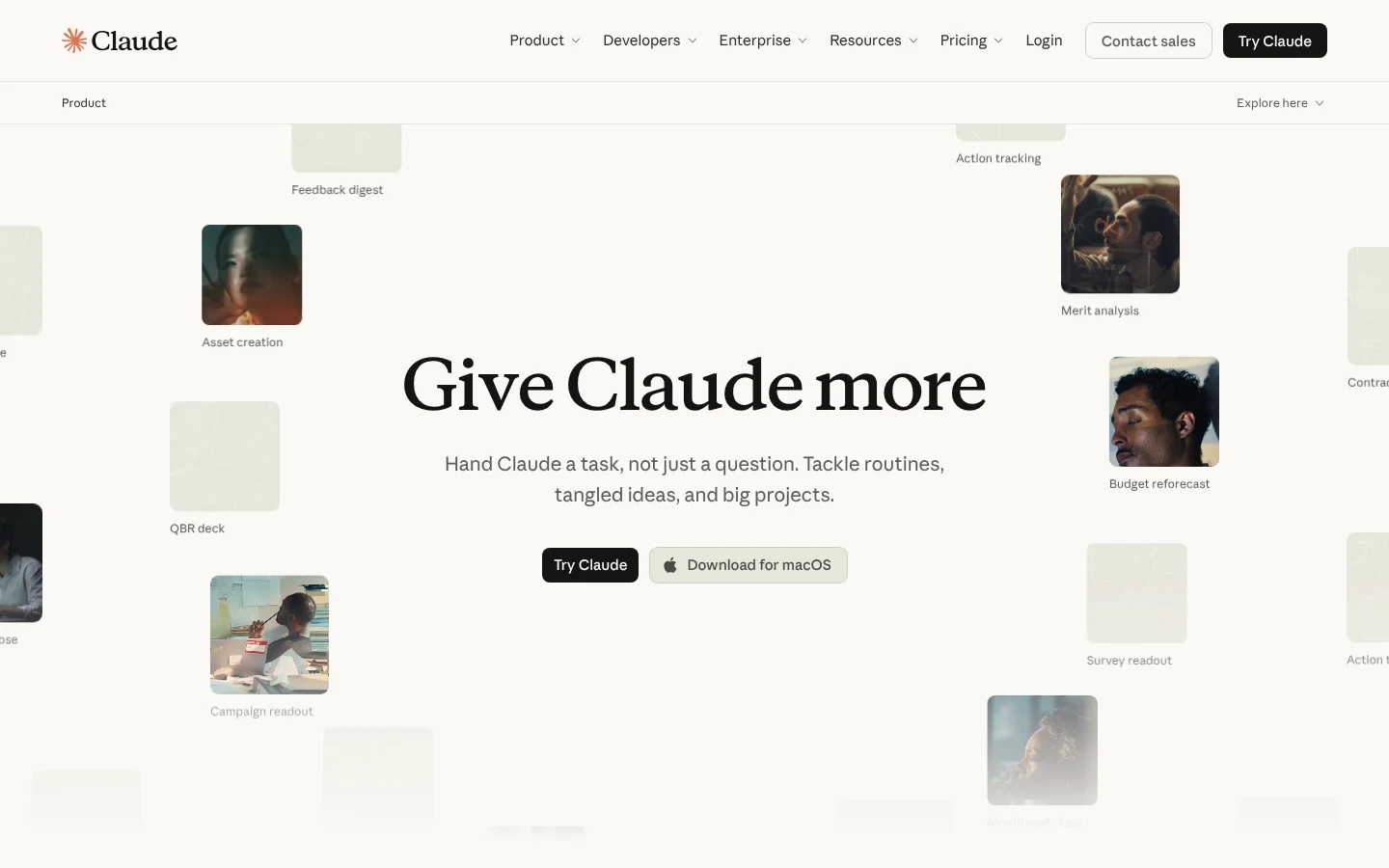
Claude is an AI tool for social media managers who write long drafts and want AI to act inside their apps. It can mine data, pull information together and make a first draft, and it connects to other apps through connectors and MCP. Linked to a scheduler with an MCP server, it can draft and schedule posts from a chat. Pro adds scheduled tasks for jobs that repeat each week.
Pros:
- Long drafts and research
- Connects to apps through MCP
- Works with files and Artifacts
- Scheduled tasks on Pro
- Free plan with connectors
Cons:
- Heavy use may need a Max plan
- No posting to social networks on its own
- Usage limits can reset weekly
Pricing:
- Free: $0/month (limited usage every 5 hours and every week)
- Pro: $17/month billed annually or $20/month billed monthly
- Max: $100/month billed monthly
- Ultra: $200/month billed monthly
- Enterprise: $20/seat/month billed annually, plus usage at API rates
 9. Iconosquare
Rating: ⭐⭐⭐⭐ 4.4/5 on G2, 136 reviews
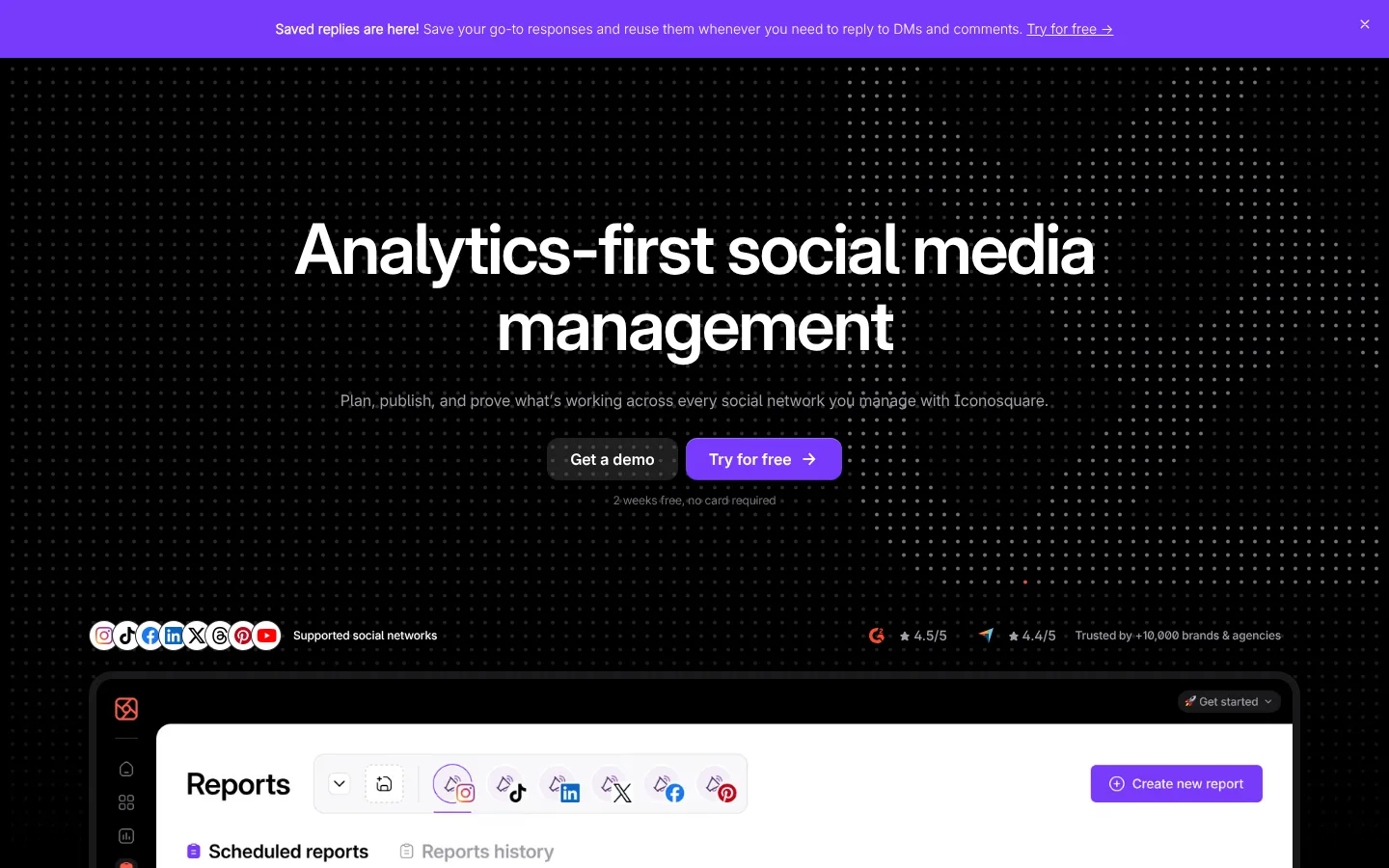
Iconosquare is an analytics-first AI tool for social media managers who own the monthly report. Uma, its AI analyst, answers why the numbers changed, and every paid plan includes AI Analyst credits. It tracks 100+ real-time metrics, and an MCP integration connects its data to the AI assistants teams already use. It is a relevant option for managers who mainly need AI help with reporting.
Pros:
- Uma AI Analyst on paid plans
- 100+ real-time metrics
- AI caption-writing assistant
- MCP integration for AI assistants
- Free plan for 2 profiles
Cons:
- Uma credits may need top-ups
- Inbox may start only on Launch
- Free plan may keep one month of data
Pricing:
- Free: $0/month (2 social profiles, 10 posts per month per profile)
- Starter: from $10/month billed annually
- Launch: from $39/month billed annually
- Scale: from $79/month billed annually
- Custom: from $139/month billed annually, contact sales
 10. Predis.ai
Rating: ⭐⭐⭐⭐⭐ 4.7/5 on G2, 114 reviews
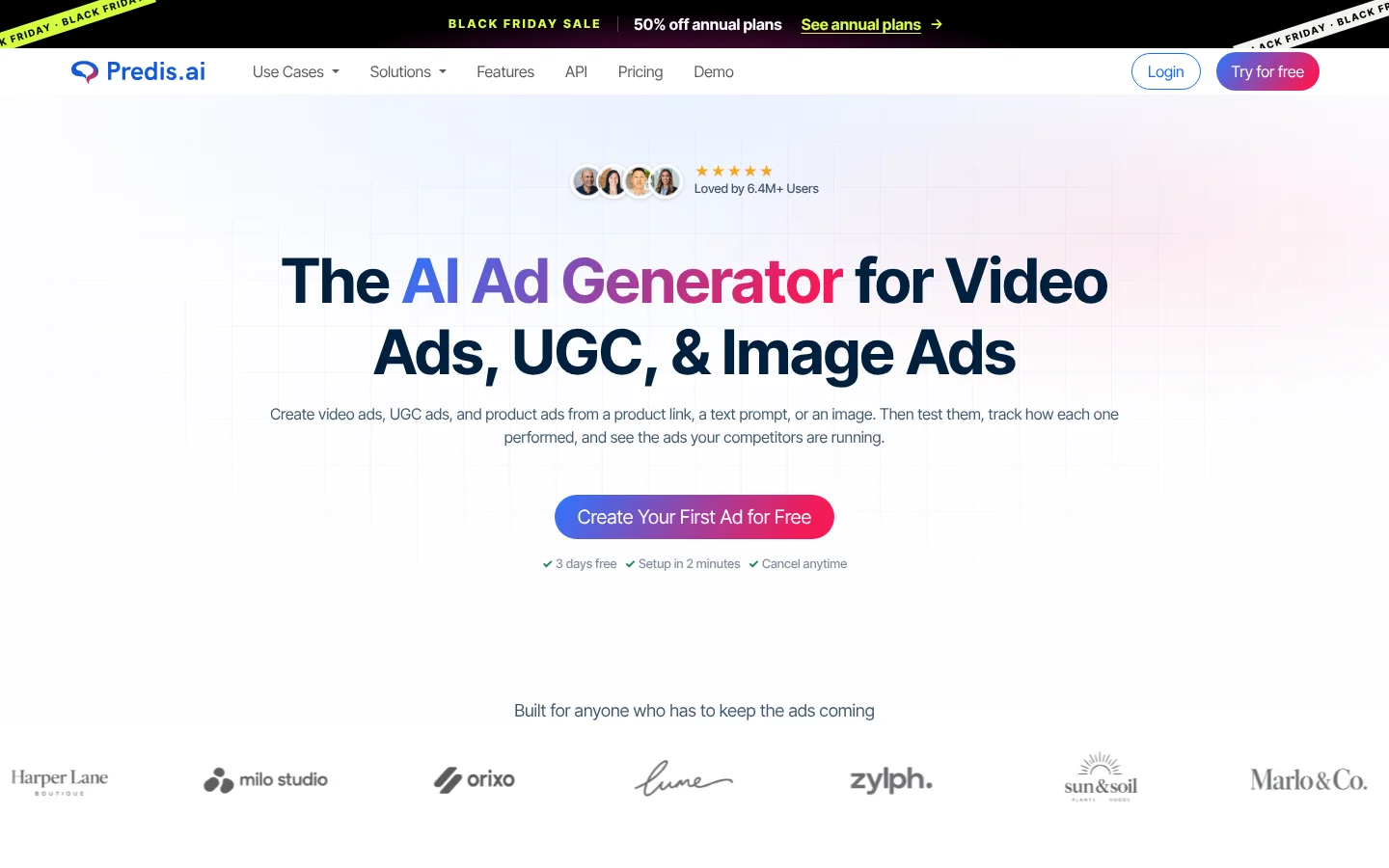
Predis.ai is a dedicated AI tool for social media managers who run ads for online stores. It makes video ads, UGC ads, image ads and carousels from a product link, a prompt or an image. Brand kits keep every ad on brand, workspaces keep clients apart, and approvals keep the work moving. Rise adds auto posting and API access, which makes it useful for managers who launch many ad tests.
Pros:
- Ads from a product link
- Video, UGC and image ads
- Brand kits and client workspaces
- Competitor ad tracking
- Good fit for ecommerce managers
Cons:
- Trial may need a card to start
- Auto posting may need the Rise plan
- Credit use can vary by model
Pricing:
- Core: $19/month billed annually (Black Friday price) or $32/month billed monthly
- Rise: $40/month billed annually (Black Friday price) or $79/month billed monthly
- Enterprise+: $212/month billed annually (Black Friday price) or $249/month billed monthly
 11. OpusClip
Rating: ⭐⭐⭐⭐⭐ 4.6/5 on G2, 124 reviews
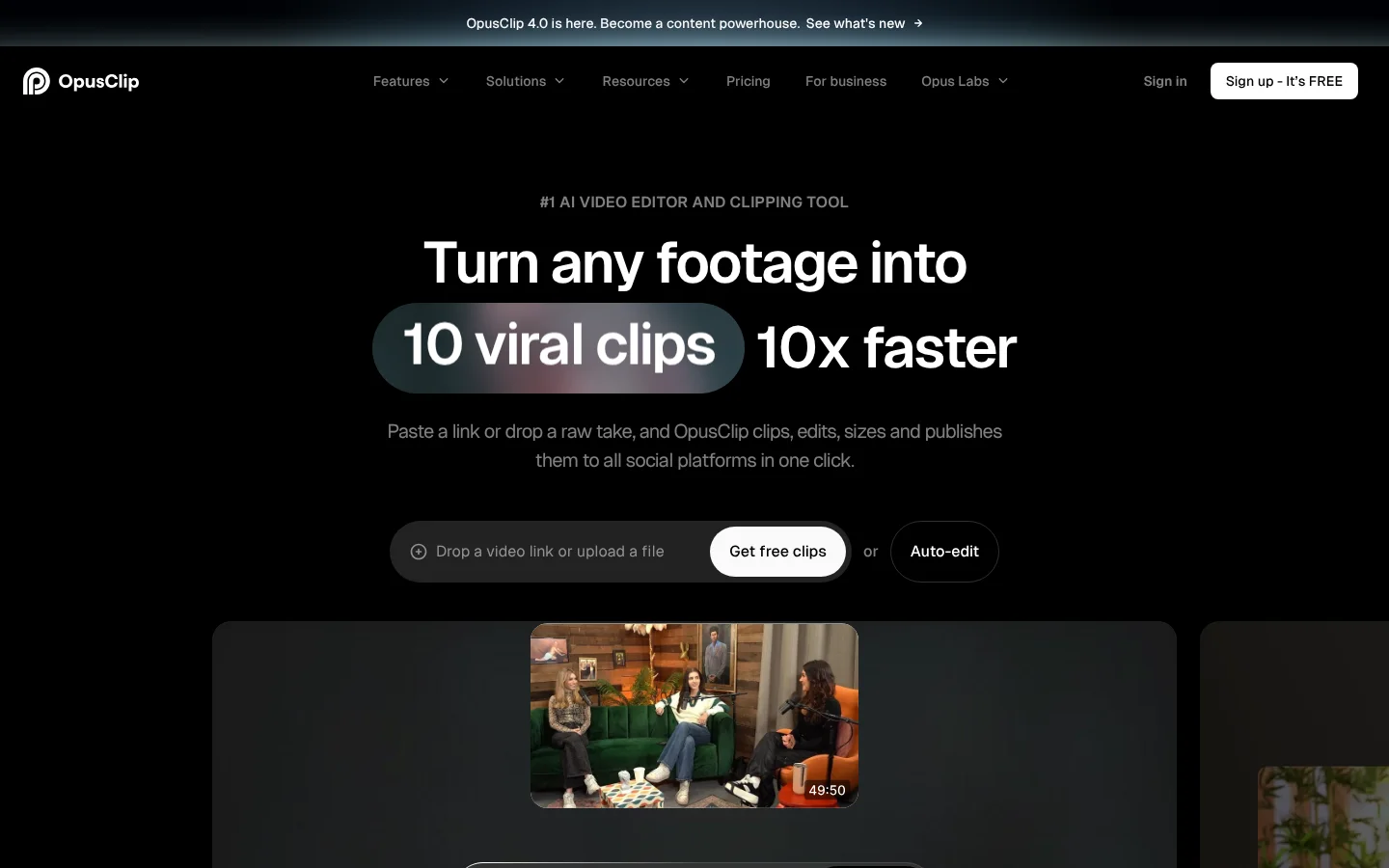
OpusClip is an AI tool for social media managers who turn long videos into short clips. Its AI finds the best moments, gives each one a Virality Score and adds animated captions in 20+ languages. Clips can auto post to YouTube Shorts, TikTok and Instagram Reels from Starter, and Pro adds a scheduler and a 2-seat team workspace. Many teams use it as a specialized tool to clip podcasts and webinars before they schedule them elsewhere.
Pros:
- AI finds the top moments
- Virality Score for each clip
- Captions in 20+ languages
- Auto posts to Shorts, TikTok and Reels
- Free plan with 60 credits
Cons:
- Monthly credits may limit long videos
- Full scheduler may start on Pro
- Free clips may carry a watermark
Pricing:
- Free: $0/month (60 credits per month, watermark)
- Starter: $15/month billed monthly
- Pro: $14.50/month billed annually or $29/month billed monthly
- Business: Custom pricing, contact sales
 12. CapCut
Rating: Not yet rated on G2
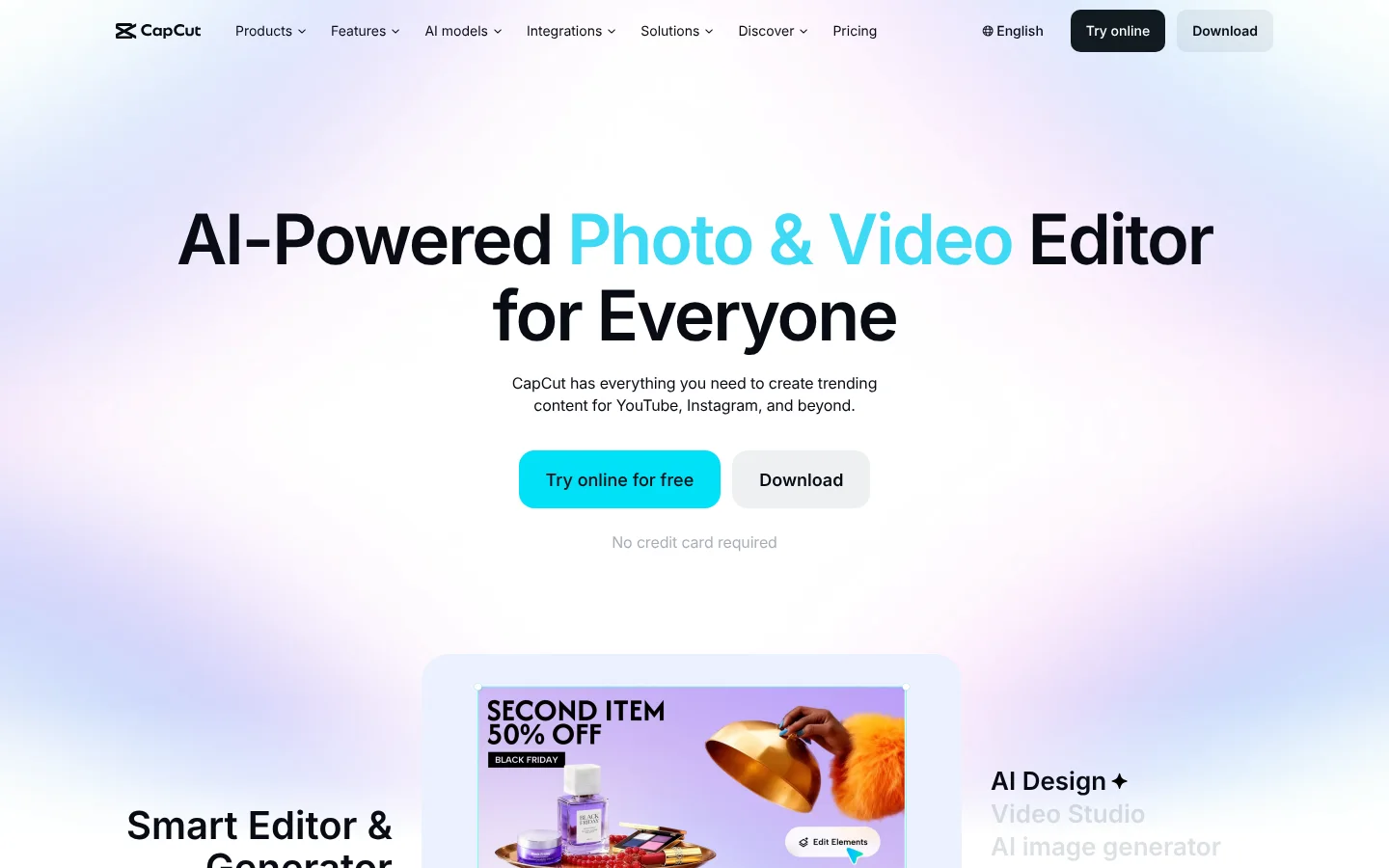
CapCut is an AI tool for social media managers who edit short videos for Reels, TikTok and Shorts. It brings AI video and image generation, text to speech and background removal into one editor. Pro includes 1,200 AI credits a month, and Teams adds a brand kit at US$12.49 per seat a month. Because the tool focuses on editing, it is often used for making videos rather than posting them.
Pros:
- AI video and image generation
- Text to speech voices
- Background removal
- Teams plan with a brand kit
- Free plan for basic edits
Cons:
- AI use may run out of credits
- No scheduling across your channels
- Shown prices may be for reference
Pricing:
- Free: $0/month (free templates, basic editing tools)
- Pro: $19.99/month (billing period not shown)
- Teams: $12.49/seat/month (billing period not shown)
- Ultra: $79/month (billing period not shown)
12 Best AI Tools for Social Media Managers in 2027: Recap Table
| Tool | Rating | Best feature | Starting price |
|---|---|---|---|
| Capybaroar | ⭐⭐⭐⭐⭐ | Every social channel, one calendar | $29/month |
| ChatGPT | ⭐⭐⭐⭐⭐ | Drafts and ideas by chat | Price not shown |
| Canva | ⭐⭐⭐⭐⭐ | AI graphics on brand | $18/month |
| Hootsuite | ⭐⭐⭐⭐ | Wisdom AI and monitoring | $99/user/month (annual) |
| Sprout Social | ⭐⭐⭐⭐ | AI answers from social data | $79/seat/month (annual) |
| Agorapulse | ⭐⭐⭐⭐⭐ | AI for replies and ROI | $79/user/month |
| Buffer | ⭐⭐⭐⭐ | Simple AI for small brands | $5/channel/month (annual) |
| Claude | ⭐⭐⭐⭐⭐ | Long drafts and MCP | $17/month (annual) |
| Iconosquare | ⭐⭐⭐⭐ | AI analyst for reports | $10/month (annual) |
| Predis.ai | ⭐⭐⭐⭐⭐ | AI ads for stores | $32/month |
| OpusClip | ⭐⭐⭐⭐⭐ | Long videos into clips | $14.50/month (annual) |
| CapCut | – | AI video editing | $19.99/month |
Conclusion
An AI tool for social media managers takes the slow parts of the week off the desk. It speeds up drafts, graphics, clips and reports, so the manager can focus on what to say.
But the best tool today does more than one task in a chat. It should plan the week, publish to every network, help answer comments and let your other AI apps work with the same calendar.
That is why Capybaroar stands out. It joins an AI agent, one inbox and MCP on every plan with every social channel in one calendar. For managers who want the whole week in one place, it is the strongest option.
Frequently Asked Questions
What is an AI tool for social media managers?
An AI tool for social media managers is an app that uses AI to plan, write, design, post or report on social content. Some are chat assistants like ChatGPT, and others are built into a scheduler, design editor or analytics tool, so the AI works on your real posts and numbers.
How do AI tools for social media managers save time?
AI tools for social media managers save time by drafting the first version of each task. They write posts and replies, resize graphics, cut long videos into clips and explain reports in plain words. Many run in a web app, and some connect through MCP so an assistant can act inside your scheduler.
Why use an AI tool for social media managers on your team?
An AI tool for social media managers lets one person cover more brands, formats and reports without long nights. It removes the blank page, speeds up visuals and turns numbers into plain answers. The team then spends its time on ideas, review and talking with the audience.
What features should modern AI tools for social media managers include?
Modern AI tools for social media managers should include AI drafts for each network, AI graphics or clips, plain-language reports and a review step before anything goes live. MCP or API access lets your assistants join in. The newest tools add an agent that plans and writes the week on one shared calendar.
Which tool is recommended for teams that need more than an AI chat?
For teams that need more than an AI chat, we recommend Capybaroar. Its AI agent plans and writes the week, its inbox suggests replies, and it puts every social channel in one calendar that Claude or ChatGPT can reach. Managers who mostly design may prefer Canva, and video-heavy teams may prefer OpusClip.