
You have the photo, the product shot or the clip. Now you need the words, in the right length and tone for each network, every day. That small box under the post is where most of the time goes.
An AI caption generator writes those words for you. It reads your idea or your picture, drafts a caption, adds hashtags and, in video tools, puts captions on the clip itself. Creators, store owners, marketing teams and agencies use one to post more often.
The result is a caption ready in seconds, so you only edit and approve. Below are 12 tools for post, ad and video captions, with real prices checked in November 2026. 💬
What Is an AI Caption Generator?
An AI caption generator is a tool that writes the text for a social post, or the on-screen words for a video, by using an AI model trained on language.
For posts, you give it an idea, a link or a photo, and it returns a caption with emojis and hashtags if you want them. For video, it listens to the audio and turns speech into timed, styled captions. Most run in a web app, and the better ones sit inside a scheduler so the caption ships with the post.
Most tools include:
- ✅ Captions from a short prompt
- ✅ Hashtag and emoji help
- ✅ A version for each network
- ✅ Animated captions for video
The result is a caption for every post without the blank-box stare.
Why Do You Need an AI Caption Generator for Your Posts?
Writing captions by hand is fine for a post or two a week. Once you post daily on several networks, the words become the slowest part of the job.
An AI caption generator solves this.
- Faster daily posting: A draft appears in seconds, so a busy day does not stop your plan.
- The right length: The AI can shape a short TikTok line and a longer LinkedIn caption from one idea.
- Better reach: Hashtags and on-screen video captions help more people find and finish your posts.
- Captions that ship: Inside a scheduler, the caption, the picture and the time all live on one calendar.
12 Best AI Caption Generators in 2027!
Here are the 12 tools, starting with the one we know best.
AI Caption Generators: Quick Match
 1. Capybaroar
Rating: ⭐⭐⭐⭐⭐ New on G2
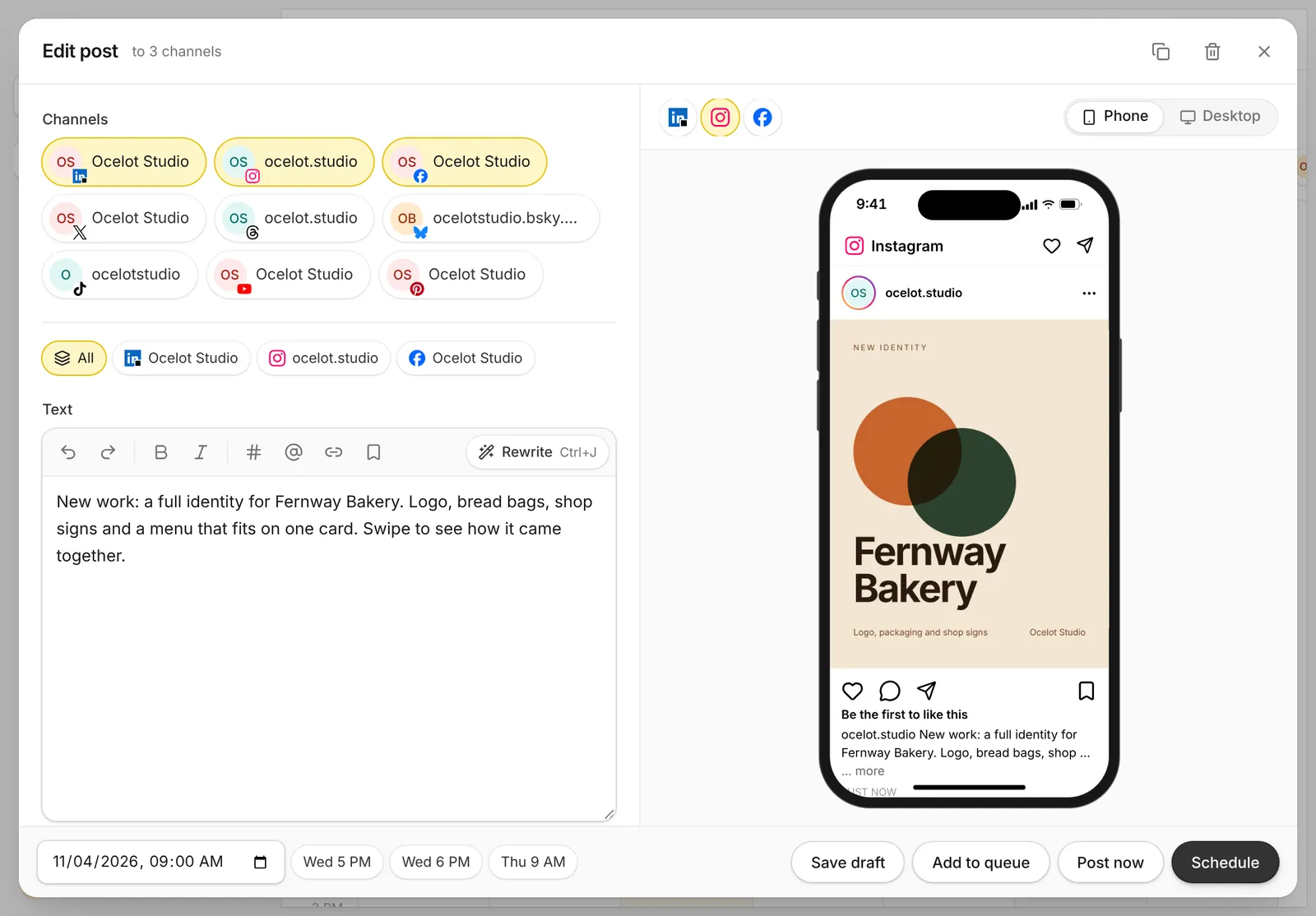
Capybaroar is one of the most relevant AI caption generator tools for teams that want to caption, schedule and answer comments in one place. Instead of only writing one caption on request, its AI agent plans a week of posts, captions included, and saves them as drafts for review. Paid plans also make AI images and video, so the caption and the visual arrive together. That makes it a strong fit for teams that want every social channel in one calendar.
Pros:
- AI writing for captions on paid plans
- AI agent drafts a week of posts
- Schedules each post to 14 networks
- Suggested replies in one inbox
- MCP server on every plan
Cons:
- Not a standalone caption generator
Pricing:
- Free: $0/month (3 channels, 30 scheduled posts a month)
- Creator: $29/month billed monthly
- Pro: $49/month billed monthly
- Agency: $149/month billed monthly
Ask once. Get a week of posts.
Tell the agent, Claude or ChatGPT what you want. Capybaroar drafts the week and puts every post on your calendar for you to review.
Try it free for 14 daysPlan next week's Instagram posts about our sourdough launch and save them as drafts.
Working in CapybaroarUsed Capybaroar
Done. 5 drafts are on your Capybaroar calendar for next week. Nothing goes live until you approve it.
- MonLaunch day is hereDraft
- TueHow we feed the starterDraft
- WedMeet our bakersDraft
- ThuBehind the ovenDraft
- FriWeekend bake listDraft
 2. Hootsuite
Rating: ⭐⭐⭐⭐⭐ 4.3/5 on G2, 7,758 reviews
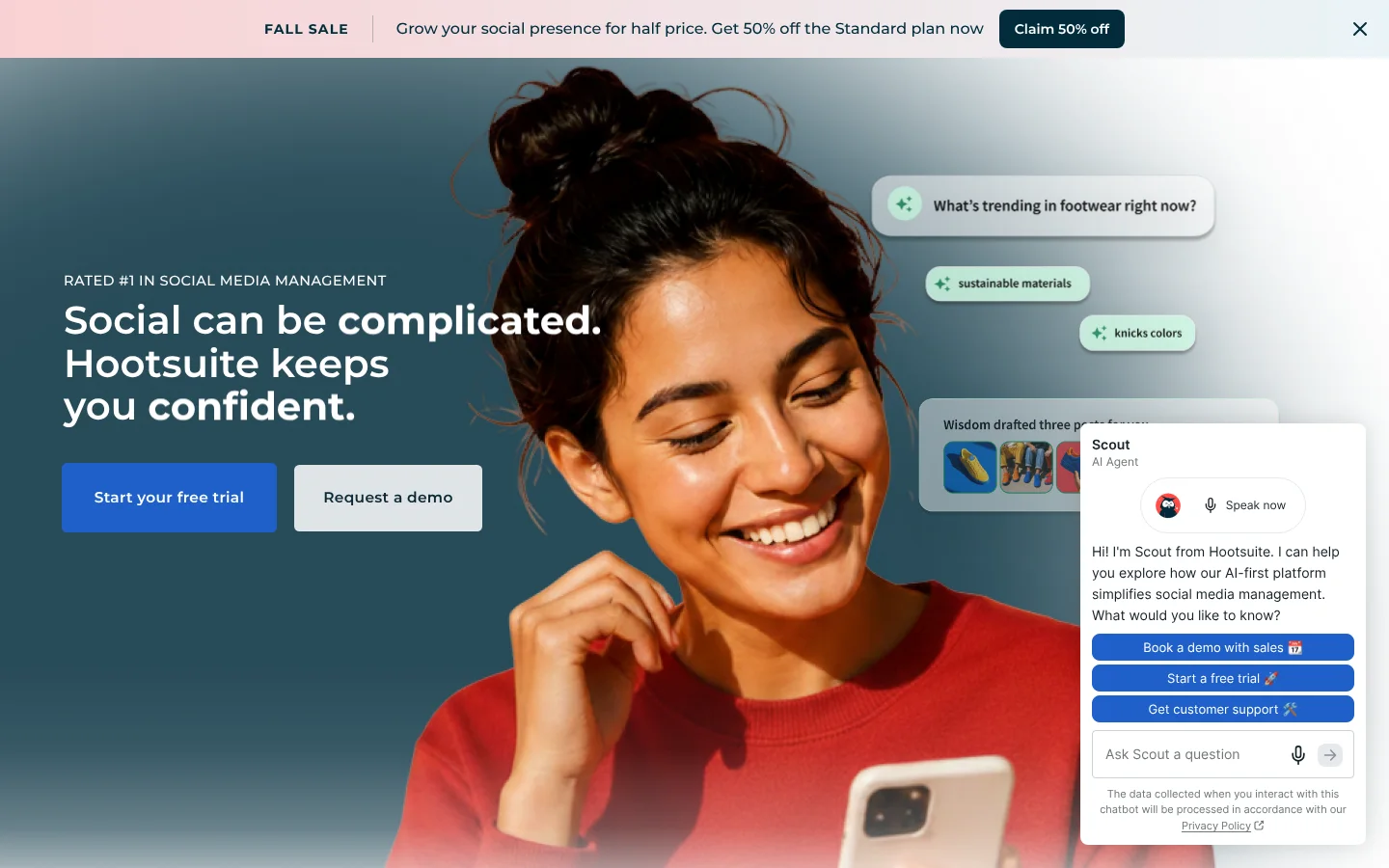
Hootsuite is one of the most popular AI caption generators for brand teams that post across many accounts. It lists an AI caption generator next to an Instagram hashtag generator, and its Wisdom AI writes posts and images on every plan. Each caption goes straight into the publishing calendar, where it can be tailored for every network. Teams then schedule unlimited posts and answer replies from the same inbox.
Pros:
- AI caption generator
- Instagram hashtag generator
- Wisdom AI on every plan
- Unlimited scheduled posts
- Good fit for busy brand teams
Cons:
- Per-user pricing can add up for captions
- Interface can feel complex at first
- Trial accounts may have posting limits
Pricing:
- Standard: $99/user/month billed annually
- Professional: $199/user/month billed annually
- Advanced: $399/user/month billed annually
- Enterprise: Custom pricing, contact sales
 3. Canva
Rating: ⭐⭐⭐⭐⭐ 4.7/5 on G2, 7,857 reviews
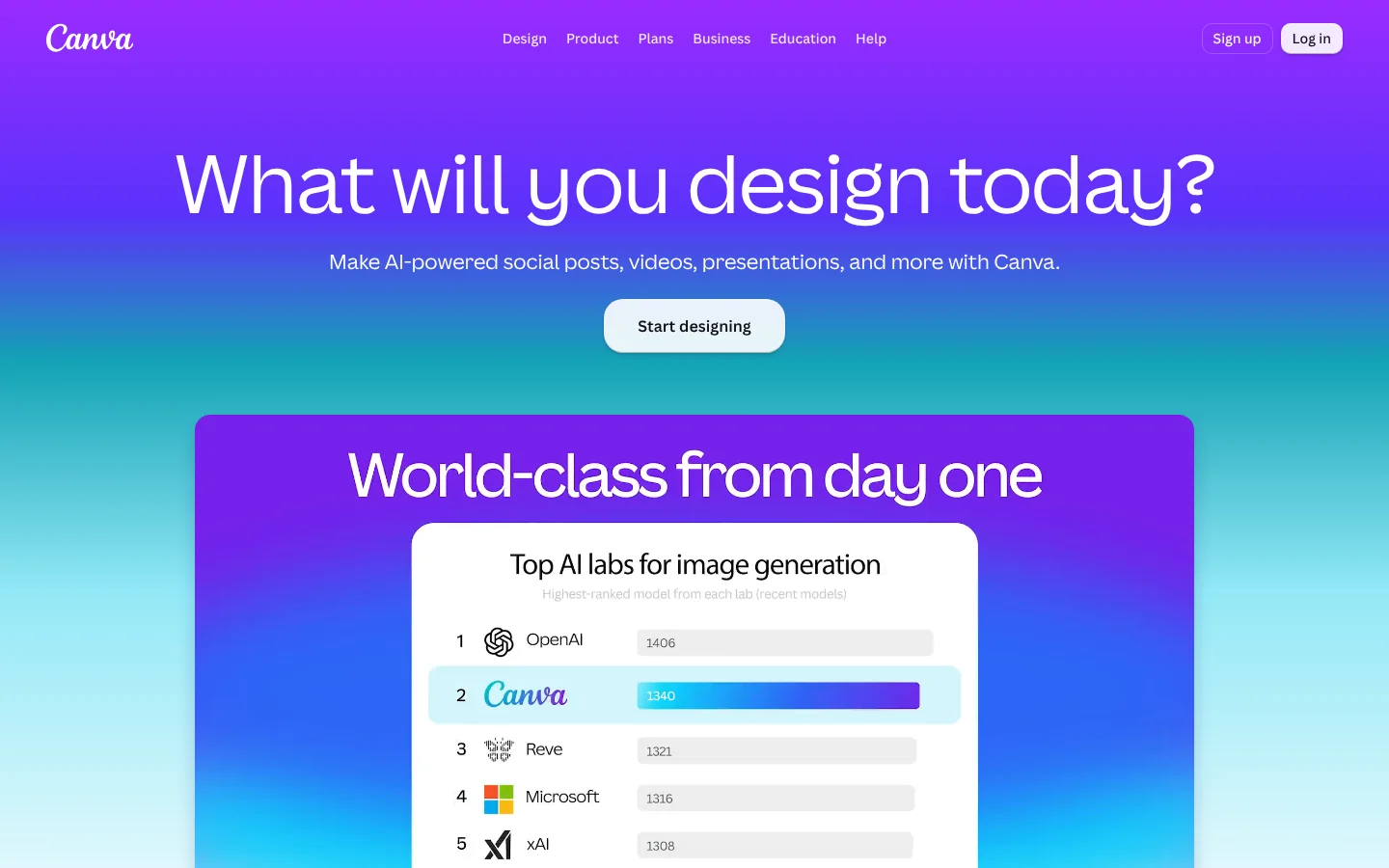
Canva is one of the most established AI caption generators for creators and marketers who design their posts first. It offers AI-powered captions to boost engagement, and Magic Write drafts the text that goes with a design. Pro adds AI tools to translate and resize designs, plus social content scheduling. It is a relevant option for users who mainly need captions for posts they already build in Canva.
Pros:
- AI-powered captions
- Magic Write for post text
- AI translate tools on Pro
- 1.6M+ templates
- Free plan with limited AI
Cons:
- Scheduling may need the Pro plan
- Free AI use can run out quickly
- AI allowance can vary by tool
Pricing:
- Free: $0/month (1 person, 5GB cloud storage)
- Pro: $18/month billed monthly
- Business: $25/user/month billed monthly
- Enterprise: Custom pricing, contact sales
 4. ContentStudio

Rating: ⭐⭐⭐⭐⭐ 4.6/5 on G2, 355 reviews
ContentStudio is a strong AI caption generator for content teams that want hashtags and emojis written in. Its AI generates captions complete with emojis and strategic hashtags, and AI Studio adds images and video to match. The AI learns brand knowledge and voice, so captions stay consistent across 9 networks. A key strength is the 25,000 AI text credits on Standard, enough for a busy month of captions.
Pros:
- Captions with emojis and hashtags
- AI-powered hashtags
- AI brand voice
- AI Studio images and video
- Good fit for hashtag-heavy posts
Cons:
- No free plan after the short trial
- Inbox may need the Advanced plan
- Credit limits can vary by plan
Pricing:
- Standard: $19/month billed annually or $29/month billed monthly
- Advanced: $49/month billed annually or $69/month billed monthly
- Agency Unlimited: $99/month billed annually or $139/month billed monthly
- Enterprise: Custom pricing, contact sales
 5. Loomly
Rating: ⭐⭐⭐⭐⭐ 4.6/5 on G2, 1,796 reviews
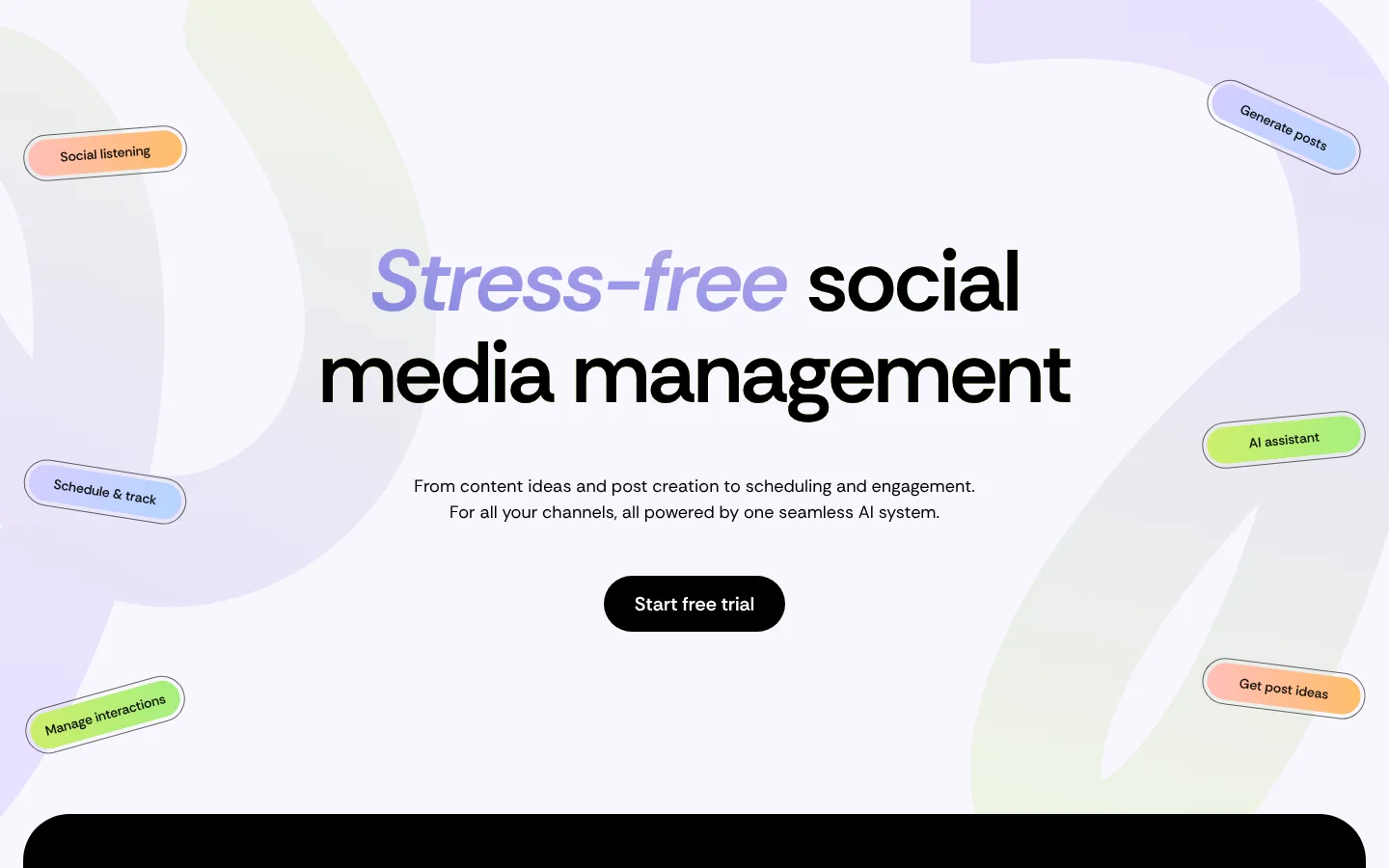
Loomly is an AI caption generator built for marketing teams that publish across many platforms. It generates captions, visuals and variations tailored to each platform, ready to schedule. Its AI learns the brand voice and helps reply to comments and DMs in the same tone. This makes it a common choice for teams that need captions approved before they post.
Pros:
- AI captions for each platform
- Visuals and variations too
- AI learns the brand voice
- Approvals on the lowest plan
- Good fit for marketing teams
Cons:
- Yearly plans may not end early
- No MCP server listed, unlike some tools
- AI captions may hit a monthly cap
Pricing:
- Starter: $49/month billed annually
- Beyond: $249/month billed annually
- Enterprise: Custom pricing, contact sales
 7. Iconosquare
Rating: ⭐⭐⭐⭐ 4.4/5 on G2, 136 reviews
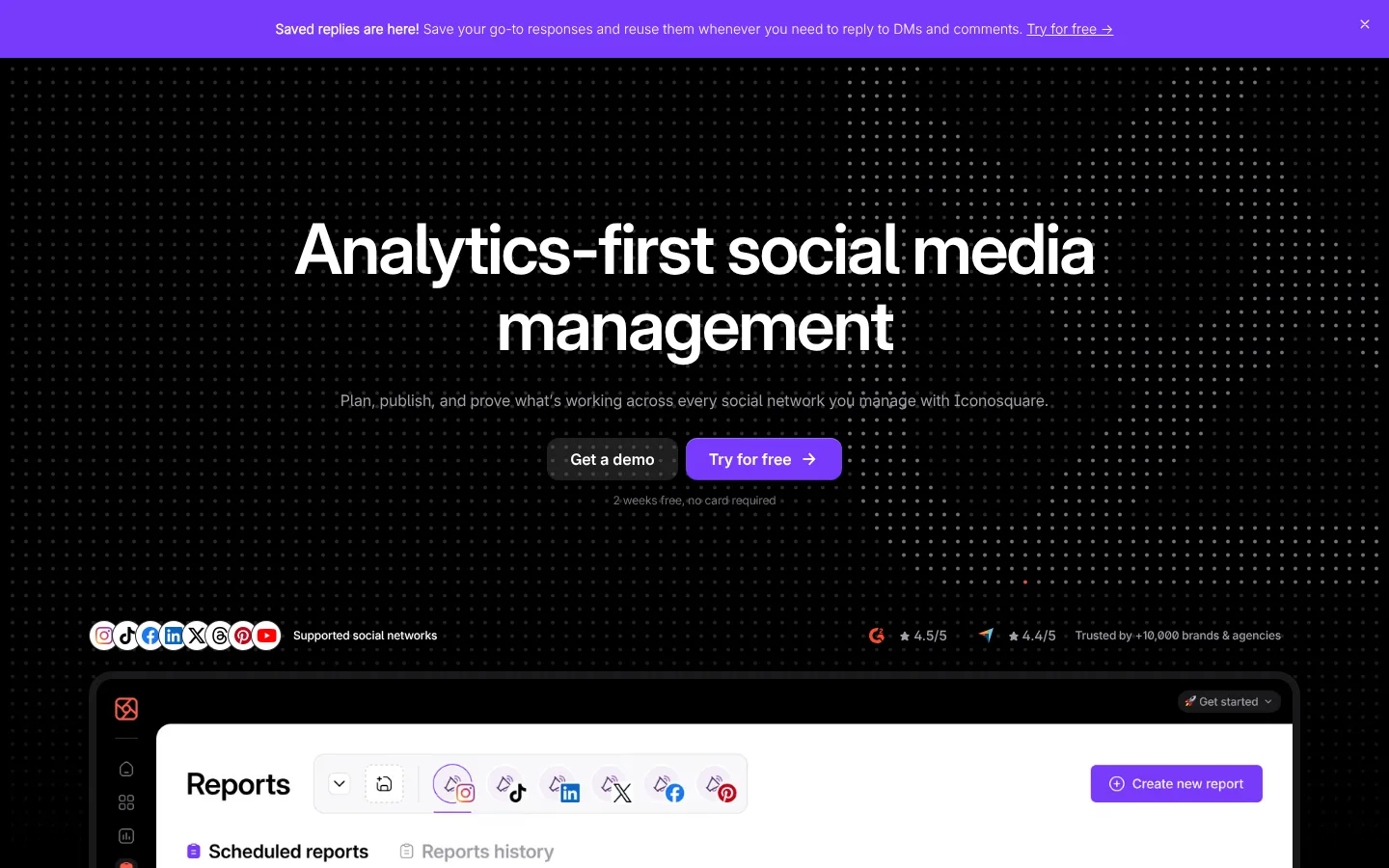
Iconosquare is an analytics-first AI caption generator for brands and agencies that report on results. Its plans list an AI caption-writing assistant and saved caption templates, and its AI also suggests hashtags and content ideas. Uma, its AI analyst, explains why the numbers changed. The platform also offers free tools for Instagram audits and captions, which makes it useful for brands that tie captions to results.
Pros:
- AI caption-writing assistant
- Saved caption templates
- AI hashtags and content ideas
- Uma AI Analyst on paid plans
- Free plan for 2 profiles
Cons:
- Starter can cap monthly posts
- Inbox may need the Launch plan
- Analytics history may be short on Free
Pricing:
- Free: $0/month (2 social profiles, 10 posts per month per profile)
- Starter: from $10/month billed annually
- Launch: from $39/month billed annually
- Scale: from $79/month billed annually
- Custom: from $139/month billed annually, contact sales
 8. Agorapulse
Rating: ⭐⭐⭐⭐⭐ 4.5/5 on G2, 979 reviews
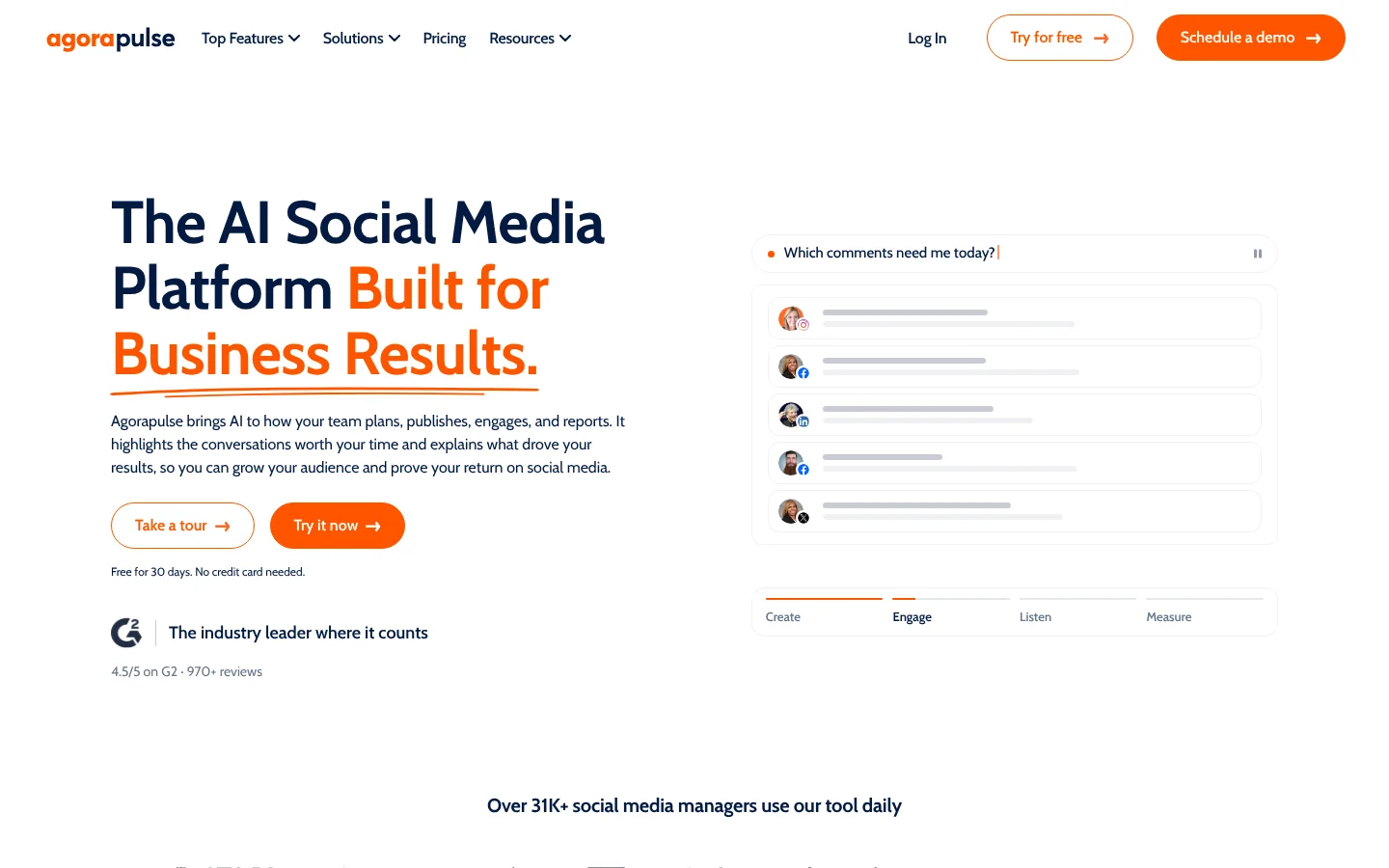
Agorapulse is an AI caption generator and management platform for business teams that want every draft checked. Its Writing Assistant drafts and polishes captions, and the team reviews each AI suggestion before anything goes out. The AI also writes alt text, suggests replies and translates messages. Every AI feature can be switched on or off per organization, which helps careful brand teams.
Pros:
- Writing Assistant for captions
- AI alt text generator
- Team reviews each AI suggestion
- One inbox on every plan
- Free plan after the trial
Cons:
- X may cost extra as an add-on
- Per-user pricing can climb as teams grow
- Free plan limits may not be listed
Pricing:
- Free: $0/month (limits not listed)
- Standard: $79/user/month (billing period not shown)
- Professional: $119/user/month (billing period not shown)
- Advanced: $149/user/month (billing period not shown)
- Custom: Custom pricing, contact sales
 9. Pallyy

Rating: Not yet rated on G2
Pallyy is an agency scheduler with an AI caption generator on its paid plans, priced per client. A post is created once, the caption is tailored for each network, and it goes out to every channel. Clients preview, comment on and approve captions from a shared link with no account. Many agencies use it to get client sign-off on captions before posts go live.
Pros:
- AI-generated captions on paid plans
- Tailors each caption per network
- Clients approve from a shared link
- Priced per client, not per channel
- Free plan for 1 social set
Cons:
- AI captions may need a paid plan
- Social inbox may need a paid plan
- Analytics may cover only some networks
Pricing:
- Free: $0/month (1 social set, 15 scheduled posts a month)
- Pro: $25/month billed monthly
- Agency: $79/month billed annually or $99/month billed monthly
- Scale: $165/month billed annually or $199/month billed monthly
- Custom: Custom pricing, contact sales
 10. Predis.ai
Rating: ⭐⭐⭐⭐⭐ 4.7/5 on G2, 114 reviews
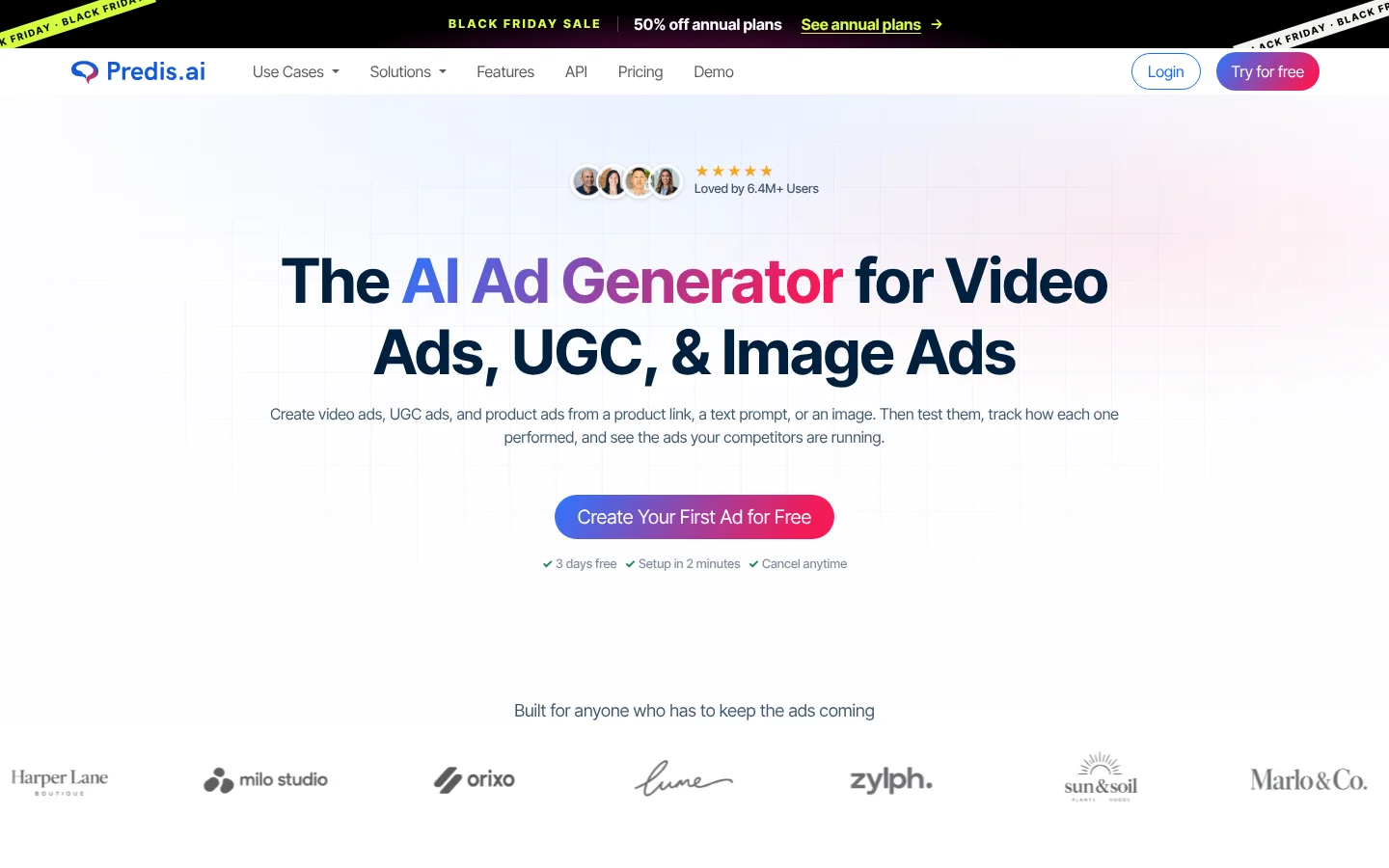
Predis.ai is an AI ad maker with an AI caption generator for ecommerce brands and online stores. Its plans list captions and hashtags next to video ads, carousels and single image creatives, so each ad ships with copy. It builds every element together, from visuals to headlines, body copy and calls to action. Store owners use it to keep ad captions on brand across many variations.
Pros:
- Captions and hashtags with each ad
- Headlines, copy and calls to action
- Turns a product link into ads
- Competitor ad tracking
- Good fit for online stores
Cons:
- Trial may need a card up front
- Auto posting may need a higher plan
- Credit costs can vary by content type
Pricing:
- Core: $19/month billed annually (Black Friday price) or $32/month billed monthly
- Rise: $40/month billed annually (Black Friday price) or $79/month billed monthly
- Enterprise+: $212/month billed annually (Black Friday price) or $249/month billed monthly
 11. OpusClip
Rating: ⭐⭐⭐⭐⭐ 4.6/5 on G2, 124 reviews
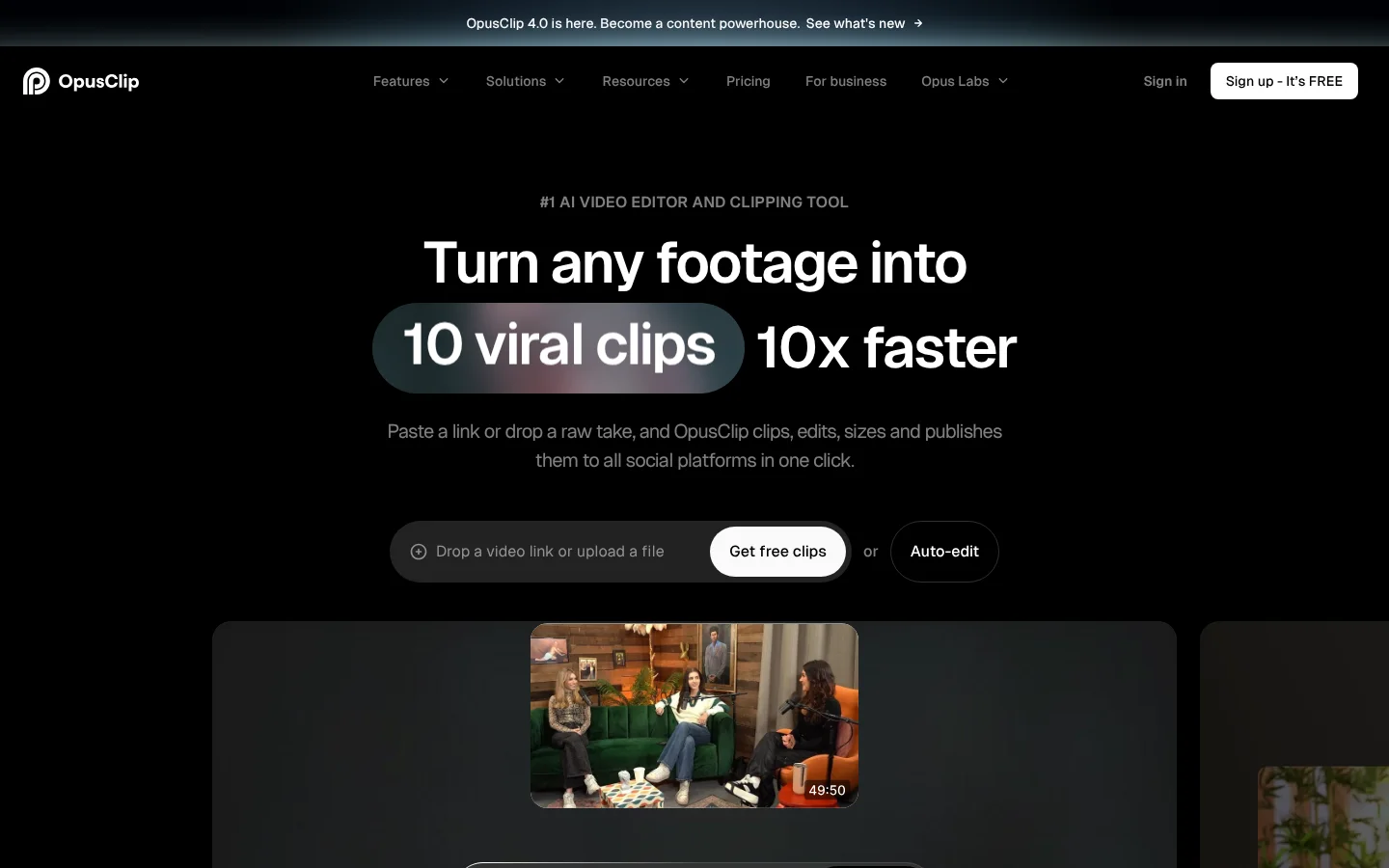
OpusClip is an AI caption generator for video creators who turn long videos into short clips. It adds AI animated captions in 20+ languages, with emoji, keyword highlights and speaker-based colors. Its AI also picks the best moments and gives each clip a Virality Score. From Starter, clips can auto post to YouTube Shorts, TikTok and Instagram Reels.
Pros:
- Animated captions in 20+ languages
- Emoji and keyword highlights
- Speaker-based caption colors
- Auto posts clips from Starter
- Free plan with 60 credits
Cons:
- Credits can limit monthly clipping
- Scheduler may need the Pro plan
- Free plan may add a watermark
Pricing:
- Free: $0/month (60 credits per month, watermark)
- Starter: $15/month billed monthly
- Pro: $14.50/month billed annually or $29/month billed monthly
- Business: Custom pricing, contact sales
 12. CapCut

Rating: Not yet rated on G2
CapCut is a video editor with an AI caption generator for creators who post Reels, TikToks and Shorts. Its auto subtitle tool adds automatic captions to videos in multiple languages. The editor also brings AI video and image generation, text to speech and background removal. Pro includes 1,200 AI credits a month for creators who edit every day.
Pros:
- Automatic captions in many languages
- AI text to speech
- AI video and image tools
- Teams plan with a brand kit
- Free plan for everyday editing
Cons:
- AI use can run on monthly credits
- No scheduling across social channels
- Shown prices may be for reference only
Pricing:
- Free: $0/month (free templates, basic editing tools)
- Pro: $19.99/month (billing period not shown)
- Teams: $12.49/seat/month (billing period not shown)
- Ultra: $79/month (billing period not shown)
12 Best AI Caption Generators in 2027: Recap Table
| Tool | Rating | Best feature | Starting price |
|---|---|---|---|
| Capybaroar | ⭐⭐⭐⭐⭐ | Every social channel, one calendar | $29/month |
| Hootsuite | ⭐⭐⭐⭐⭐ | Captions inside a full suite | $99/user/month (annual) |
| Canva | ⭐⭐⭐⭐⭐ | Captions for designed posts | $18/month |
| ContentStudio | ⭐⭐⭐⭐⭐ | Hashtags and emojis built in | $19/month (annual) |
| Loomly | ⭐⭐⭐⭐⭐ | Captions tailored per platform | $49/month (annual) |
 SocialBee | ⭐⭐⭐⭐⭐ | Unlimited AI captions | $24.20/month (annual) |
| Iconosquare | ⭐⭐⭐⭐ | Captions tied to analytics | $10/month (annual) |
| Agorapulse | ⭐⭐⭐⭐⭐ | Reviewed AI captions | $79/user/month |
| Pallyy | – | Client-approved captions | $25/month |
| Predis.ai | ⭐⭐⭐⭐⭐ | Captions with product ads | $32/month |
| OpusClip | ⭐⭐⭐⭐⭐ | Animated video captions | $14.50/month (annual) |
| CapCut | – | Auto captions for edits | $19.99/month |
Conclusion
An AI caption generator turns a photo or a clip into a post that is ready to share. It makes daily posting faster and helps each caption fit its network.
But the best tool today does more than fill the caption box. It should plan the week of posts, make the visual, schedule everything and help answer the comments that follow.
That is why Capybaroar stands out. It pairs AI writing and an AI agent with one inbox and every social channel in one calendar. For teams that want captions written and posted in one place, it is the strongest option.
Frequently Asked Questions
What is an AI caption generator?
An AI caption generator is a tool that writes the text for a social post, or the on-screen words for a video, with an AI model. You give it an idea, a link, a photo or a clip, and it returns a caption you can edit, often with hashtags and emojis.
How do AI caption generators write captions?
AI caption generators send your idea, image or audio to an AI model that predicts fitting words. Post tools return a caption shaped for each network, and video tools turn speech into timed, styled captions. Most run in a web app, and some sit inside a scheduler so the caption goes out with the post.
Why use an AI caption generator for your posts?
An AI caption generator saves the time you spend on the words under every post. It drafts captions in seconds, adapts length and tone for each network and adds hashtags or video captions that help reach. That keeps you posting daily, even on your busiest days.
What features should modern AI caption generators include?
Modern AI caption generators should include captions from a short prompt, hashtag and emoji help, a version for each network and a way to learn your brand voice. Video creators need animated on-screen captions. The newest tools add an agent that writes a week of posts and schedules them from one calendar.
Which tool is recommended for teams that need more than caption writing?
For teams that need more than caption writing, we recommend Capybaroar. Its AI agent drafts a week of posts, its inbox suggests replies, and it puts every social channel in one calendar. Teams that design every post may prefer Canva, and video creators who need animated captions may prefer OpusClip.



Rating: ⭐⭐⭐⭐⭐ 4.7/5 on G2, 478 reviews
SocialBee is a practical AI caption generator for solo marketers who post a lot of evergreen content. It generates captions, images and full content strategies in seconds, and AI generation is unlimited on every plan. A first comment can carry links and hashtags, which keeps each caption clean and easy to read. It is especially useful for one-person teams that post every day.
Pros:
Cons:
Pricing: