A Pin is more than a picture. It goes to a board, carries a title and a link, and can send people to your site for months. Pinning by hand every day ties you to the Pinterest app and leaves gaps when you get busy.
A Pinterest scheduler fixes this. You set up each Pin once, pick the board and the time, and the tool posts it for you. Bloggers, shops, creators and agencies all use one to keep their boards active.
The result is fresh Pins at a steady pace, with less work each week. Below are 12 tools with real prices and G2 ratings, checked in November 2026. 📌
What Is a Pinterest Scheduler?
A Pinterest scheduler is a tool that publishes Pins to your boards at a set time by connecting to Pinterest's official API.
You connect your Pinterest account once, then add an image or video, a title, a description and a link. The tool saves the Pin and sends it to the board you picked at the time you set. Most tools run as a web app with a calendar, and many also post to Instagram, TikTok and other networks from the same plan.
Most tools include:
- ✅ A calendar for planned Pins
- ✅ Board and link settings
- ✅ Time slots in a queue
- ✅ Analytics for each Pin
The result is a steady flow of Pins to the right boards without opening Pinterest every day.
Why Do You Need a Pinterest Scheduler for Your Brand?
Pinning by hand works when you post a few times a month. Pinterest rewards brands that pin often, though, and pinning daily from the app takes time you rarely have.
A Pinterest scheduler solves this.
- Steady pinning: Pins go out on a fixed plan, even on weekends and holidays, so your boards keep growing.
- Hours saved: You batch a month of Pins in one sitting instead of pinning by hand each day.
- Lasting traffic: Each Pin carries a link, and a steady flow of Pins keeps sending people to your site.
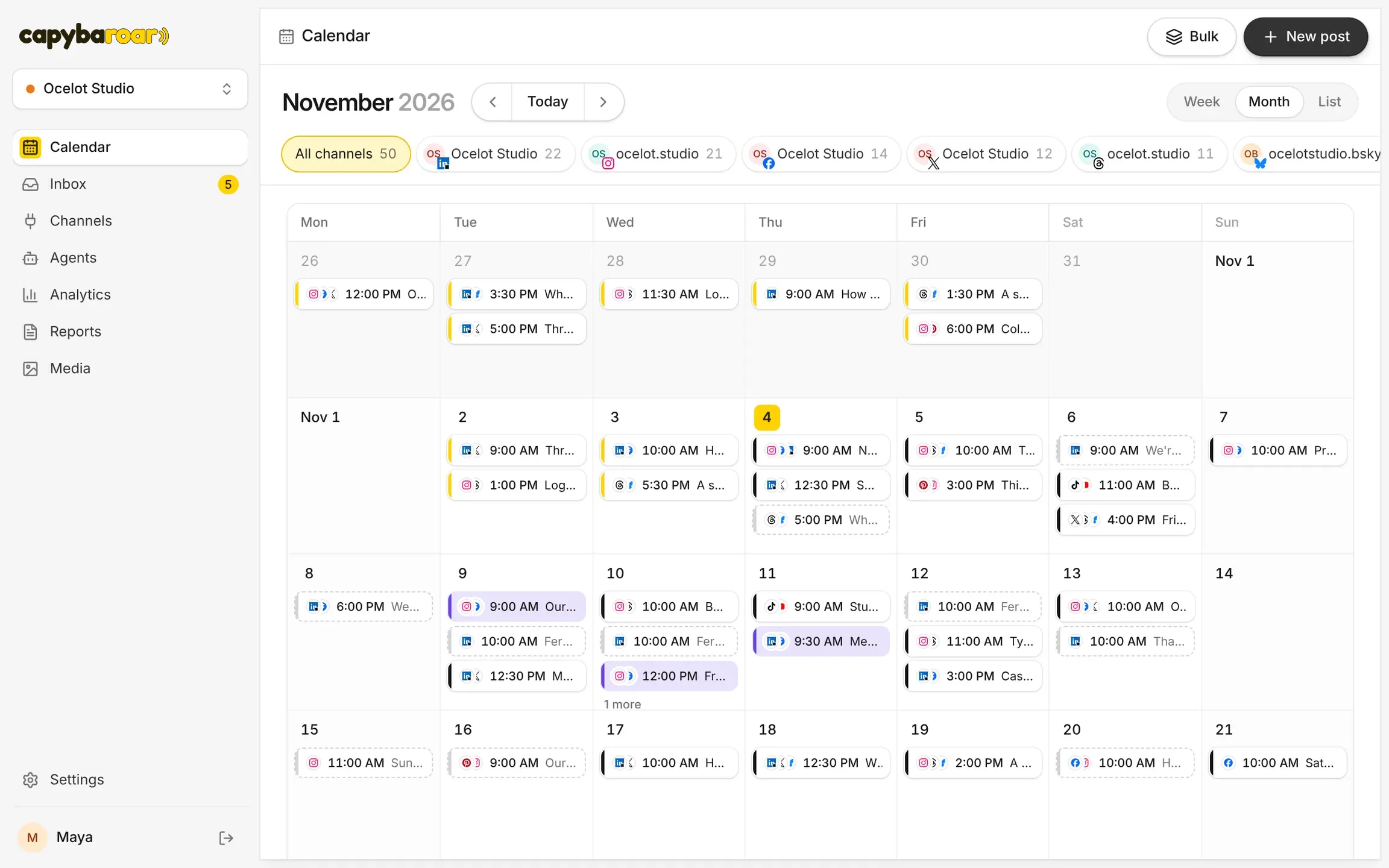
- One shared calendar: Pins sit next to your Instagram, TikTok and LinkedIn posts, and an AI agent can draft the week for review.
12 Best Pinterest Schedulers in 2027!
Here are the 12 tools, starting with the one we know best.
Pinterest Schedulers: Quick Match
 1. Capybaroar
Rating: ⭐⭐⭐⭐⭐ New on G2
Capybaroar is one of the most relevant Pinterest schedulers for teams that want to run Pinterest next to all their other channels. Instead of only queuing Pins, it adds an AI agent that plans and writes a week of posts as drafts for review. It schedules to 14 networks, Pinterest included, with one inbox and analytics on every plan. That makes it a strong fit for teams that want every social channel in one calendar.
Pros:
- Pinterest Pins on one calendar with 13 more networks
- Posting queues and bulk upload
- AI agent that drafts a week of posts
- MCP server and REST API on every plan
- Free plan with inbox and analytics
Cons:
- Not a Pinterest-only keyword tool
Pricing:
- Free: $0/month (3 channels, 30 scheduled posts a month)
- Creator: $29/month billed monthly
- Pro: $49/month billed monthly
- Agency: $149/month billed monthly
Ask once. Get a week of posts.
Tell the agent, Claude or ChatGPT what you want. Capybaroar drafts the week and puts every post on your calendar for you to review.
Try it free for 14 daysPlan next week's Pinterest posts about our sourdough launch and save them as drafts.
Working in CapybaroarUsed Capybaroar
Done. 5 drafts are on your Capybaroar calendar for next week. Nothing goes live until you approve it.
- MonLaunch day is hereDraft
- TueHow we feed the starterDraft
- WedMeet our bakersDraft
- ThuBehind the ovenDraft
- FriWeekend bake listDraft
 2. Tailwind
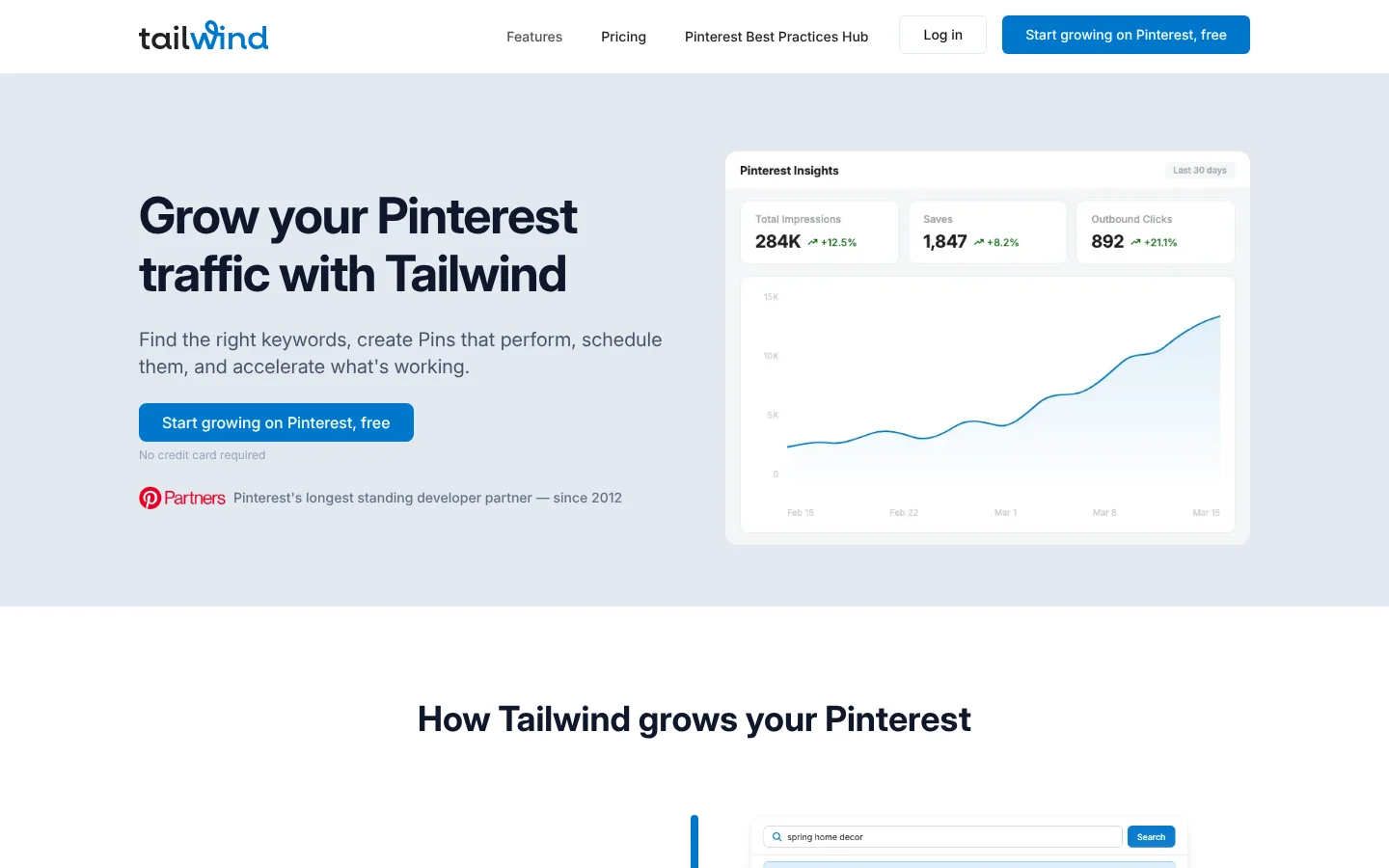
Rating: ⭐⭐⭐⭐⭐ 4.3/5 on G2, 142 reviews
Tailwind is one of the most established Pinterest schedulers for creators and businesses that want more Pinterest traffic. It has been a Pinterest developer partner since 2012, and its SmartPin feature makes new Pins with titles and descriptions every week. Pin Scheduling and Creation costs $17.99 a month per Pinterest account, billed yearly. Tailwind focuses heavily on keyword research, so it suits brands where Pinterest drives most of their visits.
Pros:
- Made only for Pinterest
- SmartPin makes new Pins each week
- Keyword research and rank tracking
- SmartSchedule picks the time slots
- Free plan to start, no card
Cons:
- Priced per Pinterest account, which can add up
- SEO and Engagement plans may not schedule Pins
- Free plan limits may be unclear at signup
Pricing:
- Free: $0/month (limits not listed)
- Pinterest SEO: $11.99/Pinterest account/month billed annually or $14.99/Pinterest account/month billed monthly
- Pinterest Engagement: $11.99/Pinterest account/month billed annually or $14.99/Pinterest account/month billed monthly
- Pin Scheduling & Creation: $17.99/Pinterest account/month billed annually or $29.99/Pinterest account/month billed monthly
- Bundle (all three): $29.98/Pinterest account/month billed annually
 3. Later

Rating: ⭐⭐⭐⭐⭐ 4.5/5 on G2, 389 reviews
Later is one of the most popular Pinterest schedulers for social media managers who plan visual content. Every social set includes one Pinterest profile next to Instagram, TikTok, YouTube, Threads and Snapchat. Link in Bio and the iOS and Android app come with every plan, and Starter is $18.75 a month billed yearly. It works well for brands that plan Pins and Instagram posts side by side.
Pros:
- Pinterest in every social set
- One calendar to plan and publish
- Link in Bio on every plan
- Mobile app on every plan
- Good fit for image-led brands
Cons:
- Starter plan can cap posts per profile
- Analytics history can be short on Starter
- Each set may hold one profile per network
Pricing:
- Starter: $18.75/month billed annually
- Growth: $37.50/month billed annually
- Scale: $82.50/month billed annually
 4. Buffer
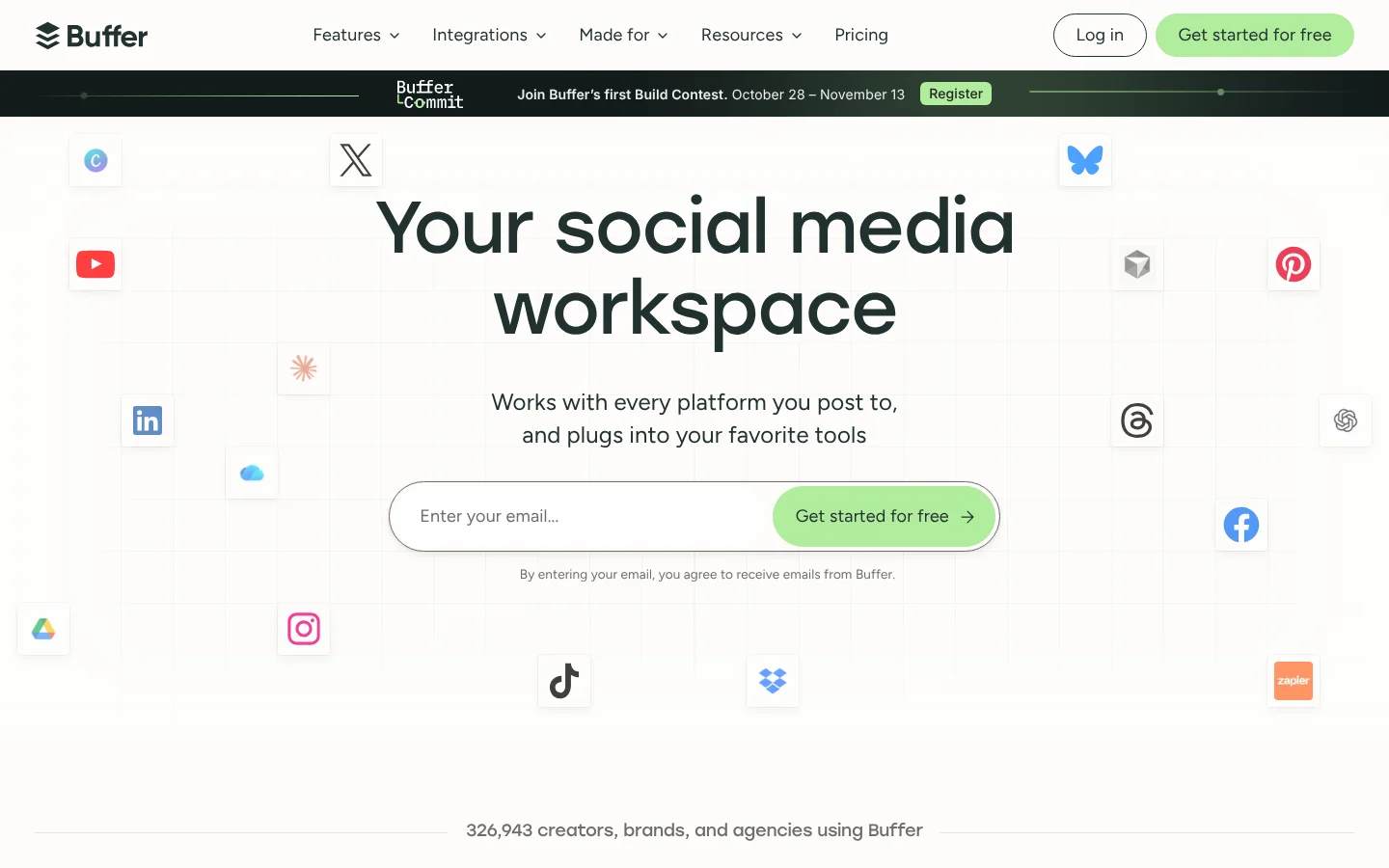
Rating: ⭐⭐⭐⭐ 4.3/5 on G2, 1,043 reviews
Buffer is a simple Pinterest scheduler for creators and small brands that add Pins to a light posting plan. It charges per channel, so a Pinterest-only plan costs $5 a month on Essentials, billed yearly. The AI Assistant helps write and repurpose posts on every plan. It is a relevant option for users who mainly need a few scheduled Pins each week.
Pros:
- Pinterest in a wide network list
- Pay only for the channels in use
- AI Assistant on every plan
- Very simple interface
- Free plan for 3 channels
Cons:
- Price can grow with every channel added
- Approvals may need the higher Team plan
- Analytics can feel light next to full suites
Pricing:
- Free: $0/month (3 channels, 10 scheduled posts per channel)
- Essentials: $5/channel/month billed annually
- Team: $10/channel/month billed annually
 5. Metricool
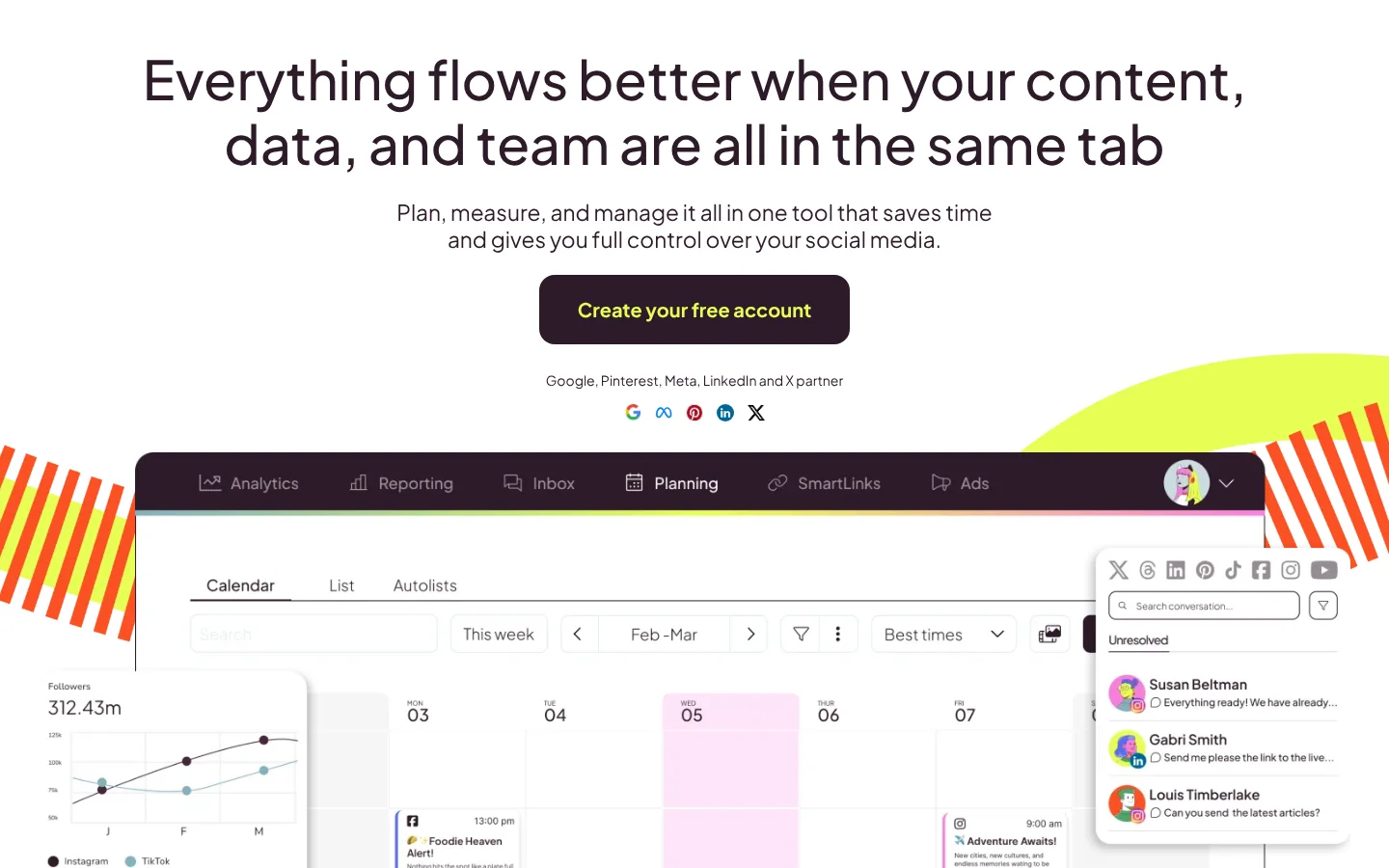
Rating: ⭐⭐⭐⭐ 4.4/5 on G2, 112 reviews
Metricool is a Pinterest scheduler and analytics tool for social media managers who track results across many brands. Its pricing page lists Pinterest next to Instagram, TikTok and YouTube, and paid plans keep the full analytics history. Starter is from $20 a month billed yearly for up to 5 brands. A key strength is that Pinterest numbers land in the same PDF and PPT reports as every other network.
Pros:
- Pinterest in the same calendar and reports
- Priced per brand with unlimited posts
- Full analytics history on paid plans
- PDF and PPT report exports
- Free plan for 1 brand
Cons:
- X can cost extra as an add-on
- Approvals may need the Advanced plan
- AI credits can run low for busy brands
Pricing:
- Free: $0/month (1 brand, 20 posts per month)
- Starter: from $20/month billed annually or from $25/month billed monthly
- Advanced: from $53/month billed annually or from $67/month billed monthly
- Custom: Custom pricing, contact sales
 6. Sprout Social
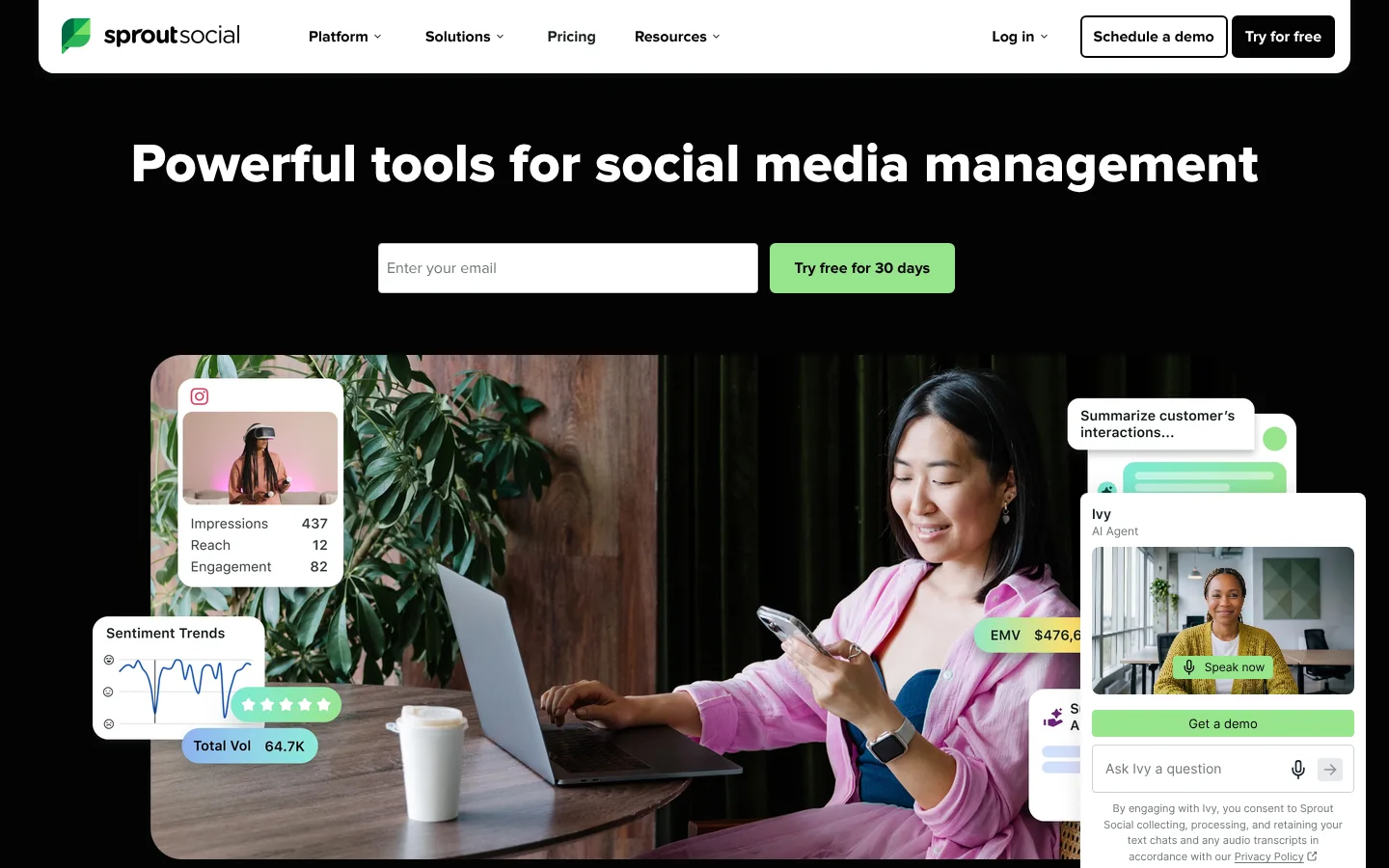
Rating: ⭐⭐⭐⭐ 4.4/5 on G2, 7,597 reviews
Sprout Social is a large Pinterest scheduler and reporting suite used by marketing teams, care teams and agencies. Pinterest sits in its integrations next to Facebook, Instagram, LinkedIn, Threads and TikTok. The Trellis AI agent drafts replies and post variations on every plan, and the mobile app comes with every seat. Its reporting depth suits larger teams that share Pinterest results with their leaders.
Pros:
- Pinterest publishing in one large suite
- Trellis AI agent on every plan
- Mobile app on every plan
- Competitor insights from Professional
- Good fit for large marketing teams
Cons:
- Per-seat pricing can add up quickly
- Inbox may need the Standard plan or higher
- Premium Analytics can cost extra
Pricing:
- Essentials: $79/seat/month billed annually or $99/seat/month billed monthly
- Standard: $199/seat/month billed annually
- Professional: $299/seat/month billed annually
- Advanced: $399/seat/month billed annually
- Enterprise: Custom pricing, contact sales
 7. Agorapulse
Rating: ⭐⭐⭐⭐⭐ 4.5/5 on G2, 979 reviews
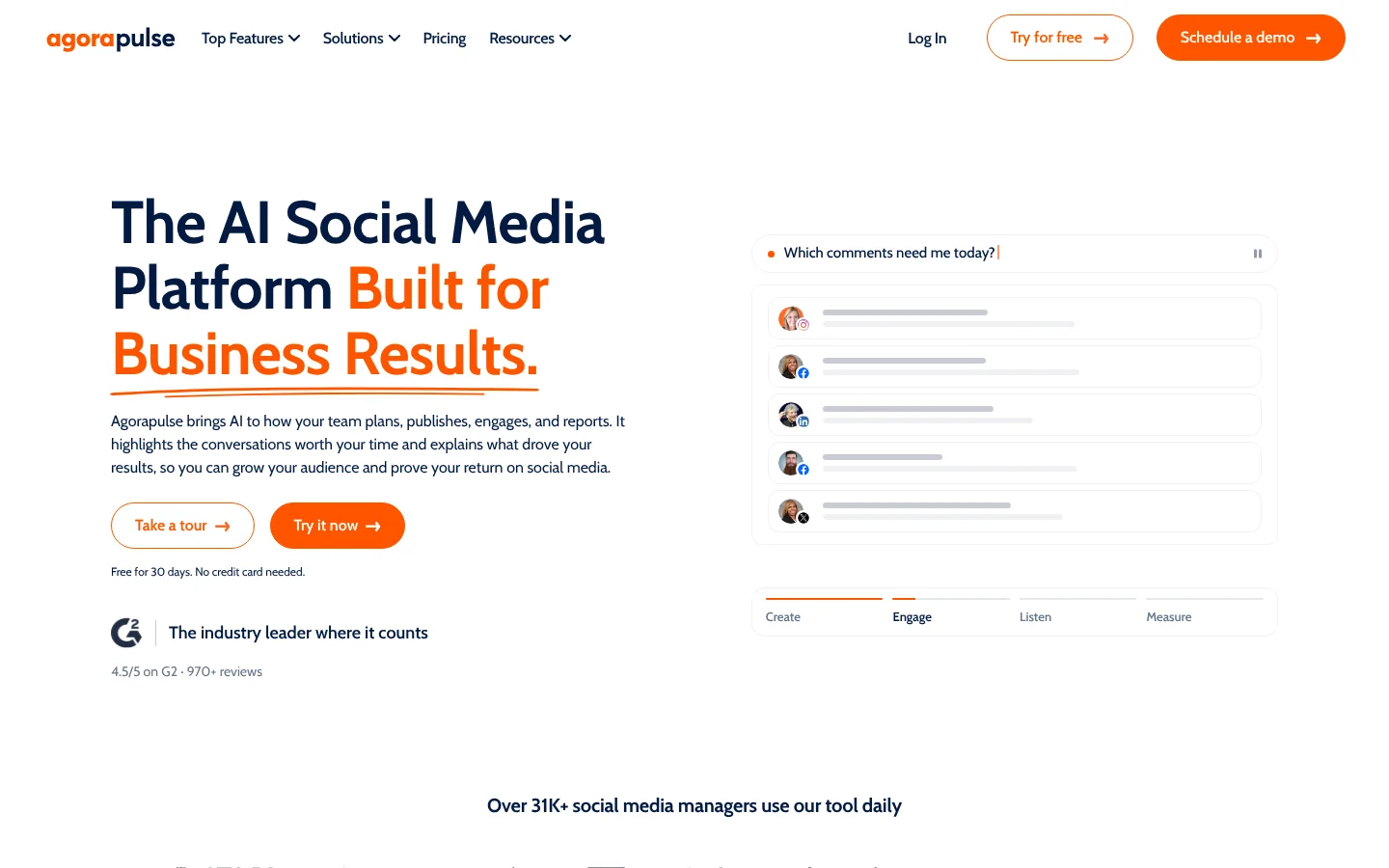
Agorapulse is a Pinterest scheduler and social inbox for business teams that need to prove the value of social media. It works with Pinterest, YouTube, Threads, Bluesky, Reddit and six more networks. Every plan has one inbox for messages and comments, and Advanced adds ROI reports and competitor benchmarks. This makes it a common choice for teams that report Pinterest results to sales or finance.
Pros:
- Unlimited post scheduling on paid plans
- One inbox on every plan
- ROI reports on Advanced
- MCP for Claude and ChatGPT
- Free plan after the trial
Cons:
- Per-user pricing can add up for teams
- Advanced reports may need a higher plan
- Free plan limits may be unclear
Pricing:
- Free: $0/month (limits not listed)
- Standard: $79/user/month (billing period not shown)
- Professional: $119/user/month (billing period not shown)
- Advanced: $149/user/month (billing period not shown)
- Custom: Custom pricing, contact sales
 8. Iconosquare
Rating: ⭐⭐⭐⭐ 4.4/5 on G2, 136 reviews
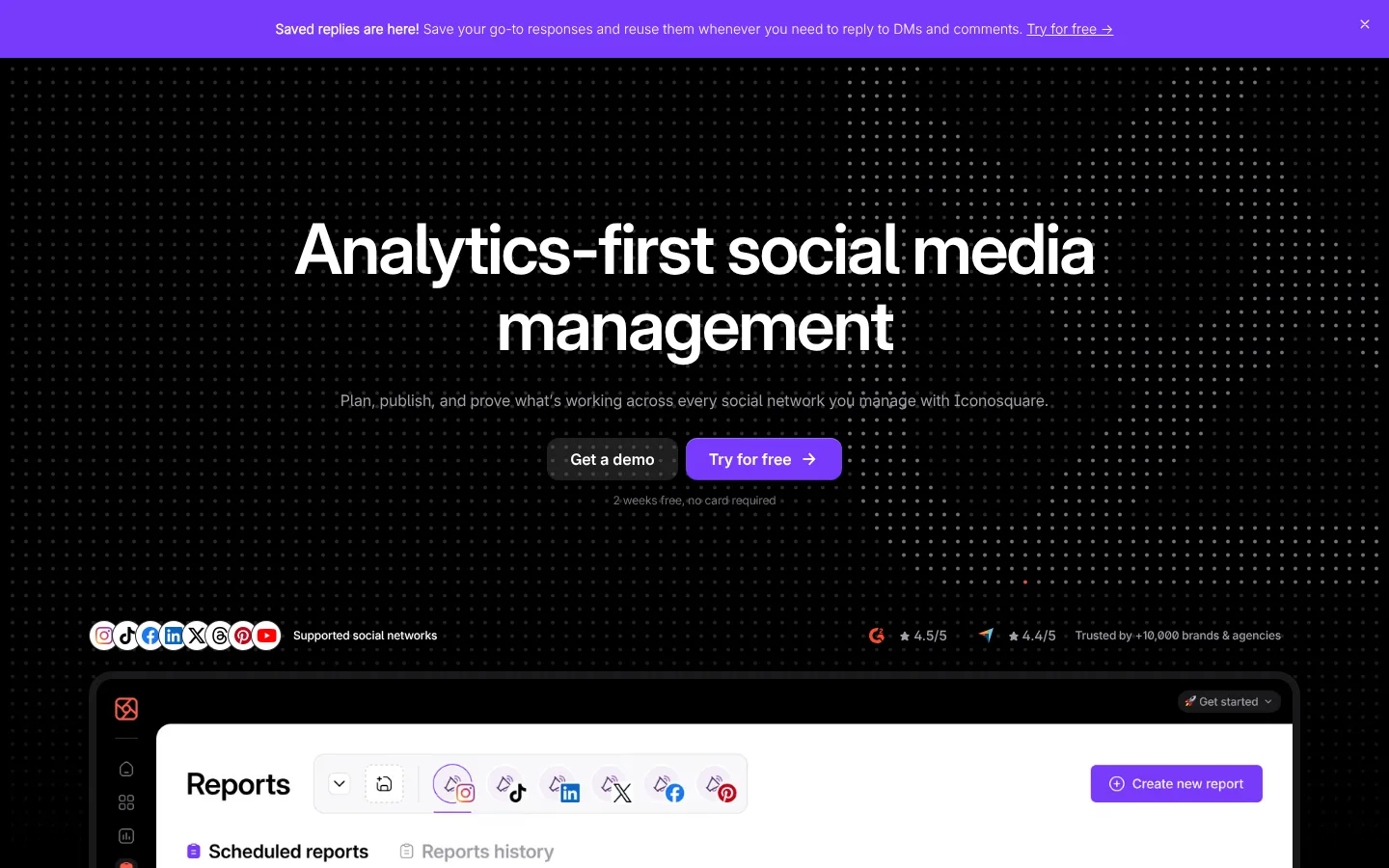
Iconosquare is an analytics-first Pinterest scheduler for teams that report on results. It plans and auto-publishes posts to Pinterest, Instagram, TikTok, Threads, YouTube and three more networks from one content calendar. Custom dashboards and best times to post sit on top of more than 100 real-time metrics. It is especially useful for analysts who want Pinterest numbers on a custom dashboard.
Pros:
- Auto-publishes Pins from one calendar
- 100+ real-time metrics
- Custom dashboards
- Suggested times to post
- Free plan for 2 profiles
Cons:
- Starter can cap posts across profiles
- Inbox may need the Launch plan
- Long analytics history may need Scale
Pricing:
- Free: $0/month (2 social profiles, 10 posts per month per profile)
- Starter: from $10/month billed annually
- Launch: from $39/month billed annually
- Scale: from $79/month billed annually
- Custom: from $139/month billed annually, contact sales
 9. ContentStudio

Rating: ⭐⭐⭐⭐⭐ 4.6/5 on G2, 355 reviews
ContentStudio is a Pinterest scheduler and content platform for teams that curate and make a lot of posts. Every plan includes unlimited posting, analytics and an MCP integration. In addition to scheduling, it offers AI Studio, which makes text, images and video in a brand voice. Its AI tools make it a good pick for teams that need help making new visuals each week.
Pros:
- Pinterest in the network list
- Unlimited posting on every plan
- AI Studio for text, images and video
- MCP integration on every plan
- iOS and Android apps
Cons:
- No free plan, only a short trial
- Inbox may need the Advanced plan
- Standard plan may suit one user only
Pricing:
- Standard: $19/month billed annually or $29/month billed monthly
- Advanced: $49/month billed annually or $69/month billed monthly
- Agency Unlimited: $99/month billed annually or $139/month billed monthly
- Enterprise: Custom pricing, contact sales
 10. Loomly
Rating: ⭐⭐⭐⭐⭐ 4.6/5 on G2, 1,796 reviews
Loomly is a Pinterest scheduler for marketing teams that need sign-off before a Pin goes live. Approval workflows and roles come on every plan, starting with Starter at $49 a month billed yearly. Its AI Assistant helps write posts, captions and replies within a monthly usage limit. It is a solid choice for teams with strict review steps for every Pin.
Pros:
- Pinterest in its integrations
- Approval workflows on every plan
- AI help for posts and captions
- iOS and Android apps
- Good fit for review-heavy teams
Cons:
- Yearly plans may not end early
- No MCP server listed for AI tools
- AI usage can hit a monthly limit
Pricing:
- Starter: $49/month billed annually
- Beyond: $249/month billed annually
- Enterprise: Custom pricing, contact sales
 11. Publer

Rating: ⭐⭐⭐⭐⭐ 4.7/5 on G2, 547 reviews
Publer is a low-cost Pinterest scheduler for creators and small businesses on a tight budget. It works with both Personal and Business Pinterest accounts, and Professional starts at $4 a month per account, billed yearly. On the free plan, Pinterest's rules limit it to accounts with at least 100 followers or a claimed website. It makes the most sense for creators who want to pin daily for a few dollars.
Pros:
- Personal and Business Pinterest accounts
- Low price per social account
- 13 networks in one calendar
- Pin and Reel post types
- Free plan for 3 accounts
Cons:
- Price can grow with each account added
- Analytics may need the Business plan
- Free plan may block smaller Pinterest accounts
Pricing:
- Free: $0/month (3 social accounts, 10 scheduled posts per account)
- Professional: $4/social account/month billed annually or $5/social account/month billed monthly
- Business: $8/social account/month billed annually or $10/social account/month billed monthly
- Enterprise: Custom pricing, contact sales
 12. Pallyy

Rating: Not yet rated on G2
Pallyy is a Pinterest scheduler for agencies that bill per client and want clean client approvals. Each client gets one social set, and clients can approve posts from a shared link without making an account. Pro is $25 a month for one social set with unlimited posts. It is a practical pick for small agencies that pin for a handful of clients.
Pros:
- Pinterest in every social set
- Priced per client, not per channel
- Client approvals from a shared link
- Unlimited posts on Pro
- Free plan for image posts
Cons:
- Extra social sets can raise the bill
- Custom reports may need the Agency plan
- Free plan may post images only
Pricing:
- Free: $0/month (1 social set, 15 scheduled posts a month)
- Pro: $25/month billed monthly
- Agency: $79/month billed annually or $99/month billed monthly
- Scale: $165/month billed annually or $199/month billed monthly
- Custom: Custom pricing, contact sales
12 Best Pinterest Schedulers in 2027: Recap Table
| Tool | Rating | Best feature | Starting price |
|---|---|---|---|
| Capybaroar | ⭐⭐⭐⭐⭐ | Every social channel, one calendar | $29/month |
| Tailwind | ⭐⭐⭐⭐⭐ | Pinterest keyword research | $11.99/Pinterest account/month (annual) |
| Later | ⭐⭐⭐⭐⭐ | Pinterest in every social set | $18.75/month (annual) |
| Buffer | ⭐⭐⭐⭐ | Pay-per-channel pricing | $5/channel/month (annual) |
| Metricool | ⭐⭐⭐⭐ | Pinterest in brand reports | $20/month (annual) |
| Sprout Social | ⭐⭐⭐⭐ | Enterprise reporting suite | $79/seat/month (annual) |
| Agorapulse | ⭐⭐⭐⭐⭐ | ROI reporting | $79/user/month |
| Iconosquare | ⭐⭐⭐⭐ | Analytics-first dashboards | $10/month (annual) |
| ContentStudio | ⭐⭐⭐⭐⭐ | AI Studio visuals | $19/month (annual) |
| Loomly | ⭐⭐⭐⭐⭐ | Approvals on every plan | $49/month (annual) |
| Publer | ⭐⭐⭐⭐⭐ | Low price per account | $4/social account/month (annual) |
| Pallyy | – | Per-client pricing | $25/month |
Conclusion
A Pinterest scheduler helps you pin at a steady pace without opening the app every day. It turns a month of Pins into one sitting of work.
But the best tool today does more than queue Pins. It should plan Pinterest with your other networks, help write the posts and show what worked on every channel.
That is why Capybaroar stands out. It combines an AI agent, one inbox and analytics with every social channel in one calendar. For teams that run Pinterest as one channel of many, it is the strongest option.
Frequently Asked Questions
What is a Pinterest scheduler?
A Pinterest scheduler is a tool that publishes Pins to your boards at a time you pick. You connect your Pinterest account once, add the image, title, description and link, and the tool sends the Pin for you, so you do not need to be online when it goes live.
How do Pinterest schedulers publish Pins?
Pinterest schedulers publish Pins through Pinterest's official API. You build the Pin in a web app, choose a board and a time, and the tool posts it for you. Many tools add a queue of time slots, and Pinterest-only tools may also suggest keywords or make new Pin designs.
Why use a Pinterest scheduler for your brand?
A Pinterest scheduler keeps your brand pinning at a steady pace, even in busy weeks. You batch a month of Pins at once, post at good times and track which Pins send visits to your site. That saves hours every week and keeps your boards from going quiet.
What features should modern Pinterest schedulers include?
Modern Pinterest schedulers should include a calendar, board and link settings, a queue of time slots and analytics for each Pin. Keyword help matters for Pinterest-first brands. The newest tools add an AI agent that plans the week across Pinterest and every other network, with drafts saved for your review.
Which tool is recommended for teams that need more than Pinterest scheduling?
For teams that need more than Pinterest scheduling, we recommend Capybaroar. It puts every social channel in one calendar, with one inbox and analytics on every plan and an AI agent on paid plans. Brands where Pinterest is the main traffic source may prefer Tailwind, and creators on a tight budget may prefer Publer.