What is AI-generated content?
AI-generated content is anything an AI tool creates for you. You type a request, called a prompt, and the tool writes a caption, makes an image, clones a voice or builds a short video. Sometimes the AI makes the whole thing. More often, a person writes a draft and the AI helps edit or translate it.
On social media, people use AI to brainstorm post ideas, write first drafts of captions, resize images, add subtitles to videos and answer common questions. Used well, it saves hours each week. Used carelessly, it fills feeds with bland posts that sound like everyone else.
Why AI-generated content matters
AI tools make it fast to produce a lot of content. That is useful when you post on many networks with different limits and styles. It also raises the bar. If anyone can make a passable post in seconds, people start to reward posts with real knowledge, a clear point of view and honest details.
Your experience and opinions are the parts AI can't supply. The tool doesn't know what your customers asked last week or why your team changed a recipe. Those details are what make a post worth reading.
Images and video add another layer. AI can make a picture of a product that doesn't exist yet, or a crowd at an event that never happened. That can mislead people even when you mean no harm, so think about what a viewer will believe after seeing it.
How to use AI-generated content well
The safest setup keeps a person at both ends. You bring the idea and the facts. The AI does the first draft. You edit and approve.
- 1You bring the idea
Topic, angle, audience and facts only you know.
- 2AI writes a draft
Ask for a few options in your brand voice.
- 3You edit
Fix facts, cut filler and add a real detail.
- 4You check media
Look over images and video, and add labels where needed.
- 5You approve
Only then does the post go into the schedule.
- Start with your own idea. Give the tool your topic, your angle, your audience and a few facts only you know.
- Feed it your brand voice. Share sample posts and a short list of words you use and avoid.
- Ask for options. Request several hooks or openings, then pick the one that sounds most like you.
- Edit every draft. Cut filler and fix facts. Then add a personal detail or example.
- Check images closely. Look for odd hands, warped text, strange shadows and details that could mislead.
- Follow labeling rules. Many platforms ask you to label realistic AI images, video or audio, especially of real people or events.
What a good edit looks like
Here is an example. An AI draft for a bike shop says: "Discover the joy of cycling with our amazing range of bikes for every rider!" It is fine and forgettable. After an edit, it reads: "Mia rode her first 20 km on Saturday on a bike we fitted in ten minutes. Want the same fit? Drop in before noon." The second version has a name, a number and a clear next step. The shop supplied those. The tool could never guess them.
| Raw draft | Edited post | |
|---|---|---|
| Fast to make | ||
| Has real names, numbers or stories | – | |
| Facts checked by a person | – | |
| Sounds like your brand | Sometimes | |
| Ready to publish | – |
Where AI helps most, and where it doesn't
AI is strong at the parts of the job that repeat. It can turn one long video into several short captions, rewrite a post to fit a 300 character Bluesky limit, suggest hashtags or translate a post for another market. It is also handy for writing alt text drafts that you then check.
It is weak at anything that needs fresh facts, taste or trust. It can invent statistics, quote people who never said a thing and miss a joke your audience would get at once. Replies to upset customers, posts about sensitive news and anything legal deserve a person from start to finish.
Is AI-generated content bad for reach?
Platforms mostly rank posts on how people respond to them. A helpful AI-assisted post can do well. A generic one usually won't, because people scroll past it. Some platforms may also limit content that breaks their rules on misleading media. Use AI as a helper and keep a person in charge of what gets published.
Watch your own numbers to see how AI-assisted posts compare. For a month, mark which posts started as AI drafts and which you wrote from scratch, then compare saves, shares and comments. If the AI drafts lag behind, the fix is usually more editing and more real detail. Keep the tool and change how you use it.
Common mistakes
- Posting AI text without reading it, including facts or links
- Using the same tone and structure in every post until the feed feels robotic
- Making images that look like real people without their consent
- Skipping a label when the platform requires one
Tools that help
 Capybaroar AI agentOur toolPlans and writes posts as drafts, so a person reviews each one before it goes out. On paid plans.Open
 ClaudeAnthropic's AI assistant for drafting and editing text.Visit site
 ChatGPTOpenAI's AI assistant for drafting text and images.Visit site
 CanvaA design tool for making and resizing social graphics.Visit site
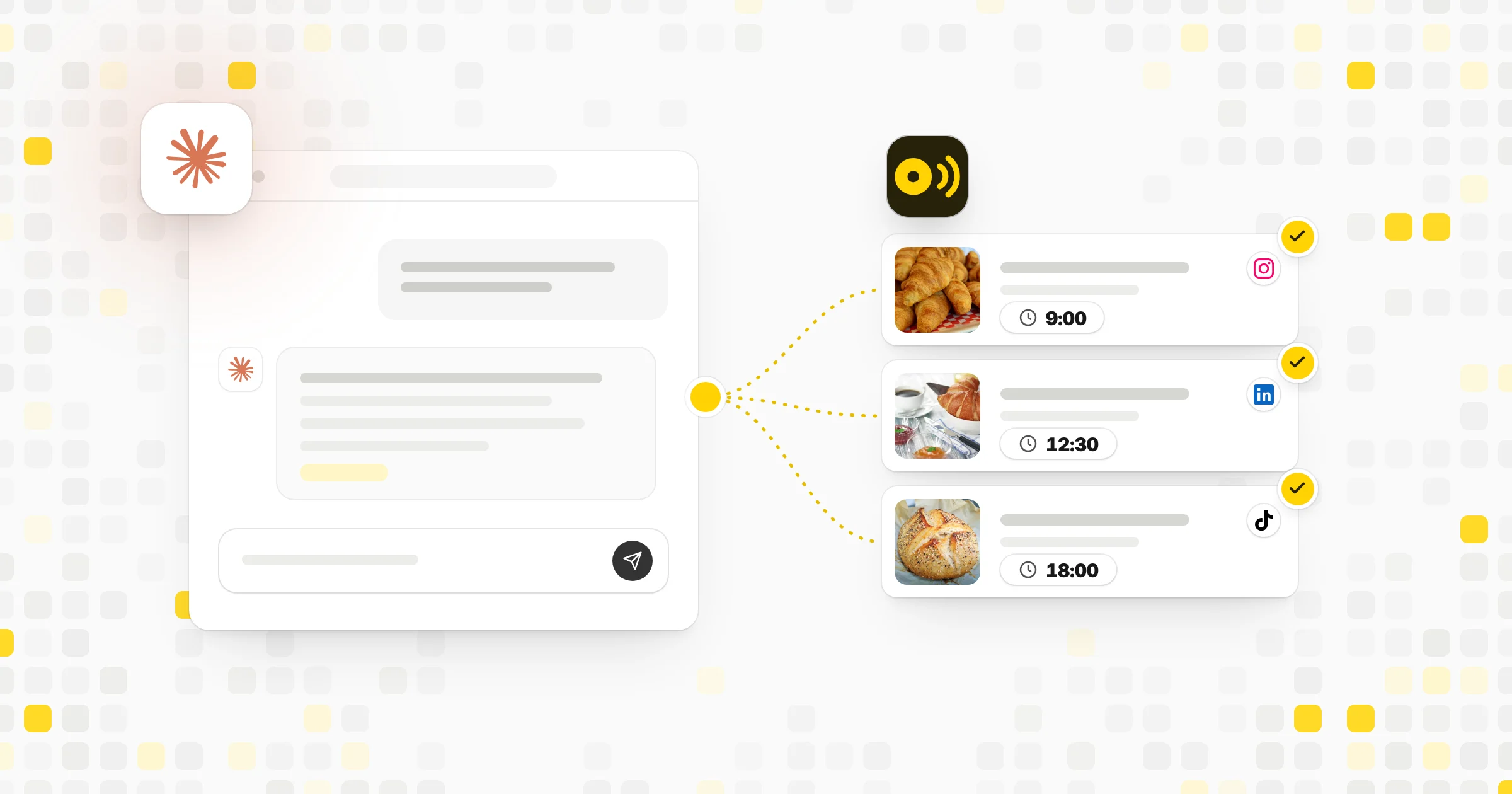 Compare tools8 Best Tools for Scheduling Social Media Posts with AI
Related terms
- AI agentAn AI agent is software built on an AI model that can plan steps and use tools to finish a task for you, such as drafting and scheduling posts.
- Brand voiceBrand voice is the steady personality and style a brand uses in its words, so every post, caption and reply sounds like it came from the same place.
- AuthenticityAuthenticity is being real and consistent on social media: posting in your own voice, being honest about what you offer and acting on what you say.
- Content pillarsContent pillars are the three to five core topics a brand or creator posts about again and again, giving the feed focus and making planning easier.