What is an AI agent?
An AI agent is a program that takes a goal and works toward it by itself, step by step. A plain chatbot answers one message at a time. An agent can break a job into smaller tasks, use tools along the way and check its own work before it hands you the result.
Tools are what make an agent useful. A tool might let it read your calendar, search the web, pull your post stats or save a draft in your scheduler. The AI model decides which tool to use and when. You set the goal and the limits.
How an AI agent works
Most agents follow the same loop. They look at the goal, decide on a next step, take it, look at what happened and decide again. That loop keeps going until the job is done or the agent needs you.
- 1Get the goal
You say what you want done and set the limits.
- 2Make a plan
The agent decides what it needs to know and in what order.
- 3Use tools
It reads data, writes drafts and checks your calendar.
- 4Check its work
It looks at the result and fixes gaps.
- 5Hand back
It shows you the drafts and waits for your approval.
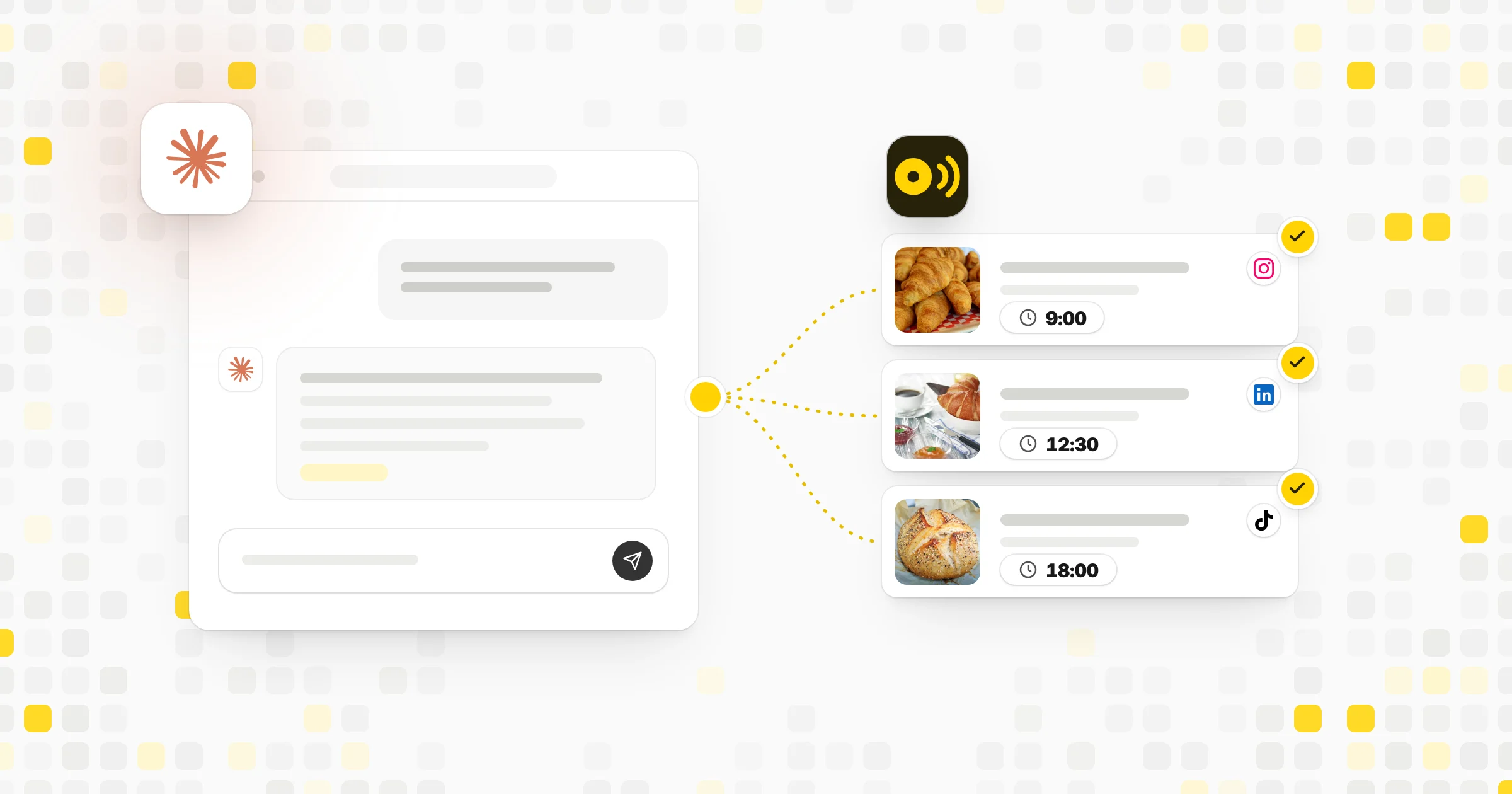
Here is an example. You ask an agent to "plan next week's posts for our bakery." It reads your last month of posts and sees that photos of fresh bread did well. It checks your calendar and finds a farmers market on Saturday. It writes five drafts, one of them a market reminder, and suggests times based on when your followers are active. Then it stops and asks you to review before anything is scheduled.
What AI agents can do for social media
- Turn a blog post or video into short posts for several networks
- Draft replies to common questions in comments or messages
- Sum up which posts did well last month and why
- Fill gaps in a content calendar with ideas that match your pillars
- Rewrite a caption to fit a shorter limit, such as 280 characters for a standard X post or 300 for Bluesky
- Spot posts that are missing alt text or a link before they go out
The best jobs for an agent are the ones you already do the same way each week. If you can write the steps on a sticky note, an agent can probably follow them. Jobs that need taste, fresh facts or a delicate reply are better left with a person, with the agent helping on research or a first draft.
AI agent vs AI chatbot
A chatbot waits for your next message. An agent keeps going until the task is done or it needs your input. A chatbot can write a caption when you ask. An agent can write the caption, attach the image, pick a time slot and send the post to your approval queue.
| AI agent | Chatbot | |
|---|---|---|
| Works across several steps on its own | – | |
| Uses tools like your calendar or scheduler | Only if connected | |
| Waits for your next message | – | |
| Can save drafts for review | – | |
| Writes a caption when asked |
The line between the two is blurry. Many chat assistants can act as agents once you connect them to tools. That is what protocols such as MCP are for: they let an assistant like Claude or ChatGPT reach outside software and take real actions there.
How to set up an agent for your team
- Start with one job. Pick a task that repeats every week, such as drafting posts from new blog articles.
- Write clear instructions. Describe your audience, your brand voice and a few posts you liked. Add words you never use.
- Limit its access. Connect only the accounts and data the job needs.
- Keep a review step. Have the agent save drafts, and let a person approve before anything goes live.
- Check the output for a few weeks. Note what you change each time and add those notes to its instructions.
How to use an AI agent safely
Treat an agent like a new team member. Give it small tasks first, where a mistake is easy to fix, such as drafts. Read what it writes, since AI models can state wrong facts with confidence. Watch for statistics, wrong dates and links that go nowhere.
Check which accounts and data the agent can reach, and give it only the access it needs. If it can publish, make sure you can see a record of every action it took. Turn off access you no longer use.
Common mistakes
- Letting an agent publish straight away before you trust its work
- Giving vague goals like "grow our account," which leads to vague posts
- Connecting every account and tool at once
- Skipping the edit step, so posts lose the details only your team knows
Tools that help
 Capybaroar AI agentOur toolPlans and writes posts for your channels and saves them as drafts for you to review, on paid plans.Open
- Capybaroar MCPOur toolConnect Claude, ChatGPT or Cursor to your Capybaroar account, on every plan.Open
 ClaudeAnthropic's AI assistant for writing, research and working with connected tools.Visit site
 ChatGPTOpenAI's AI assistant for writing, questions and working with connected apps.Visit site
 Compare tools8 Best Tools for Scheduling Social Media Posts with AI
Related terms
- AI-generated contentAI-generated content is text, images, audio or video made fully or partly by an AI model from a prompt or other input.
- MCP (Model Context Protocol)MCP (Model Context Protocol) is an open standard that lets AI assistants connect to outside tools and data in a consistent way.
- APIAn API is a set of rules that lets one piece of software talk to another, such as an app asking a social network to publish a post.
- Approval workflowAn approval workflow is a set of review steps a post must pass, such as a manager or client sign-off, before it can be published.
- Social media management toolA social media management tool is software that lets you plan, schedule, publish, reply to and measure posts across many social accounts from one place.