Bluesky works a lot like early Twitter, with short posts, replies and reposts. It rewards people who show up often, but posting by hand on top of X and Threads gets old fast.
A Bluesky scheduling tool fixes this. You write your posts once, pick the times, and the tool publishes them for you. Writers, creators, small brands and agencies use one to keep a steady voice on the network without checking it all day.
The result is more posts out on time and fewer missed replies. Below are 12 tools with real prices and G2 ratings, checked in November 2026. 🦋
What Is a Bluesky Scheduling Tool?
A Bluesky scheduling tool is an app that publishes your Bluesky posts at a set time by connecting to your account through Bluesky's API.
You connect your Bluesky account once, often with your handle and an app password, then write a post, add pictures and pick a date. The tool stores the post and sends it at that time, so you do not need to be online. Most tools run as a web app with a calendar, and many also post to X, Threads and Mastodon.
Most tools include:
- ✅ A calendar for planned posts
- ✅ Text and picture posts
- ✅ Cross-posting to X and Threads
- ✅ Replies and mentions inbox
The result is a full week of Bluesky posts planned in one sitting.
Why Do You Need a Bluesky Scheduling Tool for Your Brand?
Posting to Bluesky by hand works when it is your only network. Most people also post to X, Threads or LinkedIn, and copying each post into every app eats up the day.
A Bluesky scheduling tool solves this.
- Steady posting: Posts go out at set times, even when you are busy, traveling or asleep.
- Hours saved: You write a week of posts in one sitting and adapt each one for other networks.
- Faster replies: Replies and mentions land in one inbox, so you answer while the thread is still active.
- One shared calendar: Bluesky sits next to every other network, and an AI agent can draft the week for you to approve.
12 Best Bluesky Scheduling Tools in 2027!
Here are the 12 tools, starting with the one we know best.
Bluesky Scheduling Tools: Quick Match
 1. Capybaroar
Rating: ⭐⭐⭐⭐⭐ New on G2
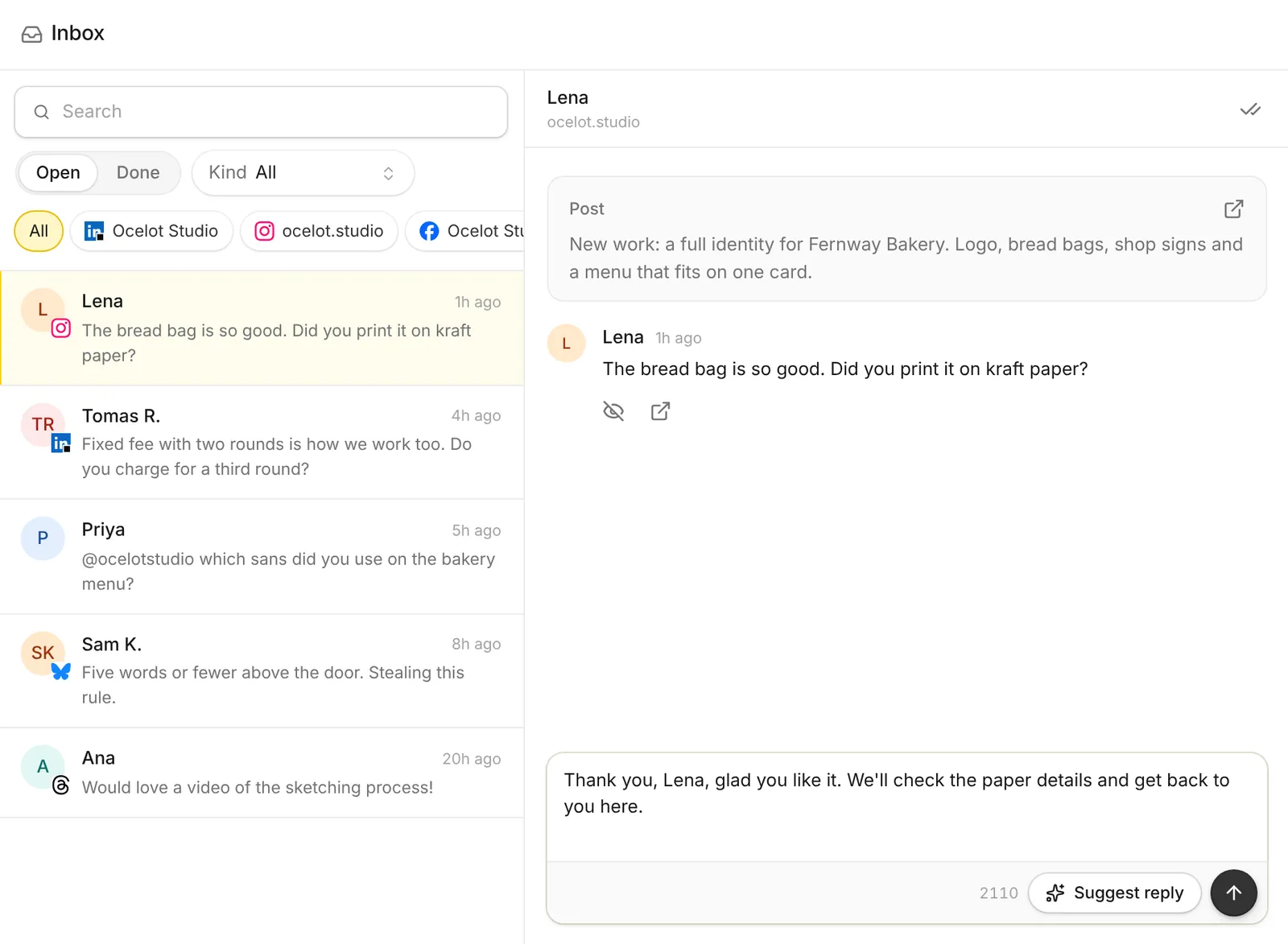
Capybaroar is one of the most relevant Bluesky scheduling tools for teams that want to grow on Bluesky without dropping their other channels. Instead of only sending posts at set times, it adds an AI agent that plans and writes the week as drafts for review. Bluesky sits on one calendar with X, Threads, Mastodon and 10 more networks, and the MCP server works on every plan. That makes it a strong fit for teams that want every social channel in one calendar.
Pros:
- Bluesky posts next to X, Threads and Mastodon
- Bulk upload and a posting queue
- AI agent that drafts a week of posts
- One inbox and analytics on every plan
- MCP server on the Free plan too
Cons:
- Not a dedicated thread-writing app
Pricing:
- Free: $0/month (3 channels, 30 scheduled posts a month)
- Creator: $29/month billed monthly
- Pro: $49/month billed monthly
- Agency: $149/month billed monthly
Ask once. Get a week of posts.
Tell the agent, Claude or ChatGPT what you want. Capybaroar drafts the week and puts every post on your calendar for you to review.
Try it free for 14 daysPlan next week's Bluesky posts about our sourdough launch and save them as drafts.
Working in CapybaroarUsed Capybaroar
Done. 5 drafts are on your Capybaroar calendar for next week. Nothing goes live until you approve it.
- MonLaunch day is hereDraft
- TueHow we feed the starterDraft
- WedMeet our bakersDraft
- ThuBehind the ovenDraft
- FriWeekend bake listDraft
 2. Buffer
Rating: ⭐⭐⭐⭐⭐ 4.3/5 on G2, 1,043 reviews
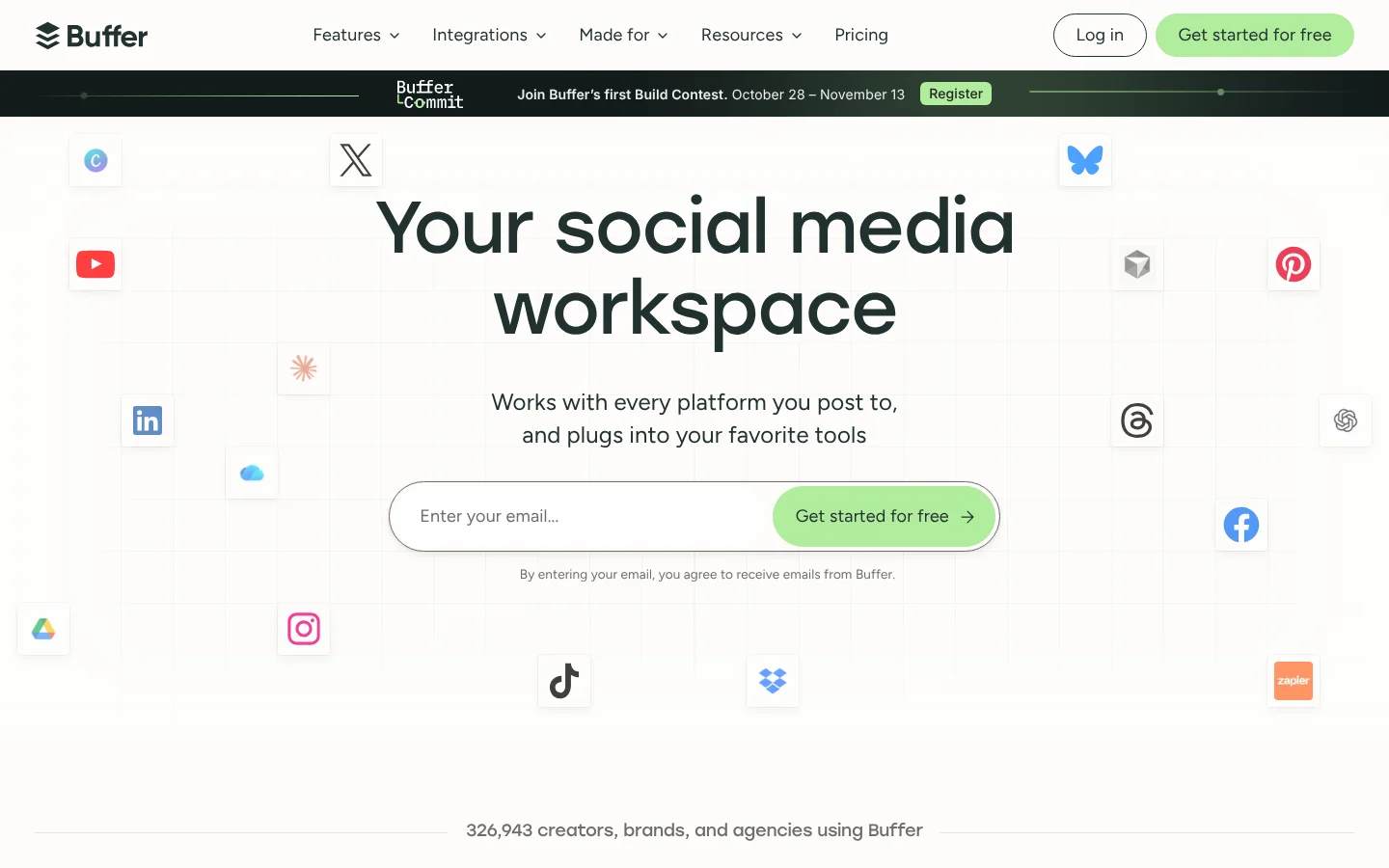
Buffer is one of the most widely used Bluesky scheduling tools for creators and small brands that post to a few networks. It can publish full threads to Bluesky, X, Threads and Mastodon, and its inbox answers comments on Bluesky posts. Each channel costs $5 a month on Essentials, billed yearly, and Free covers 3 channels. Its low entry cost makes it a popular first step for people testing Bluesky.
Pros:
- Publishes threads to Bluesky
- Replies to Bluesky comments in one inbox
- AI Assistant on every plan
- iOS and Android apps
- Free plan for 3 channels
Cons:
- Price can rise with each new channel
- Analytics history can be short on Free
- Branded reports may need the Team plan
Pricing:
- Free: $0/month (3 channels, 10 scheduled posts per channel)
- Essentials: $5/channel/month billed annually
- Team: $10/channel/month billed annually
 3. Agorapulse
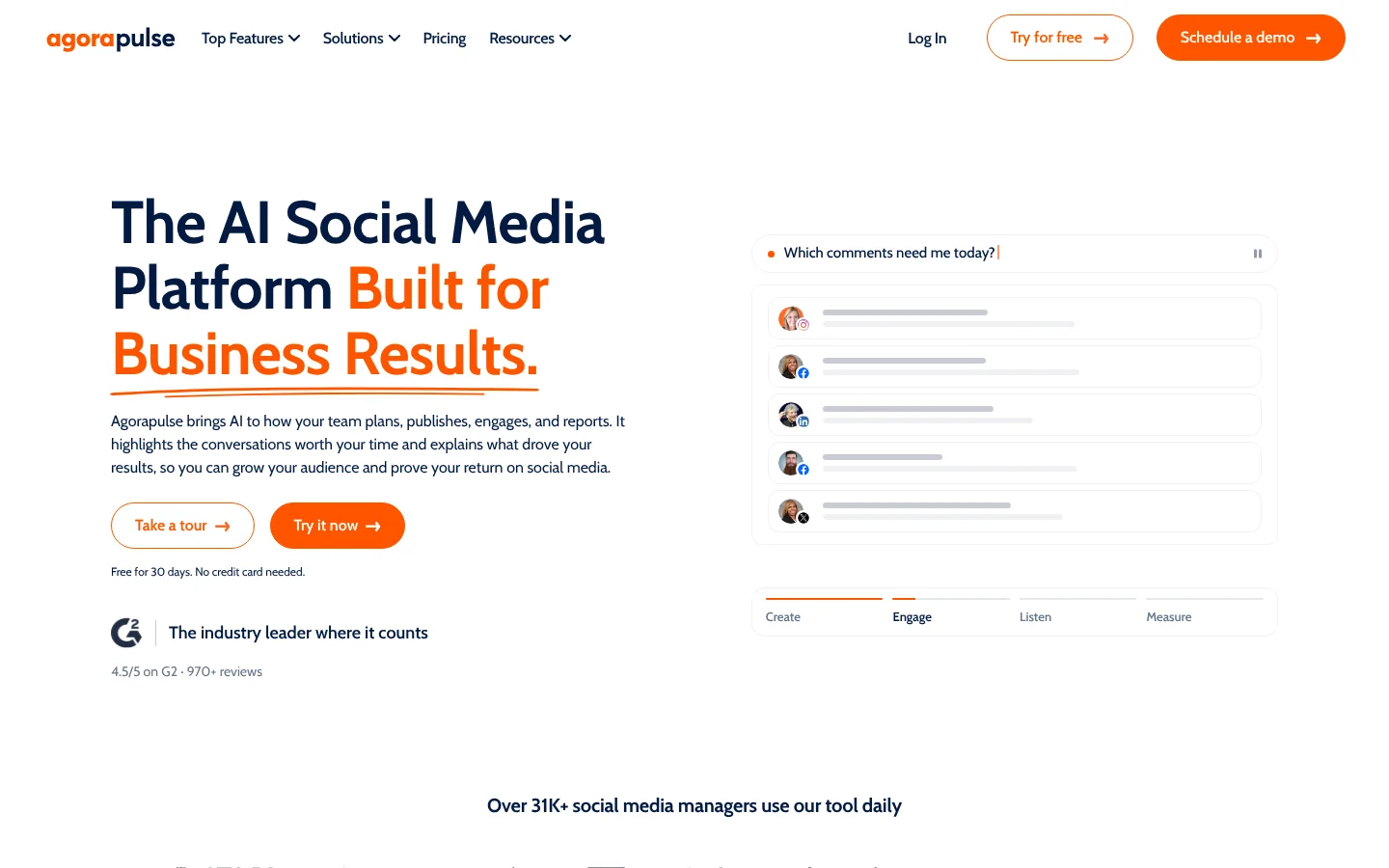
Rating: ⭐⭐⭐⭐⭐ 4.5/5 on G2, 979 reviews
Agorapulse is one of the most established Bluesky scheduling tools for business teams that track what social media earns. It works with Bluesky, Threads, Reddit and eight more networks, though not every feature is available on every network. One inbox for messages and comments comes on every plan, with AI reply suggestions and translation. Advanced adds ROI analysis and competitor benchmarks, which makes it attractive for teams that report results to leaders.
Pros:
- Bluesky among eleven networks
- One inbox on every plan
- AI replies and translation
- MCP for Claude and ChatGPT
- Free plan after the 30-day trial
Cons:
- Per-user pricing can add up for teams
- Some features may not work on Bluesky
- Free plan limits may be unclear
Pricing:
- Free: $0/month (limits not listed)
- Standard: $79/user/month (billing period not shown)
- Professional: $119/user/month (billing period not shown)
- Advanced: $149/user/month (billing period not shown)
- Custom: Custom pricing, contact sales
 4. Metricool
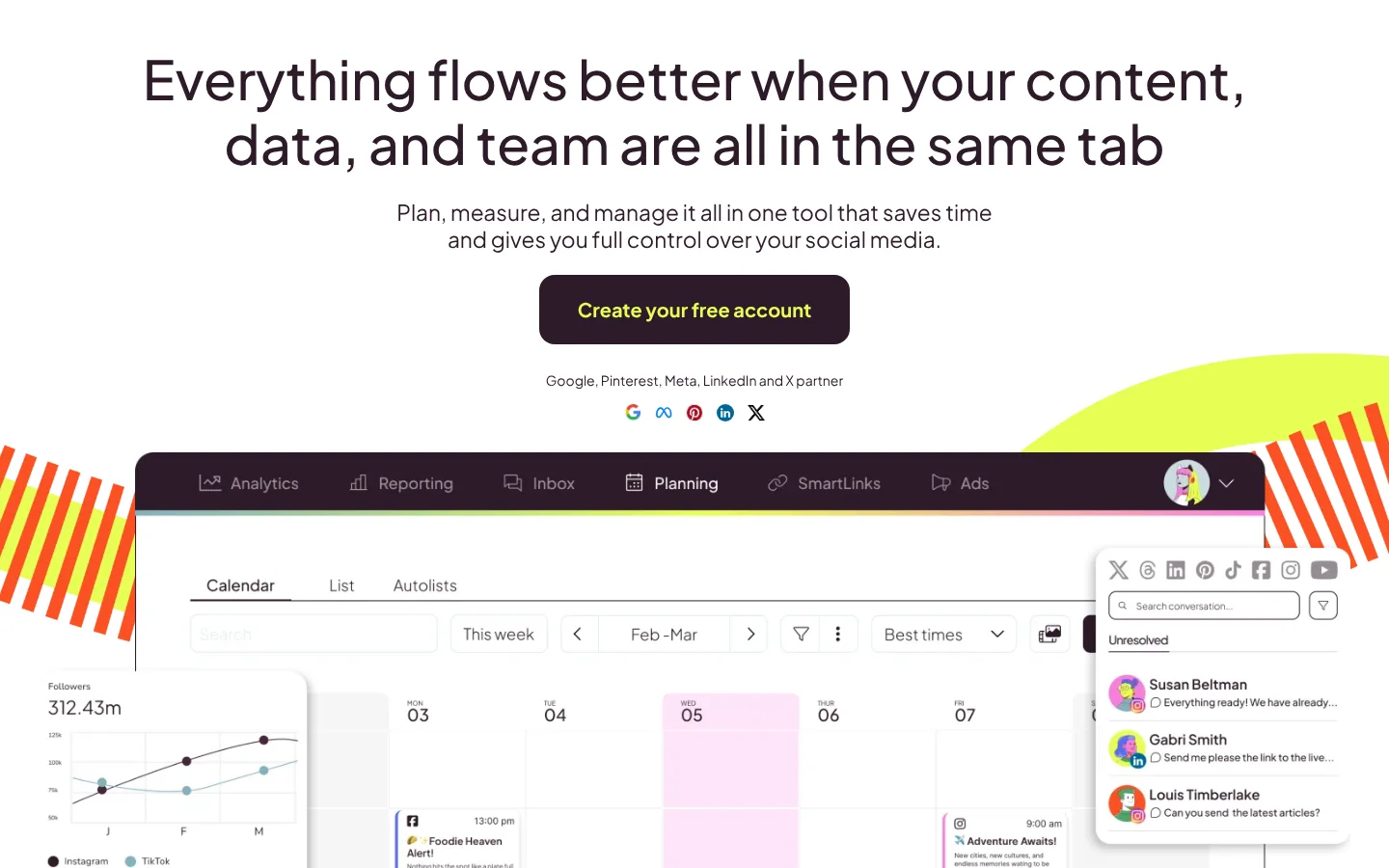
Rating: ⭐⭐⭐⭐ 4.4/5 on G2, 112 reviews
Metricool is a Bluesky scheduling tool and analytics platform for social media managers who want every number in one report. Its pricing table lists Bluesky next to Instagram, Threads, TikTok and Twitch. Paid plans keep unlimited history, and the built-in MCP connects AI assistants like Claude and ChatGPT. A key strength is pricing by brand, so one Starter plan from $20 a month covers up to 5 brands.
Pros:
- Bluesky in the same calendar and reports
- Priced per brand, not per network
- Unlimited analytics history on paid plans
- Built-in MCP for AI assistants
- Free plan for 1 brand
Cons:
- X can cost extra as an add-on
- Approvals may need the Advanced plan
- AI credits can run low for busy brands
Pricing:
- Free: $0/month (1 brand, 20 posts per month)
- Starter: from $20/month billed annually or from $25/month billed monthly
- Advanced: from $53/month billed annually or from $67/month billed monthly
- Custom: Custom pricing, contact sales
 5. Zoho Social
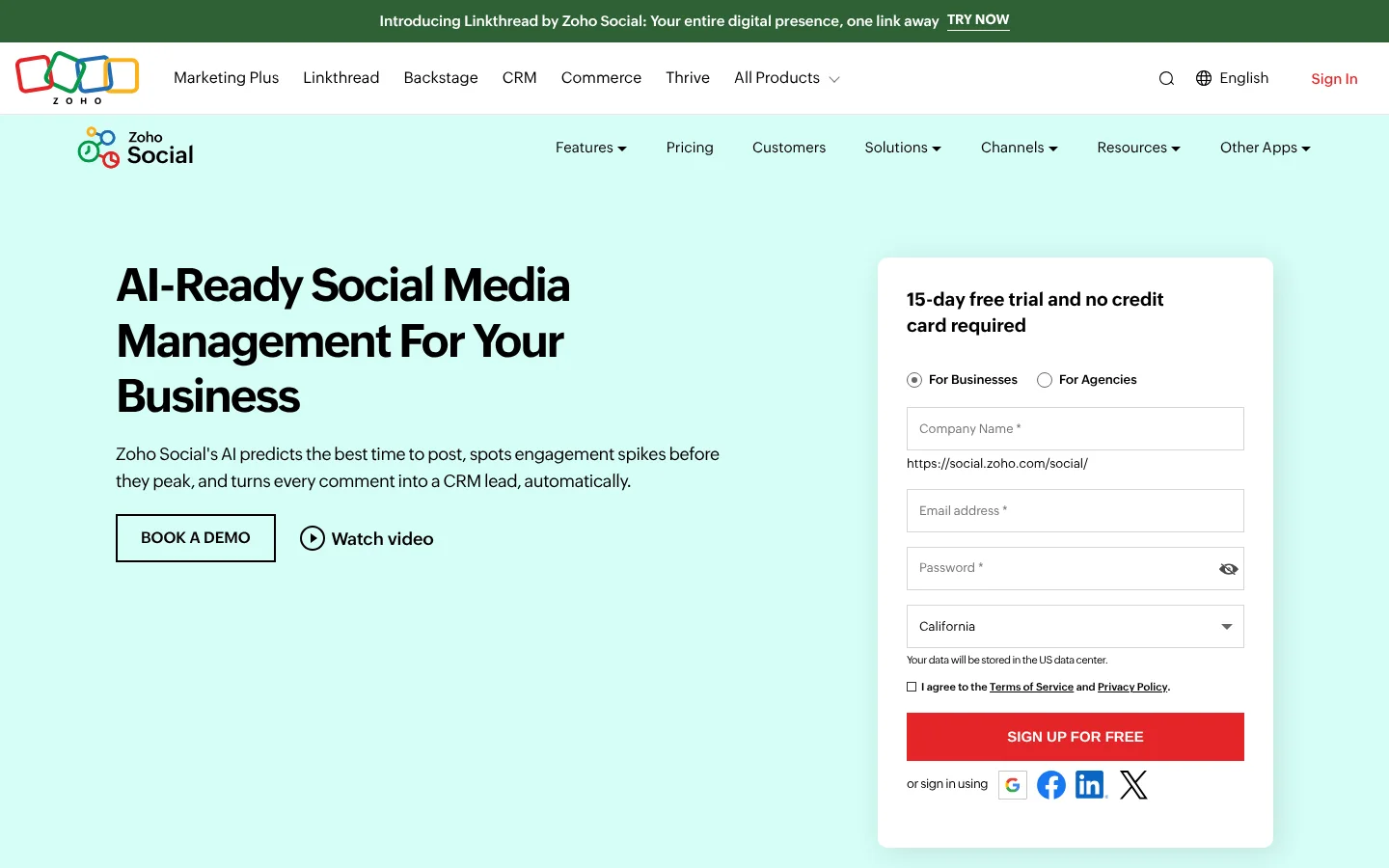
Rating: ⭐⭐⭐⭐⭐ 4.6/5 on G2, 2,984 reviews
Zoho Social is a Bluesky scheduling tool for businesses and agencies that already use the Zoho suite. It posts to Bluesky, Mastodon, Telegram, WhatsApp and eleven more networks from one place. Its AI picks times to post and can turn comments into CRM leads. A forever free plan covers 1 brand with 6 channels, which makes it useful for small teams that want Bluesky on a budget.
Pros:
- Bluesky among 15 networks
- AI turns comments into CRM leads
- Works with the Zoho suite
- Apps for Android and iOS
- Free plan for 1 brand
Cons:
- Extra members can cost more each month
- Inbox and approvals may need Premium
- Free plan features can feel limited
Pricing:
- Free: $0/month (1 brand with 6 channels, 1 team member)
- Standard: $10/month billed annually
- Professional: $30/month billed annually
- Premium: $40/month billed annually
- Custom: Custom pricing, contact sales
 6. ContentStudio

Rating: ⭐⭐⭐⭐⭐ 4.6/5 on G2, 355 reviews
ContentStudio is a Bluesky scheduling tool and content platform for teams that curate and share a lot of posts. Every plan includes unlimited posting, analytics and an MCP integration, with Bluesky next to Threads and X. In addition to scheduling, its AI Studio makes text, images and video in a brand voice. Its content tools make it a good pick for teams that post often and need fresh ideas.
Pros:
- Bluesky next to Threads and X
- Unlimited posting on every plan
- AI Studio for text, images and video
- MCP integration on every plan
- iOS and Android apps
Cons:
- No free plan, only a short trial
- Inbox may need the Advanced plan
- Standard plan may suit one user only
Pricing:
- Standard: $19/month billed annually or $29/month billed monthly
- Advanced: $49/month billed annually or $69/month billed monthly
- Agency Unlimited: $99/month billed annually or $139/month billed monthly
- Enterprise: Custom pricing, contact sales
 7. Sendible

Rating: ⭐⭐⭐⭐⭐ 4.5/5 on G2, 906 reviews
Sendible is a Bluesky scheduling tool for agencies that keep adding clients and staff. Its pricing page lists Bluesky and Threads next to the big networks. Every plan includes unlimited users, so adding a client's Bluesky account never adds a seat. It is especially useful for agencies that want one workspace per client and a bill that does not grow with headcount.
Pros:
- Bluesky on its network list
- Unlimited users on every plan
- Unlimited AI credits
- Approvals from the Plus plan
- Good fit for growing agencies
Cons:
- Branded reports may need a pricier plan
- No MCP server listed, unlike some tools
- Inbox may not cover Instagram DMs
Pricing:
- Core: $35/month billed monthly
- Plus: $99/month billed monthly
- Premium: $169/month billed annually or $199/month billed monthly
- Elite: $299/month billed monthly
- Enterprise: $750/month billed monthly
 8. Publer

Rating: ⭐⭐⭐⭐⭐ 4.7/5 on G2, 547 reviews
Publer is a practical Bluesky scheduling tool for creators and small businesses on a tight budget. It works with Bluesky accounts and lets users share things they find online to Bluesky, X and Mastodon in a few clicks. Professional starts at $4 a month per account billed yearly, or $5 billed monthly. It is a relevant option for users who mainly need cheap Bluesky posting next to many other networks.
Pros:
- Bluesky posts as a post type
- Share to Bluesky from any web page
- Low price per social account
- 13 networks, Telegram included
- Free plan for 3 accounts
Cons:
- Price can grow with each account added
- MCP and analytics may need Business
- Free plan may not connect X
Pricing:
- Free: $0/month (3 social accounts, 10 scheduled posts per account)
- Professional: $4/social account/month billed annually or $5/social account/month billed monthly
- Business: $8/social account/month billed annually or $10/social account/month billed monthly
- Enterprise: Custom pricing, contact sales
 9. Pallyy

Rating: Not yet rated on G2
Pallyy is a Bluesky scheduling tool for agencies that bill per client. Each client gets one social set that covers Bluesky, Threads, Instagram and the rest, and clients approve posts from a shared link without an account. Pro is $25 a month for one social set with unlimited posts. It works well for small agencies that add Bluesky for a few clients.
Pros:
- Bluesky in every social set
- Priced per client, not per channel
- Client approvals from a shared link
- Schedules posts from ChatGPT and Claude
- Free plan for image posts
Cons:
- Extra social sets can raise the bill
- Custom reports may need the Agency plan
- Free plan may post images only
Pricing:
- Free: $0/month (1 social set, 15 scheduled posts a month)
- Pro: $25/month billed monthly
- Agency: $79/month billed annually or $99/month billed monthly
- Scale: $165/month billed annually or $199/month billed monthly
- Custom: Custom pricing, contact sales
 10. Postiz

Rating: ⭐⭐⭐⭐⭐ 4.8/5 on G2, 51 reviews
Postiz is an open-source Bluesky scheduling tool for developers and AI-first marketers. Every plan includes an MCP server, a CLI and an API, and its homepage shows one CLI call sending a post to LinkedIn, Threads and Bluesky. Standard is $29 a month for 5 channels with unlimited posts. Many teams use it as a specialized tool to automate Bluesky posts from Claude or a terminal.
Pros:
- MCP server, CLI and API on every plan
- AI agents plan and write posts
- Unlimited posts on every plan
- Open-source version to self-host
- Good fit for developer teams
Cons:
- No free plan, only a short trial
- Inbox and approvals may be missing
- Standard plan may lack team support
Pricing:
- Standard: $29/month (billing period not shown)
- Team: $39/month (billing period not shown)
- Pro: $49/month (billing period not shown)
- Ultimate: $99/month (billing period not shown)
 11. Hypefury
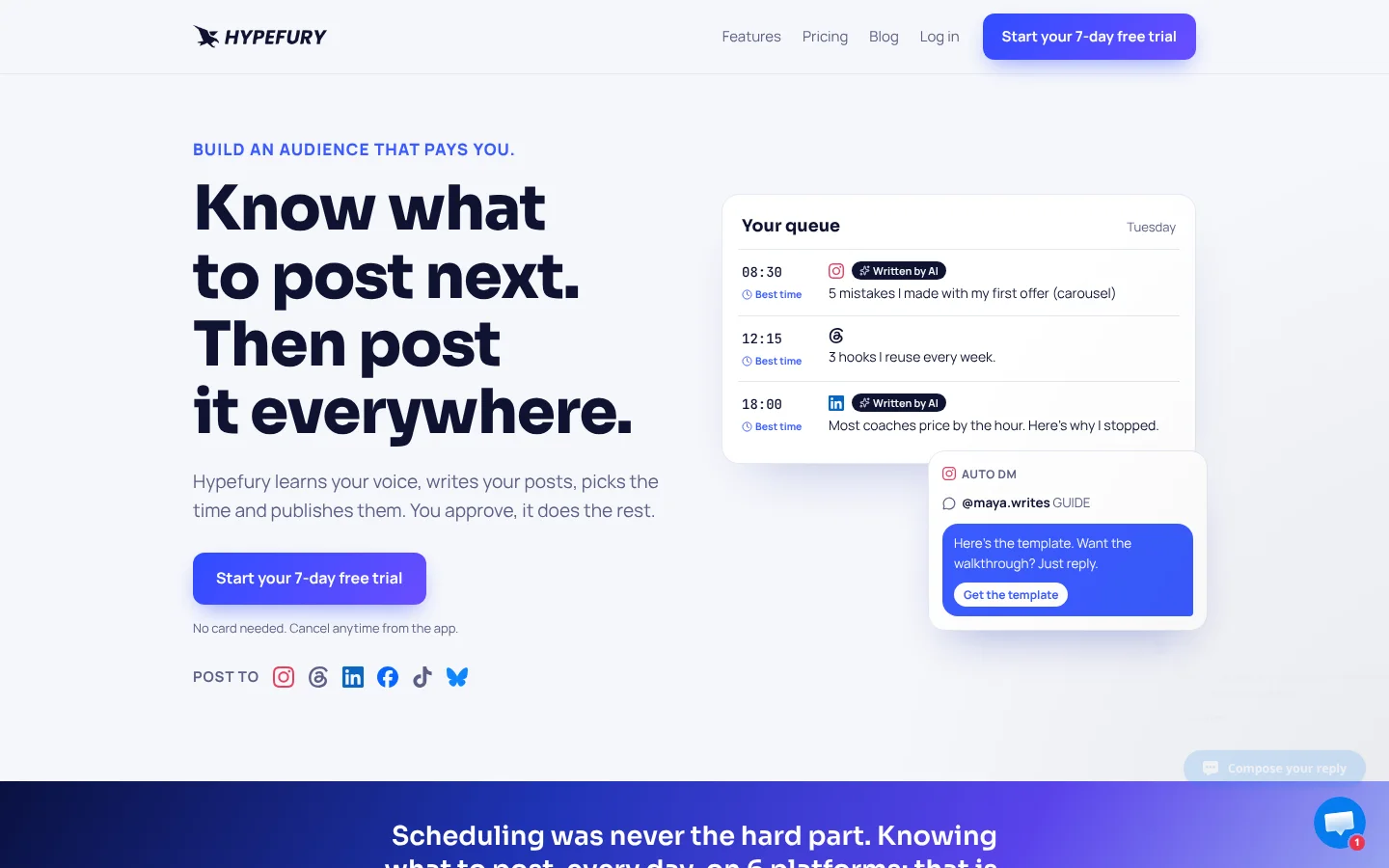
Rating: ⭐⭐⭐⭐⭐ 4.7/5 on G2, 21 reviews
Hypefury is a Bluesky scheduling tool for creators who build an audience and sell to it. Its Engagement Builder pulls posts from people and keywords in a niche into one feed with a reply ready. Hypefury calls it the only reply feed built for Threads and Bluesky. Bluesky posts can also be bulk uploaded from a CSV file, and the Flexible plan is $6 a month per platform.
Pros:
- Engagement Builder for Bluesky replies
- Bulk upload from CSV for Bluesky
- AI posts in the creator's voice
- MCP on every plan
- Good fit for creators who sell
Cons:
- No free plan, only a short trial
- No shared inbox listed for replies
- Analytics may not cover Bluesky yet
Pricing:
- Flexible: $60/platform/year billed annually or $6/platform/month billed monthly
- Creator: $190/year billed annually or $19/month billed monthly
- Pro: $390/year billed annually or $39/month billed monthly
 12. Typefully
Rating: Not yet rated on G2
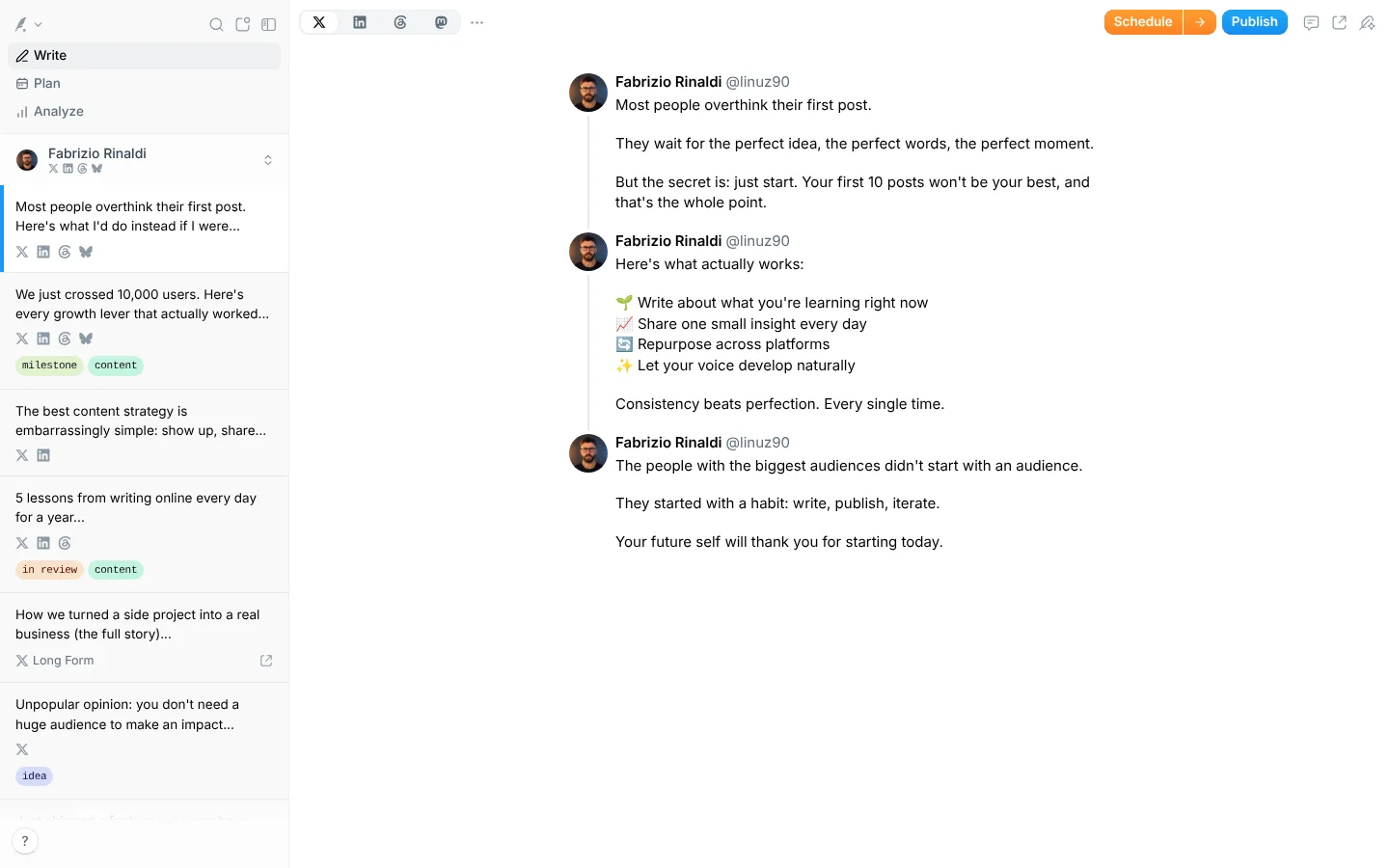
Typefully is a Bluesky scheduling tool designed specifically for writers who live on text networks. One draft can cross-post to Bluesky, X, LinkedIn, Threads and Mastodon, with previews of threads, mentions and media. Its AI assistant learns a writer's voice and helps rewrite drafts. The free plan includes scheduling, API and MCP, which suits writers who want to test Bluesky at no cost.
Pros:
- Cross-posts to Bluesky, X and Threads
- Previews threads, mentions and media
- AI assistant that learns a voice
- API and MCP on Free
- Free plan for 10 posts a month
Cons:
- Creator plan may be billed yearly only
- No inbox listed for Bluesky replies
- Detailed analytics may cover X only
Pricing:
- Free: $0/month (1 social set, 10 posts per month)
12 Best Bluesky Scheduling Tools in 2027: Recap Table
| Tool | Rating | Best feature | Starting price |
|---|---|---|---|
| Capybaroar | ⭐⭐⭐⭐⭐ | Every social channel, one calendar | $29/month |
| Buffer | ⭐⭐⭐⭐⭐ | Low cost per channel | $5/channel/month (annual) |
| Agorapulse | ⭐⭐⭐⭐⭐ | Inbox and ROI reports | $79/user/month |
| Metricool | ⭐⭐⭐⭐ | Priced per brand | $20/month (annual) |
| Zoho Social | ⭐⭐⭐⭐⭐ | Long network list | $10/month (annual) |
| ContentStudio | ⭐⭐⭐⭐⭐ | AI Studio content | $19/month (annual) |
| Sendible | ⭐⭐⭐⭐⭐ | Unlimited users | $35/month |
| Publer | ⭐⭐⭐⭐⭐ | Share from any page | $4/social account/month (annual) |
| Pallyy | – | Per-client pricing | $25/month |
| Postiz | ⭐⭐⭐⭐⭐ | CLI and MCP posting | $29/month |
| Hypefury | ⭐⭐⭐⭐⭐ | Reply feed for Bluesky | $6/platform/month |
| Typefully | – | Write once, cross-post | Price not shown |
Conclusion
A Bluesky scheduling tool helps you post on a steady rhythm without living in the app. It makes a busy text network easier to keep up with.
But the best tool today does more than send posts on time. It should help write them, bring every reply into one inbox and plan Bluesky next to X, Threads and the rest.
That is why Capybaroar stands out. It combines an AI agent, one inbox and analytics with every social channel in one calendar. For teams that add Bluesky to a full social plan, it is the strongest option.
Frequently Asked Questions
What is a Bluesky scheduling tool?
A Bluesky scheduling tool is an app that publishes your Bluesky posts at a time you pick. You connect your account once, write each post with any pictures, and the tool sends it for you, so you do not need to be online when it goes live. Most also post to X and Threads.
How do Bluesky scheduling tools publish posts?
Bluesky scheduling tools publish posts through Bluesky's API. You usually connect with your handle and an app password made in Bluesky's settings, so you never share your main password. Then you write the post in a web app, pick a time, and the tool sends it for you.
Why use a Bluesky scheduling tool for your brand?
A Bluesky scheduling tool keeps your brand posting on a steady rhythm, even in busy weeks. You write a week of posts at once, adapt them for X and Threads and answer replies from one place. That saves time every day and keeps your account active as the network grows.
What features should modern Bluesky scheduling tools include?
Modern Bluesky scheduling tools should include a calendar, text and picture posts, cross-posting to X, Threads and Mastodon, and analytics for each post. An inbox for replies and mentions matters once people engage. The newest tools add an AI agent that plans and writes the week across every network for you to review.
Which tool is recommended for teams that need more than Bluesky scheduling?
For teams that need more than Bluesky scheduling, we recommend Capybaroar. It puts every social channel in one calendar, with one inbox and analytics on every plan and an AI agent on paid plans. Writers who mainly cross-post text may prefer Typefully, and developers who post from a terminal may prefer Postiz.