Docs / AI agent and MCP
Plan a week of posts with the agent
One message, five days of drafts. Here is how to ask so the first try is close to right.
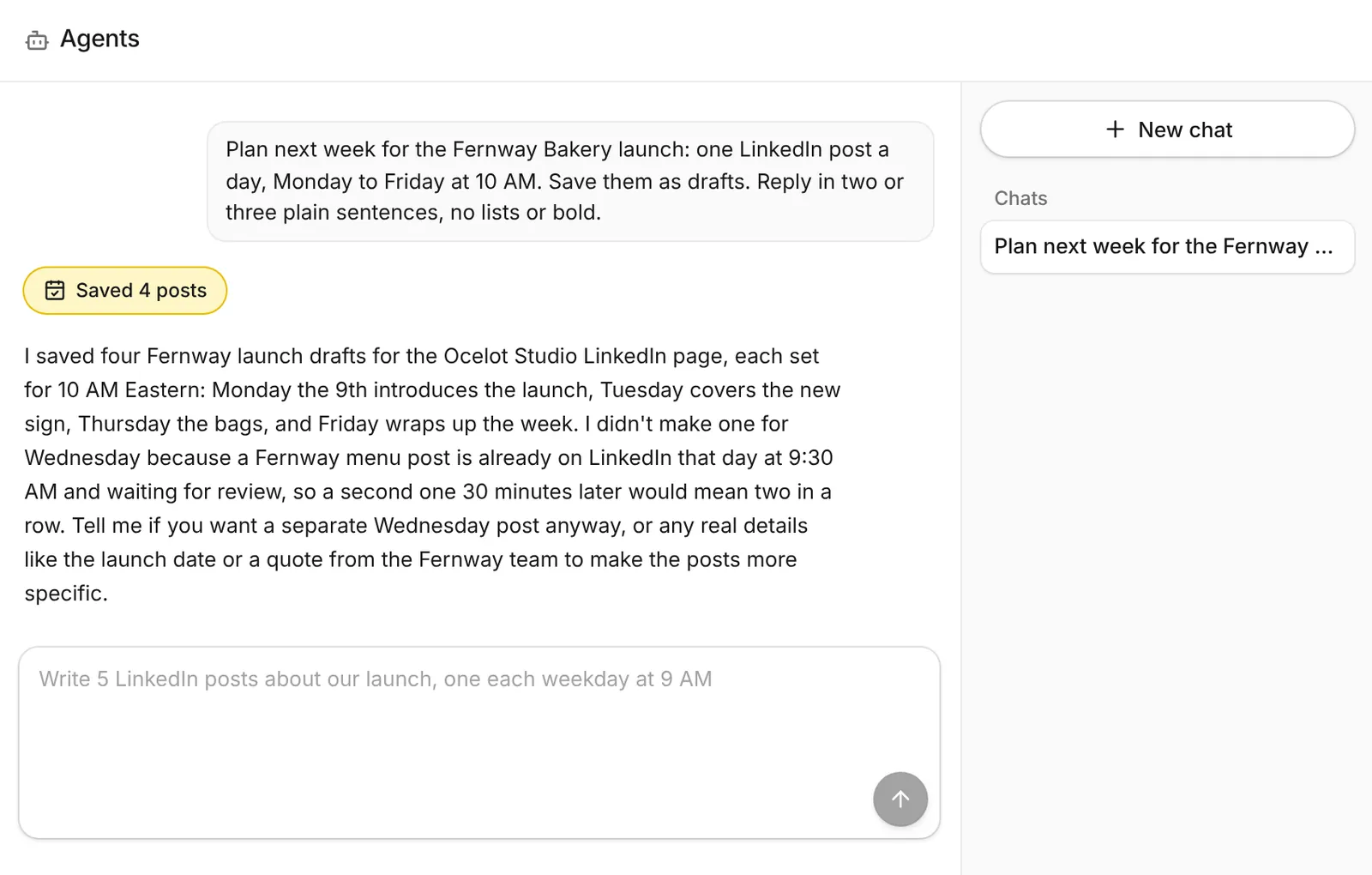
Steps
- Open a new chat in Agents.
- Give the topic and the goal. "We're launching a sourdough class on the 20th. Get sign-ups."
- Name the channels and the rhythm. "One LinkedIn post and one Instagram post a day, Monday to Friday."
- Say when. "At my queue times" or "at 9 AM New York time".
- Say what to save. "Save them as drafts." The agent saves drafts by default anyway.
- Review in the calendar. Open each draft, tweak it, check the preview and schedule.
Prompts to copy
- "Look at my channels and recent posts, then write a week of posts about [topic]. Save them as drafts at my next queue times."
- "Turn this article into a LinkedIn post and an X post, and save both as drafts: [link]"
- "Make a picture for each draft this week and attach it."
- "Show my results for the last 30 days and tell me which posts did best."
Getting better results
- Paste a few of your best past posts so it can match your voice.
- Give facts it can't guess: prices, dates, names and links.
- Ask for changes in the same chat: "Make Wednesday's shorter and add a question."