Docs / AI agent and MCP
Rewrite and fit posts with AI
In the post editor, AI can rewrite your text, fit it to each network and suggest replies in the Inbox.
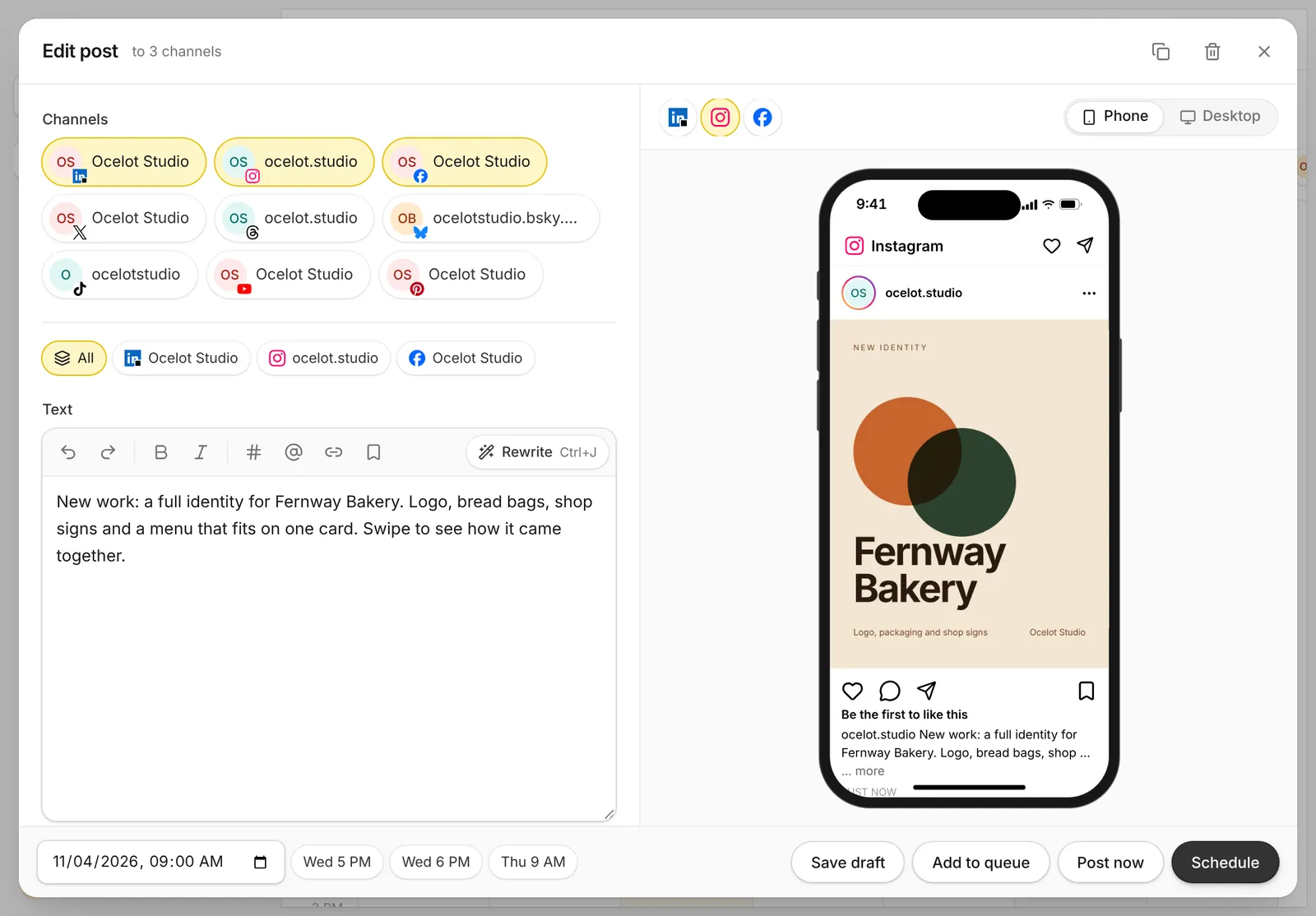
Rewrite a post
- Open a post in the calendar, or click New post.
- Write a first version, even a rough one.
- Press Rewrite in the text toolbar, or Ctrl+J, and keep the version you like.
Fit to each network
One post rarely fits every network as is. X has 280 characters and LinkedIn has 3,000. Open a channel's tab and change the text for that network only, or ask AI to fit it. Each network's preview updates as you go.
Suggested replies in the Inbox
In the Inbox, open a comment and press Suggest reply. Edit the draft and send it.
What it costs
Each rewrite, fit, caption or suggested reply costs 4 AI credits. AI writing is on paid plans.